PRIVACY & SECURITY
China-Linked Hackers Just Hijacked the Tool IT Uses to Remote Into Your Work Laptop
First it was the VPN gateway. Then another VPN gateway. Now it is the remote support tool itself. The third breach in a month did not break in through your laptop. It walked in through IT’s own front door.
✓What the attackers did✓Why this one is worse✓The separation lesson
Quick Answer
BeyondTrust disclosed on October 15 that a China-linked espionage group exploited a zero-day in its Remote Support product (CVE-2026-102764, CVSS 9.3) starting August 29. The attackers gained root on the appliance, harvested stored credentials, and pivoted through live support sessions into employee machines. HomeIPVPN notes this is the third corporate remote-access breach in a month, and the case for keeping personal traffic off employer infrastructure has never been clearer.
- No credentials or user interaction were needed to exploit the flaw
- SaaS customers were patched October 9; self-hosted users must apply BT26-05-RS manually
- Mandiant warns any internet-facing appliance on a vulnerable version should be treated as compromised
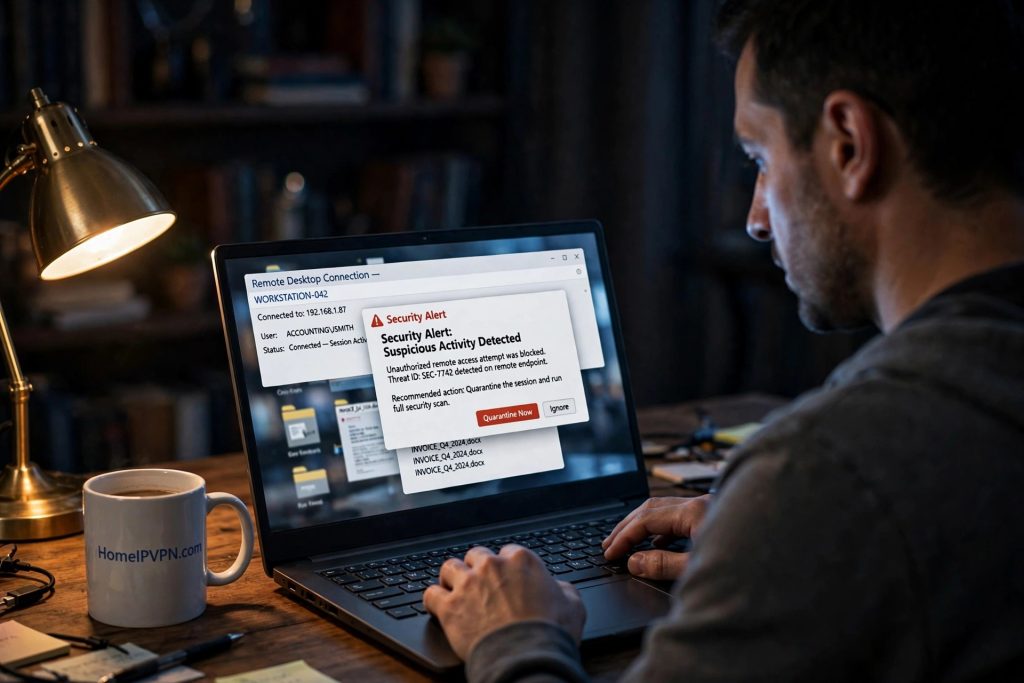
It happened again, and this time the target was not the VPN gateway. It was the tool your IT department uses to take control of your work laptop when something goes wrong.
BeyondTrust disclosed on October 15 that a suspected China-nexus espionage group, tracked as Armory Castle (also known as UNC5221 or Warp Panda), exploited a zero-day vulnerability in its Remote Support product starting August 29. The flaw, CVE-2026-102764, carries a CVSS score of 9.3 and required no credentials and no user interaction. The attackers simply sent malformed messages to an internal component that failed to check where they came from, and that was enough to perform file operations on the appliance.
Remote Support, formerly known as Bomgar, is the software IT teams use to remotely connect to and control employee machines. BeyondTrust says more than 20,000 organizations use it, including three quarters of the Fortune 100. When attackers compromise the box that brokers those sessions, they inherit the keys to every machine it touches.
What the attackers did
According to Mandiant and Google’s Threat Intelligence Group, who investigated the intrusions, the sequence ran like this. First, the attackers uploaded a lightweight PHP webshell called SAWFLY, built with custom encryption and designed to return a 404 error to anyone who stumbled on it without the right parameter. Then they escalated from an unprivileged web service account to full root control of the appliance.
From there, they harvested the appliance’s stored secrets: administrator credentials, API keys, and vault credentials. They deployed a custom SOCKS5 tunneler called BARECLAW to maintain encrypted access, and systematically deleted system, web server, and application logs to cover their tracks.
The worst part came last. Using compromised administrator credentials, the attackers pivoted into the Remote Support application itself and used its own built-in file transfer service to pull sensitive documents directly from user desktops. The support tool designed to help employees became the channel for stealing from them.
Why this one is worse
The Ivanti zero-day gave attackers root on the VPN gateway. The GlobalProtect breach let ransomware groups forge sessions. Both were attacks on the front door. This one is an attack on the locksmith.
A VPN gateway sits at the edge of the network. Remote Support sits inside it, with standing privileges to reach into employee machines. When that box falls, the blast radius is not the network perimeter. It is every desktop the support team has ever connected to, and every credential those sessions ever touched.
Mandiant’s guidance is blunt: any appliance reachable from the internet on a vulnerable version during the exploitation window should be treated as potentially compromised until reviewed. Patching alone does not undo a prior compromise, because the persistence survives resets. Compromised appliances should be rebuilt from a clean image, and credentials rotated only after the rebuild, since rotating earlier would hand the new secrets to an attacker still on the box.
The separation lesson
Three breaches in a month. Three different vendors. Three different attacker groups with three different motives: ransomware, credential theft, and state espionage. The only constant is the architecture. Corporate remote-access tools are high-value targets by design, and when they fall, the people connected through them are exposed through no fault of their own.
You cannot patch your employer’s support appliance. You cannot audit whether your session was one of the ones the attackers rode into. You cannot verify that the credentials harvested from that box did not include something of yours. The infrastructure belongs to someone else, and so does the risk.
The answer is the same one it has been all month: keep your personal life on a path you control. Banking, personal email, payments, and everything tied to your identity should travel through your own residential connection, where no vendor zero-day on someone else’s appliance can intercept it. Separation is not paranoia. After October, it is just bookkeeping.

