PRIVACY & SECURITY
LastPass Now Bundles a VPN: Why Shared IPs Still Flag Your Bank
LastPass announced on October 7 a new “LastPass Plus” plan that bundles its password manager with a consumer VPN under one subscription. The pitch is familiar:
✓The shared IP problem no bundle✓What banks actually want to see✓When the bundle makes sense, and
Quick Answer
LastPass Plus ($7/month, announced Oct 7) bundles a password manager with a consumer VPN. It is fine for encrypting hotel Wi-Fi traffic, but it does not solve the ‘wrong country’ flag: the VPN still uses shared datacenter IPs that banks and streaming services block. HomeIPVPN notes that only your own residential IP gives you the identity consistency banks want to see.
- Bundled VPN still shows shared datacenter IPs that trigger fraud alerts
- Good for hostile-network encryption, wrong tool for banking identity
- Many remote workers need both: commercial VPN for Wi-Fi, home IP for identity
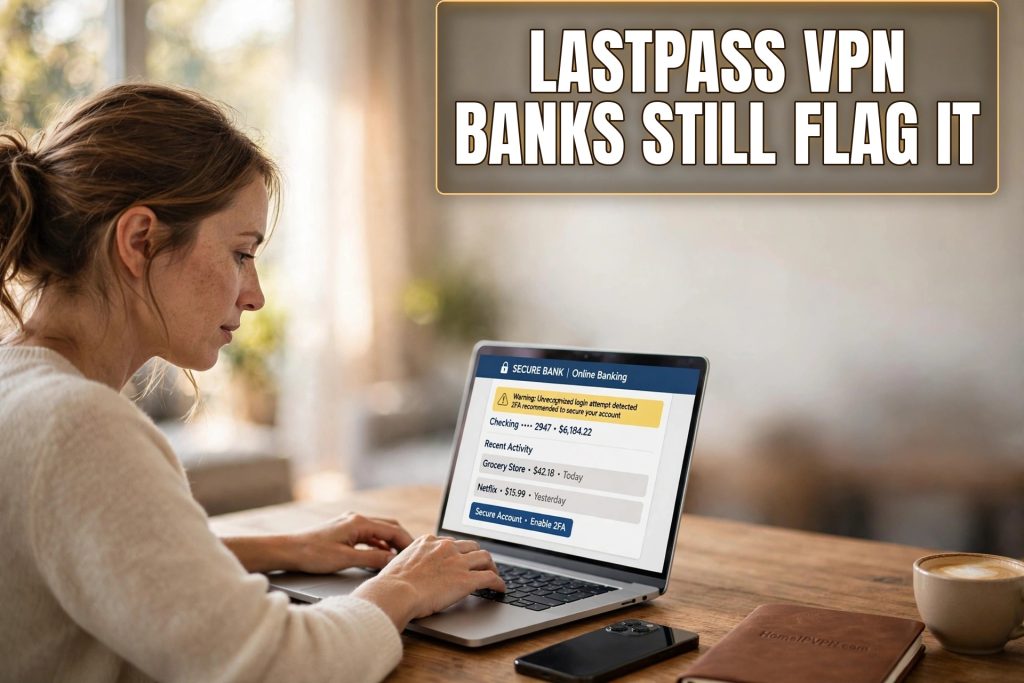
LastPass announced on October 7 a new “LastPass Plus” plan that bundles its password manager with a consumer VPN under one subscription. The pitch is familiar: safer public Wi-Fi, more online privacy, one bill instead of two. At $7 per month, it undercuts buying the two services separately.
It is a sensible bundle for what it is. But it does not solve the problem that sends most travelers and remote workers looking for a VPN in the first place: the “wrong country” flag.
The shared IP problem no bundle can fix
Every commercial VPN, whether bundled with a password manager or sold standalone, works the same way underneath. You share IP addresses with thousands of other subscribers, and those addresses come from datacenter ranges, not residential connections.
Banks, streaming services, and employer security tools have spent years learning to recognize datacenter IPs. When your bank sees a login from an IP range registered to a hosting company, shared by hundreds of simultaneous users, its fraud system does exactly what it was designed to do: it flags the session, demands extra verification, or locks the account outright.
A LastPass Plus subscription does not change this. The VPN component is still a shared commercial service. Your traffic still exits through the same kind of datacenter IPs that trigger the same fraud alerts. The bundle saves you money, but it does not buy you a residential identity.
What banks actually want to see
Bank fraud systems are not trying to punish travelers. They are looking for anomalies, and the strongest signal of legitimacy is consistency. A login from the same residential IP you have used for years is the quietest possible signal. Nothing to flag, nothing to verify, no frozen card.
A home IP VPN setup gives you exactly that. Your traffic exits through your own residential connection, so your bank sees your home IP whether you are in Lisbon, Bangkok, or your parents’ kitchen. No commercial VPN bundle, however well priced, can replicate this.
When the bundle makes sense, and when it does not
LastPass Plus is a reasonable choice if your main concern is encrypting traffic on untrusted networks. Hotel Wi-Fi, airport lounges, and coffee shops are genuinely hostile environments, and a VPN tunnel protects you from local snooping.
It is the wrong tool when the job is identity consistency. Banking, government portals, and streaming catalogs tied to your home country all care about whether your IP looks residential. A shared datacenter IP fails that test.

