PRIVACY & SECURITY
Your VPN Download Might Be a Credential Trap: The Fake WatchGuard Site That Served the Real Installer
No malware. No fake installer. No warning from your antivirus. Just a convincing download page that harvested logins first and then handed you the genuine software, so everything looked perfectly normal.
✓How the trap worked✓Why detection missed it✓The one safe habit
Quick Answer
Huntress researchers revealed on October 13 that a fake WatchGuard VPN download site, found through a poisoned Bing search result, harvested VPN server addresses, usernames, and passwords in the browser before serving the genuine, validly signed installer. There was no malware for endpoint tools to catch. HomeIPVPN treats this as the fifth corporate-security beat this month: the threat arrived before the download, not inside it.
- The site rejected the first credential submission on purpose, harvesting two entries per victim
- The installer was genuine, downloaded from WatchGuard’s own CDN with a valid signature
- The domain was offline by October 13, but the technique is cheap to rebuild elsewhere
The first four breaches in this month’s series all had one thing in common: something was wrong with the software. Forged sessions in GlobalProtect, a root-level flaw in Ivanti, a hijacked support tool from BeyondTrust, and a memory-resident implant inside Fortinet appliances. This one breaks the pattern. The software was fine. The trap was the page.
On October 13, the Huntress security operations team published its investigation of a lookalike WatchGuard download site at watchguard-vpn[.]net. The story began on October 7, when an administrator at a managed service provider searched Bing for “watchguard vpn sll download,” with a typo in “ssl.” Eight seconds later, the browser landed on the fake site through a standard search-result redirect. Huntress classified it as SEO poisoning: the criminals earned the click through search visibility, not through malicious ads, which made it look like an ordinary organic result.
How the trap worked
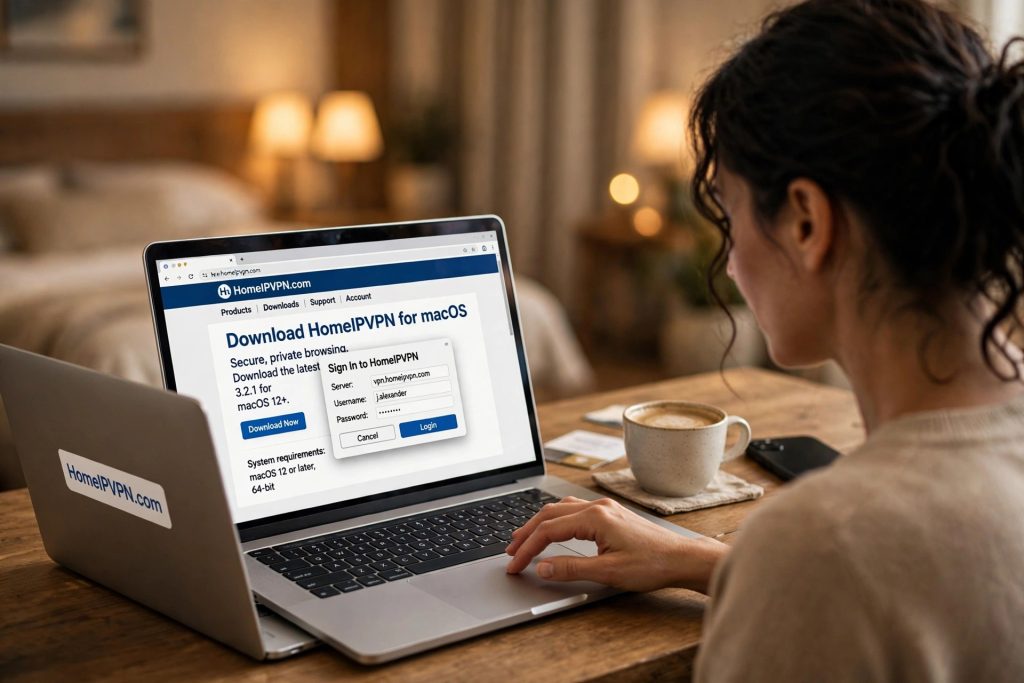
The page presented itself as a WatchGuard support and download site for the Mobile VPN with SSL client. Clicking any download option opened a browser popup asking for three things: the VPN server address, the username, and the password. These are the same three fields the legitimate client requests during setup, which is why the prompt felt plausible instead of suspicious.
Behind the popup, about 150 lines of plain JavaScript packaged each submission as JSON and sent it to a separate collector domain, watchguard-ssl[.]online. Then came the clever part. The first submission was always rejected with an “incorrect data” error, prompting the victim to type everything again, more carefully. That gave the operators a second set of credentials, likely the more accurate one, along with the server address they needed to log in.
Only after the second submission did the page report that installation had started and trigger the download. And here is the detail that makes this campaign unusual: the download was the genuine article. WatchGuard’s Mobile VPN with SSL client, version 12.11.5, served directly from WatchGuard’s own CDN. Bitdefender’s writeup confirms that Huntress verified the file’s Authenticode signature and confirmed the binary had not been altered.
Why detection missed it
Earlier waves of this campaign used trojanized installers, the kind endpoint protection can flag through file inspection. This iteration stripped the malware out entirely, and with it, every signal the defenses were built to catch. There was no malicious file to scan, no suspicious process to kill, no callback beacon to block. The theft happened entirely inside the browser, before any file existed.
The genuine installer did the rest of the criminals’ work for them. It gave the victim every reason to believe the process was normal. The software installed, the signature checked out, and nothing looked wrong afterward, because from the software’s point of view, nothing was. Huntress caught the page 21 seconds after it loaded and the domain was offline by October 13, but in the observed incident there was no recorded successful breach, which means the danger is not what happened to this one administrator. It is what the harvested credentials enable next: quiet logins to the victim’s VPN server, using legitimate credentials, at a time of the attacker’s choosing.
WatchGuard had flagged the lookalike domain as far back as January, and related infrastructure has been described by Microsoft’s threat intelligence team as well. The criminals keep rebuilding because the economics work: one convincing page, one good search ranking, and the credentials walk in.
The one safe habit
There is exactly one defense that works against this technique, and it costs nothing. Download VPN software only from the vendor’s own domain, typed or bookmarked yourself, never from a search result. Search engines are where you find information. They are not where you fetch the software that guards your company’s network.
For remote workers and nomads, this lands close to home. You search for downloads on hotel wifi, in airport lounges, on networks you do not control, often in a hurry before a call. That is the exact moment a poisoned result does its damage. And it connects to the throughline of this whole series: the infrastructure you trust can be compromised in ways your tools cannot see. Last week’s story was malware living in the firewall’s memory. This week’s is a credential harvest that left no trace at all. In both cases, the control you actually own is separation: keep your personal traffic on your own residential connection, where no vendor implant and no phishing page on someone else’s network can reach it.

