REMOTE WORK & DIGITAL NOMAD
Digital Nomad in Costa Rica: Internet and VPN Setup
Costa Rica is a digital nomad favorite for good reason: pura vida pace of life, year-round warm weather, and a well-trodden remote-work trail from San José to…
✓Costa Rica Connectivity: Coasts vs✓The Travel Router + Home IP Kit✓Rainy-Season Power Backup Tips
Quick Answer
Costa Rica’s internet is solid in the Central Valley but varies on the coasts, so bring a travel router paired with a home IP VPN: one private network for your devices while banks and work tools see your home address. HomeIPVPN gets this configured and tested before you board.
- Where: San José and Escazú have fiber for video calls; coastal towns vary street by street, so ask every host for a speed test.
- Banking: US and EU banks flag beach-town logins; a home IP removes the verify-it’s-you gauntlet.
- Backup: A prepaid local SIM (Kölbi, Claro, or Liberty) tethered to the router keeps you working when WiFi dies.
- Power: A small UPS for month-long stays, a charged laptop and power bank for shorter ones, morning calls before afternoon storms.
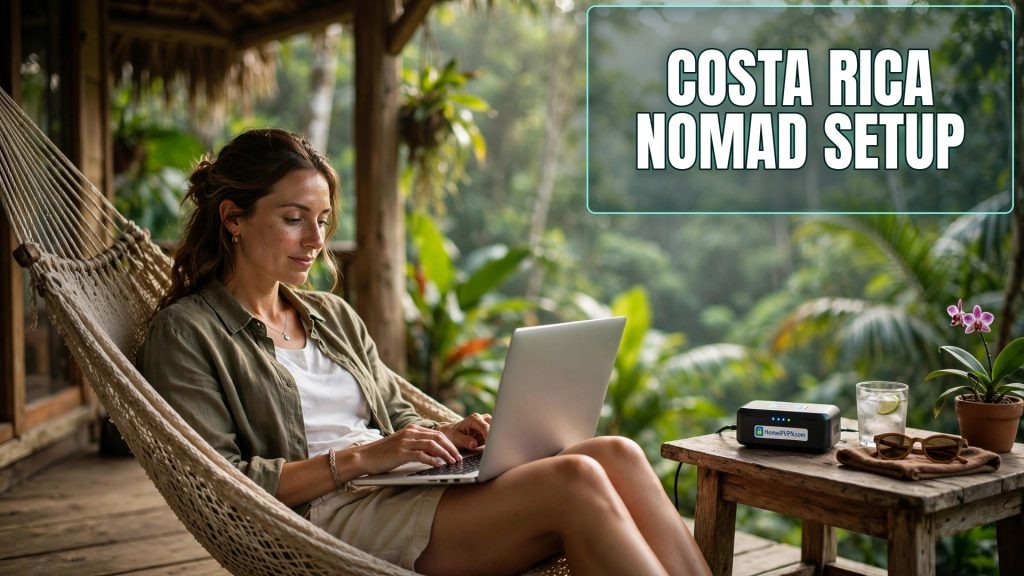
Digital Nomad in Costa Rica: Internet and VPN Setup
Costa Rica is a digital nomad favorite for good reason: pura vida pace of life, year-round warm weather, and a well-trodden remote-work trail from San José to Santa Teresa. But "good enough for Instagram" and "good enough for back-to-back Zoom calls" are different bars. If you're planning to work from Costa Rica, here's how the digital nomad Costa Rica internet VPN picture actually looks, and the setup that keeps you reliably connected.
> Quick answer: Costa Rica's internet is solid in the Central Valley (San José, Escazú) and decent in established nomad towns, but coastal and rural areas vary widely. Bring a travel router paired with a home IP VPN server back home, carry a local SIM as backup, and plan for rainy-season power blips with a UPS or power bank. Test your Secure Home IP VPN System session before you fly.
Costa Rica Connectivity: Coasts vs Central Valley
Costa Rica's internet quality is a tale of two countries:
Central Valley (San José, Escazú, Santa Ana, Heredia): This is where the infrastructure lives. Fiber is widely available in metro areas, with speeds that comfortably handle video calls, large uploads, and VPN tunnels. Coworking spaces cluster here too, with redundant connections. If your work is call-heavy, basing yourself in the Valley for at least part of your stay is the low-stress move.
Nomad coasts (Tamarindo, Santa Teresa, Nosara, Puerto Viejo, Jacó): These towns run on a mix of cable, DSL, fixed wireless, and increasingly fiber, but quality varies street by street, not just town by town. One Airbnb has flawless fiber; the next street over is on a flaky wireless link. This is the single biggest gotcha: never assume, always verify with the host before booking a long stay.
Rural and off-path areas: Expect mobile data as the primary option. It works for email and light calls but isn't a foundation for a work week.
Practical rules for Costa Rica:
- Ask every host for a recent internet speed test and the connection type (fiber vs cable vs wireless matters more than the headline number).
- Upload speed is what your video calls and VPN tunnel live on, 10+ Mbps up is the comfort zone.
- Afternoon slowdowns are common on shared links in beach towns; schedule important calls for mornings.
The Travel Router + Home IP Kit List
For Costa Rica, the setup that earns its weight is a pocket travel router running a VPN client back to your home IP server. Here's the kit:
Core kit
- Travel router (e.g., a GL.iNet model), connects to hotel/Airbnb WiFi or a phone hotspot, establishes your WireGuard tunnel home, and broadcasts your own private WiFi. Every device you own rides the home IP automatically.
- Home VPN server, a WireGuard server on your home router, mini PC, or Raspberry Pi, reachable via port forwarding or DDNS. Set this up and test it before you leave.
- Local SIM or eSIM, Costa Rica's main carriers (Kölbi/ICE, Claro, Movistar/Liberty) all sell prepaid data. A local SIM in your phone gives the travel router a tethering fallback when the Airbnb WiFi dies.
Why the home IP matters specifically here
Two Costa Rica-specific reasons. First, banking: US and EU banks flag logins from unfamiliar countries, and Costa Rica logins from a beach town IP are exactly the pattern fraud systems watch for. Appearing from your home IP eliminates the "verify it's you" gauntlet. Second, work tools: some corporate security policies and geo-restricted services behave badly on foreign IPs. Your home IP makes "working from Nosara" invisible to the tools.
Nice-to-have additions
- A compact power bank that can run the travel router for hours (most sip power over USB-C).
- A short Ethernet cable, some Airbnbs have a wired jack with far better stability than their WiFi.
- A backup VPN profile (OpenVPN over TCP 443) for networks that throttle WireGuard's UDP.
Rainy-Season Power Backup Tips
Costa Rica's rainy season (roughly May through November) brings afternoon downpours and, with them, power blips, especially outside the Central Valley. A dropped router mid-call is more than an annoyance when clients are watching.
- Small UPS for your base: If you're staying a month or more in one place, a compact UPS (even a modest one) keeps your modem, router, and laptop alive through the 5–30 minute outages that are typical. It's the highest-ROI purchase for rainy-season nomads.
- Laptop discipline: Keep the laptop charged above 60% in the afternoons. Sounds obvious; everyone learns it the hard way once.
- Phone as failover: With a local SIM and your travel router tethered to it, a power cut doesn't have to end your workday, the router and phone both run on batteries.
- Surge protection: Tropical storms and cheap wiring are a bad combo. A surge protector between the wall and your gear is cheap insurance for expensive laptops.
Also worth knowing: some rural areas schedule maintenance outages. Your host or neighbors usually know the pattern, ask on arrival, not after the first blackout.
Day-to-Day Working Tips
- Coworking as insurance: Even if you mostly work from your Airbnb, know the nearest coworking space. On the day your connection dies an hour before a client call, you'll be glad you scouted it.
- Morning calls: Schedule video calls before the afternoon rains and the evening Netflix congestion on shared links.
- Speed-test ritual: Run a quick test each morning before important calls. If the numbers are bad, you still have time to relocate to a café or coworking space.
- Keep work and leisure networks separate: Use your travel router's main network for work devices and spin up a guest network for everything else, or just let the router's VPN policy route only work devices through the tunnel.
FAQ
Is the internet in Costa Rica good enough for remote work?
Do I need a VPN to work remotely from Costa Rica?
Which is better in Costa Rica: local SIM or Airbnb WiFi?
How do I handle power outages during the rainy season?
Can I use my travel router with a Costa Rican SIM?
What's the best base in Costa Rica for a working nomad?
Need help setting this up?
Flying to Costa Rica soon? We'll have your home and travel routers configured, tested, and packed-ready before you board: https://homeipvpn.com.

