REMOTE WORK & DIGITAL NOMAD
Residential IP VPN for Digital Nomads
Quick Answer A residential IP VPN for nomads means routing your traffic through your own home internet connection, so you browse on a real residential IP instead of a shared datacenter address that tr
Quick Answer
A residential IP VPN for nomads means routing your traffic through your own home internet connection, so you browse on a real residential IP instead of a shared datacenter address that triggers extra verification and CAPTCHAs. The simplest version is a travel router that joins the hotel WiFi and tunnels everything home, which is the model HomeIPVPN is built around.
- Why: thousands of users sharing one commercial VPN IP is exactly what fraud and geo systems hunt for.
- Router-level: one travel router covers the laptop, phone, tablet, and devices that can’t run VPN apps at all.
- Hardware: bring your own compatible GL.iNet router; portable, with advanced VPN and routing features.
- Security: the tunnel needs strong encryption, a kill switch, and DNS and IPv6 leak protection.
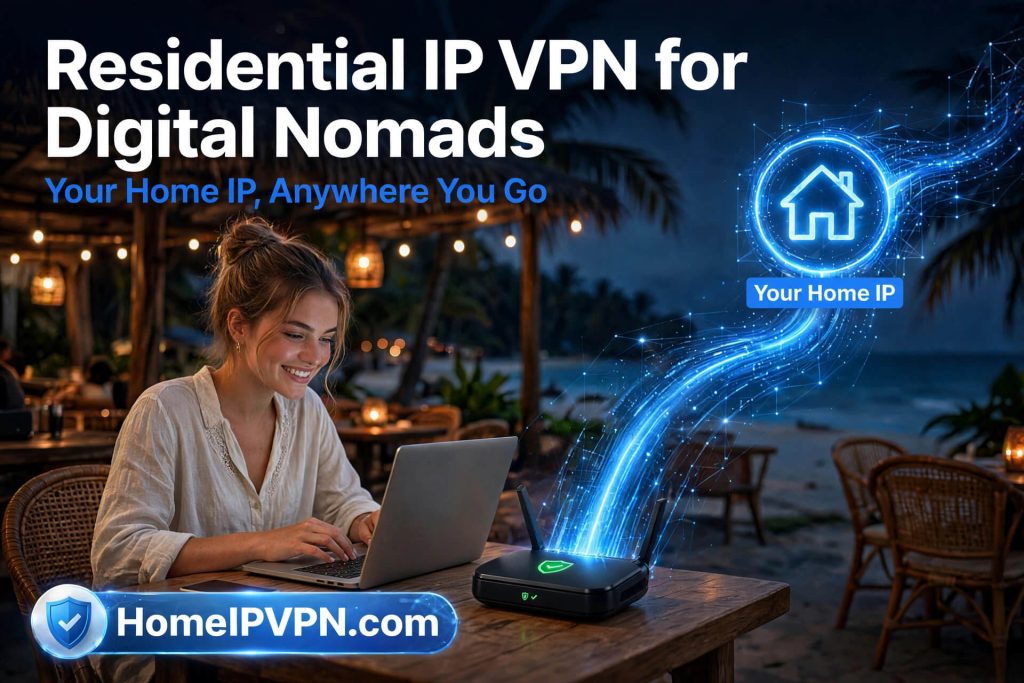
Digital nomads have one major networking problem: their location changes constantly.
Your laptop may connect from your home today, a hotel tomorrow, a coworking space next week, and another country next month.
Every network can provide a different public IP address.
For some people, this isn’t a problem.
For others, maintaining access through their normal home connection is important.
That’s where a residential IP VPN can help.
With HomeIPVPN.com, the concept is simple: connect your travel setup securely back to your home internet connection so that your internet traffic can exit through your own residential connection.
What Is a Residential IP VPN?
A residential IP address is an IP address associated with a residential internet connection.
A residential IP VPN allows you to route traffic through such a connection.
However, there is an important distinction between purchasing a “residential IP” from a provider and connecting through your own home internet connection.
HomeIPVPN focuses on the latter.
Your home becomes the network location you connect through.
Why Digital Nomads Want a Home Residential IP
Digital nomads frequently deal with changing networks.
Consider a simple example.
You normally live in Texas.
You travel to Portugal.
Then Thailand.
Then Mexico.
Your public IP can change from a US residential IP to a Portuguese IP, then a Thai IP, and then a Mexican IP.
A home VPN can instead create a connection like:
Thailand → VPN tunnel → Texas home network → Internet
From the internet-facing side, the connection exits through your Texas home connection.
Avoid Depending on Shared VPN IP Addresses
Many commercial VPN services use large pools of shared IP addresses.
Thousands of users can potentially connect through the same VPN infrastructure.
This can sometimes result in additional verification, CAPTCHAs, or access restrictions depending on the website or service. Dedicated IP VPN services exist specifically to provide a fixed IP address, but those addresses can still be provider-hosted rather than your personal residential IP.
A personal home VPN takes a different approach.
Instead of asking:
“Which VPN server should I connect to?”
You’re effectively asking:
“How can I securely connect back to my own home?”
HomeIPVPN for Digital Nomads
HomeIPVPN.com is designed for people who want a practical way to connect to their home network while traveling.
The setup can be built around compatible VPN routers, including GL.iNet travel routers.
Your travel router becomes your portable gateway.
Connect it to:
- Hotel Wi-Fi
- Airbnb internet
- Coworking Wi-Fi
- Ethernet
- Mobile hotspot
- Other compatible internet connections
The router then establishes the secure VPN tunnel back toward your home network.
Why Use a Travel VPN Router?
A travel router can be much easier than configuring a VPN separately on every device.
Imagine traveling with:
- Work laptop
- Personal laptop
- iPhone
- Android phone
- Tablet
- Smart devices
Instead of configuring each device individually, you can connect your devices to your travel router.
The router handles the VPN connection.
Bring Your Own Hardware With HomeIPVPN
One of the advantages of HomeIPVPN is the ability to use compatible hardware you already own.
The BYOH (Bring Your Own Hardware) model means you can use supported hardware instead of necessarily purchasing a proprietary hardware package.
For many travelers, GL.iNet routers are an excellent starting point because they combine portability with advanced VPN and routing functionality.
Digital Nomad VPN vs Home IP VPN
These terms sound similar but can describe very different systems.
A normal digital nomad VPN generally means a commercial VPN service that allows you to select a VPN server location.
A home IP VPN is different.
You’re connecting to your own home network.
Commercial VPN
You → VPN provider → Internet
Home IP VPN
You → Your home network → Internet
That distinction is the core idea behind HomeIPVPN.com.
Is a Residential IP VPN Secure?
A properly configured VPN can encrypt traffic between your travel location and your home VPN endpoint.
However, security depends on the implementation.
A good setup should consider:
Strong VPN encryption
Secure authentication
Kill-switch functionality
DNS leak protection
IPv6 leak considerations
Router firewall configuration
Secure home router configuration
Software updates
HomeIPVPN setups can be configured according to the hardware and network environment being used.
Who Is HomeIPVPN For?
HomeIPVPN is particularly suitable for:
Digital Nomads
Work while traveling without relying entirely on whatever network you happen to be using.
Remote Workers
Connect back through your normal home internet connection.
Frequent Travelers
Take your travel router with you and connect back home.
Consultants
Use a consistent networking setup while moving between client locations.
International Travelers
Connect through your home network while abroad.
Your Home Internet, Wherever You Travel
Digital nomadism shouldn’t necessarily mean abandoning your normal network environment.
With a properly configured home VPN, you can take your home network connection with you.
HomeIPVPN.com gives digital nomads a practical way to connect back to their own residential internet connection from almost anywhere.
Your home stays home.
Your work travels with you.

