REMOTE WORK & DIGITAL NOMAD
Working from Bali: A Remote Worker’s Internet and VPN Playbook
Bali looks like a screensaver and works like a real office, until it doesn't. The island's internet is good enough for serious remote work, with…
✓Bali's internet, honestly✓Staying on your home IP from✓Power and outage planning for
Quick Answer
Bali is genuinely workable for remote work if you choose your base well: fiber in the main coworking towns, 4G and 5G as solid backup, and a home IP VPN so banks and employer tools see your home-country IP. HomeIPVPN‘s Bali playbook adds a travel router with a WireGuard tunnel, a local SIM, and a power-outage plan.
- Connectivity: fiber is common in Canggu, Ubud, Denpasar, and Uluwatu; coworking spaces are built for video calls.
- Housing: villas vary wildly, so ask for a recent speed test before booking a month; “fast WiFi” means nothing.
- The playbook: travel router with WireGuard home tunnel, plus a fallback protocol for restrictive networks.
- On arrival: grab a local SIM, vet a coworking space for calls, and keep a plan for power-outage days.
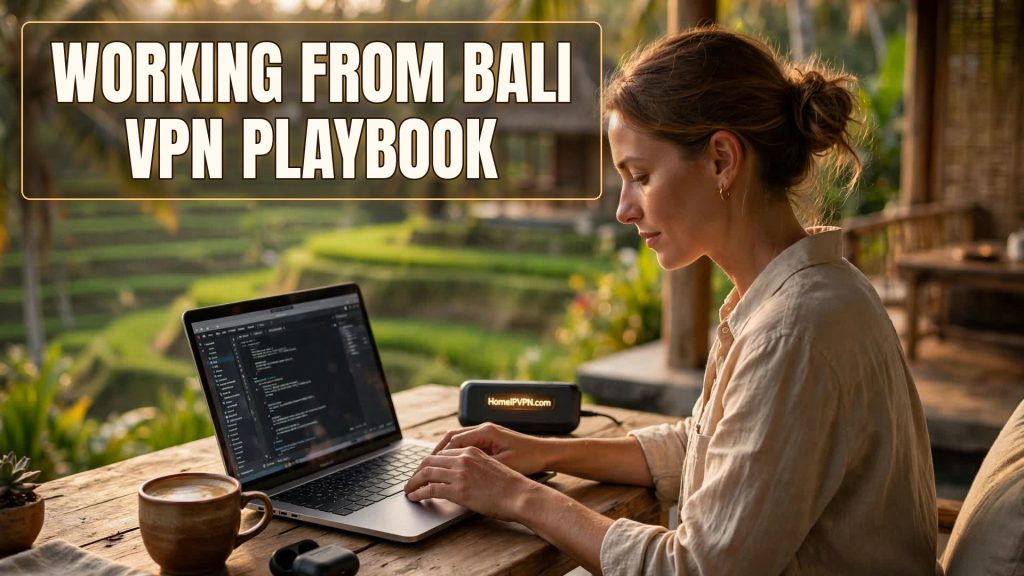
Bali looks like a screensaver and works like a real office, until it doesn't. The island's internet is good enough for serious remote work, with caveats that bite the unprepared. Here's a remote worker's playbook for remote work Bali internet VPN: what the connectivity landscape actually looks like, how to stay on your home IP from Indonesia, and how to keep important calls alive when the island reminds you it's an island.
Bali's internet, honestly
The island isn't one network; it's a patchwork, and your experience depends entirely on where you sleep:
- Canggu, Ubud, Denpasar, Uluwatu: fiber is common in villas and coworking spaces, and speeds are genuinely good. Coworking spaces here are built for video calls and mostly deliver.
- Villas and Airbnbs: wildly variable. A villa with dedicated fiber is excellent; a guesthouse sharing one link among twenty rooms is not. Ask for a recent internet speed test before booking a month. "Fast WiFi" in a listing means nothing.
- Mobile data: 4G coverage is strong in populated areas, 5G in pockets. A local SIM with a big data plan is the best backup connection money can buy in Bali, and it's cheap.
- The gotchas: tropical downpours can take out local links, island power cuts happen, and "the WiFi is being fixed" is a phrase you'll hear. None of this is a reason not to work from Bali; it's a reason to have a plan.
Staying on your home IP from Indonesia
Everything you'd rather not deal with, bank fraud flags, employer geo-fencing, streaming catalogs flipping to Indonesian, follows from the IP address. The fix is the standard home IP VPN pattern, with Bali-specific notes:
- Home server first, set up and tested before you fly. WireGuard primary; this is non-negotiable homework.
- Travel router in the bag. It joins villa/coworking WiFi; your devices join it. One tunnel, one kill switch, everything covered.
- Fallback protocol configured. Indonesian networks are generally VPN-tolerant, but individual hotels and coworking firewalls vary. An OpenVPN-over-TCP or AmneziaWG fallback profile lives on the router for the night WireGuard won't connect.
- Verify on arrival. Home IP, home geolocation, DNS leak test, from the actual Balinese network. Then do your banking.
- Mind the time zones. Bali is 12-16 hours ahead of the US and 7-8 ahead of Europe. Your home server does its work while your house sleeps; make sure it can reboot itself (auto-start on boot) and that you can power-cycle it remotely (smart plug).
One Bali-specific tip: buy the local SIM at the airport or the nearest phone shop on day one, before you need it. The day the villa WiFi dies during a client call is the wrong day to discover where SIMs are sold.
Power and outage planning for important calls
Bali's power is generally reliable in the main towns and occasionally not. For normal workdays, a dead hour is an annoyance. For the quarterly board presentation, it's a career event. Plan accordingly:
- Know your backup chain: villa WiFi → phone hotspot → coworking space down the road. Write it down before you need it. Test the hotspot handoff once so it's muscle memory.
- Keep devices charged. A laptop at 100% and a charged power bank turn a two-hour outage into a non-event.
- For critical calls, go to the coworking space. They have backup power and backup links; your villa doesn't. The day rate is the cheapest insurance you'll buy.
- Protect the home end too. Your tunnel is only as reliable as the server back home. Auto-updates, auto-start on boot, remote power control. A UPS on the home server is a nice touch if outages are common there too.
Quick questions
Is Bali's internet good enough for Zoom?
Do I need a VPN in Bali, or is the internet unrestricted?
How do nomads handle the US time difference?
Should I rely on coworking WiFi or get my own?
What's the one thing people forget?
Need help setting this up?
Bali-bound with work to protect? We configure the Secure Home IP VPN System session, home server, travel router, kill switch, fallback protocols, verified before departure. Done-for-you: https://homeipvpn.com.

