REMOTE WORK & DIGITAL NOMAD
Working Remotely from Mexico? Keep Your US Home IP Address
Mexico keeps showing up on every "best places to work remotely" list, and for good reason. But there's a wrinkle nobody mentions in the…
✓Why a Mexican IP causes trouble✓The setup nomads actually use✓Coworking vs Airbnb WiFi: an
Quick Answer
The reliable way to work from Mexico on a US IP is a home IP VPN: a WireGuard server on your US home internet, reached through a travel router you carry. Set it up before you fly and test it from an outside network.
- The problem: Mexican IPs trigger bank locks, employer security flags, geo-fenced portals, and the Mexican streaming catalog.
- The setup: VPN server on your US home connection, DDNS for a changing IP, travel router with a preconfigured client.
- Connectivity: Get a local SIM on day one; tunnel speed is capped by your home upload, not the Mexican connection.
- Backup: Some hotels block WireGuard’s UDP; an OpenVPN-over-TCP profile fixes it in two taps, configured by HomeIPVPN before you fly.
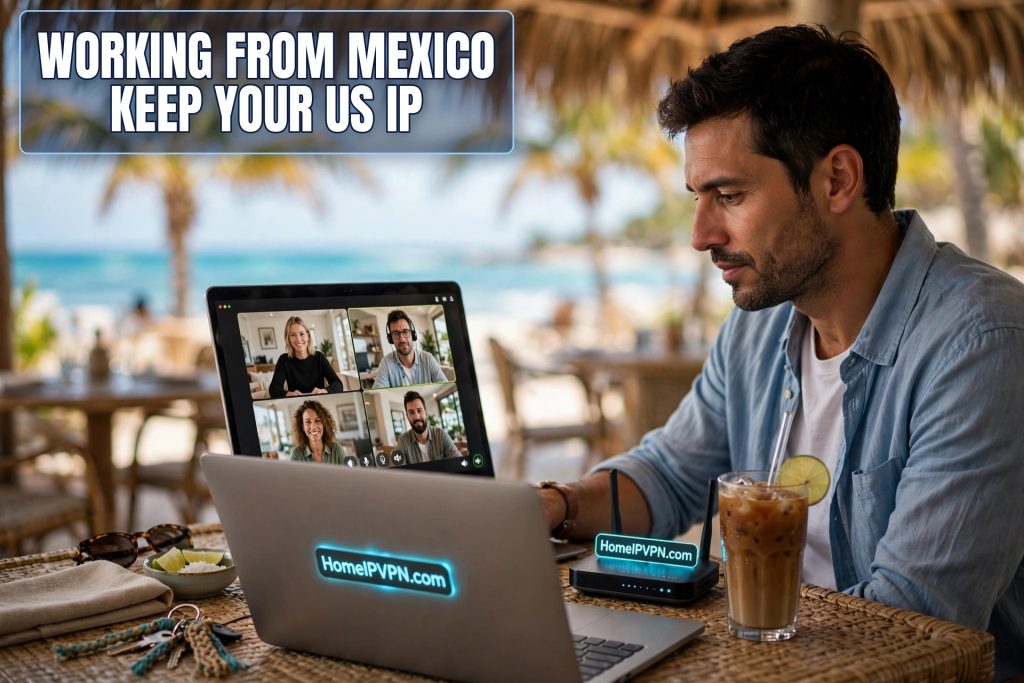
Mexico keeps showing up on every "best places to work remotely" list, and for good reason. But there's a wrinkle nobody mentions in the Instagram posts: plenty of Americans who work remotely from Mexico discover that their bank, their employer, or their streaming service has strong opinions about Mexican IP addresses. Here's how to keep a US IP under you while you enjoy the tacos.
Why a Mexican IP causes trouble
Nothing personal. It's all automated risk scoring, and it hits in predictable ways:
Banks and brokerages watch for logins from unexpected countries. A sign-in from Playa del Carmen six hours after one from Austin looks like account takeover, so the account gets locked "for your protection." Some institutions restrict certain features to US IPs entirely.
Employer security tools flag foreign logins too. Best case, you burn an hour on MFA resets. Worst case, you've violated a remote-work agreement that requires US presence, and now IT is asking questions.
Payroll, benefits, and government portals are frequently geo-fenced. They don't flag you, they just don't load.
Streaming services hand you the Mexican catalog. Fine if you like it, annoying if you were mid-series.
A commercial VPN is the obvious-seeming fix, and it's unreliable for this: its datacenter IPs are themselves on every fraud filter's naughty list. What actually works is an IP that's both American and residential. Your own home IP.
The setup nomads actually use
I've walked a lot of people through this. The pattern that survives real trips:
- Before departure: put a VPN server on your US home internet. A spare travel router or a Raspberry Pi running WireGuard does the job and sips power.
- Make it reachable: forward the VPN port on your home router and set up a DDNS hostname so a changing home IP doesn't break the config. On CGNAT (some fiber and 5G home plans), skip port forwarding and use Tailscale instead.
- Pack a travel router with the client preconfigured. In Mexico, the router joins whatever WiFi is around, your laptop and phone join the router, and the tunnel opens. One configuration, every device covered.
- Verify like you mean it. Check your visible IP and geolocation, run a DNS leak test, and confirm the kill switch works by killing the server mid-session. Do this before you trust it with your bank.
- Bring a second protocol. Some Mexican hotel networks block WireGuard's UDP outright. A preconfigured OpenVPN-over-TCP or AmneziaWG profile turns a ruined evening into a two-tap fix.
Do this right and your bank sees a login from your house. Your employer sees your house. Your streaming sees your house. You're in Mexico City; the internet thinks you're on your couch.
Coworking vs Airbnb WiFi: an honest comparison
Your VPN can only ride on the connection underneath it. Mexico's reality:
| Coworking (CDMX, Playa, Guadalajara) | Airbnb / hotel WiFi | |
|---|---|---|
| Speed | Usually solid, business-grade | Anything from great to unusable; ask before booking |
| Reliability | High, decent spaces have backup links | Storms and overloaded buildings cause drops |
| VPN friendliness | Generally fine | Some hotels filter VPN ports; fallback protocol earns its keep |
| Best for | Call-heavy days | Evenings, light work |
Two things experienced Mexico remote workers all seem to agree on. First, get a local SIM with a generous data plan the day you arrive; city coverage is excellent, and a phone hotspot has rescued more workdays than any other backup. Second, your tunnel speed is capped by your home upload speed in the US, not by the Mexican connection. Zoom and normal work are fine. Pushing gigabytes uphill is not.
Quick questions
Will my employer know I'm in Mexico if my IP says otherwise?
The IP is the main signal automated systems check, and a home IP VPN covers it. It's not the only signal that exists: device management software, time zone settings, and phone GPS are separate. Know your company's policy and decide with open eyes.
Do I have to leave a computer running at home?
Not a computer. A small device like a travel router or Raspberry Pi, drawing a few watts, runs for months unattended. A smart plug on it lets you power-cycle remotely if it ever hangs.
My home ISP uses CGNAT. Am I stuck?
No, you just can't use classic port-forwarded WireGuard. Tailscale as an exit node on a home device gives you the same result with zero port forwarding. Test it before you travel, obviously.
Can't I just use a commercial VPN with a US server?
You can, and some people get away with it for months. Then one day the bank locks the account mid-trip because the IP belongs to a flagged datacenter range. Your own residential IP doesn't have that failure mode.
What about two-factor codes while abroad?
Authenticator apps work anywhere; SMS to a US number that doesn't roam does not. Move important 2FA to an authenticator app before you leave. This is the single most common preventable lockout story.
Need help setting this up?
We configure the whole thing for you: home server, travel router, kill switch, fallback protocols, verified from an outside network before you fly. Done-for-you home IP VPN setup, booked here: https://homeipvpn.com.

