TROUBLESHOOTING
Why Your Bank Locks Your Card When You Travel Home for the Holidays
Fraud does not take holidays off. In fact, the days around Thanksgiving and Christmas are the busiest of the year for card fraud, which means banks turn their…
✓Why holidays are peak season for✓What the bank actually sees✓The first-hour playbook
Quick Answer
Banks lock cards during holiday travel because their fraud systems see a perfect storm: logins from unfamiliar IP addresses, unusual purchase patterns, and spending spikes, all at once. The first hour matters most: call the number on the back of your card, verify your identity, and ask for a travel note. To prevent it, keep your banking traffic on your home IP address so the fraud model sees continuity instead of disruption. HomeIPVPN gives you that consistent home IP from anywhere, which removes the location trigger behind most holiday card freezes.
- Why it happens: new IP location + unusual purchases + spending spike = fraud pattern match.
- First hour: call the card’s official number, verify identity, confirm legitimate purchases, request a travel note.
- Prevention: home IP for all banking keeps the location signal consistent.
- Backup: carry a second card from a different bank, and save the fraud department’s direct number.
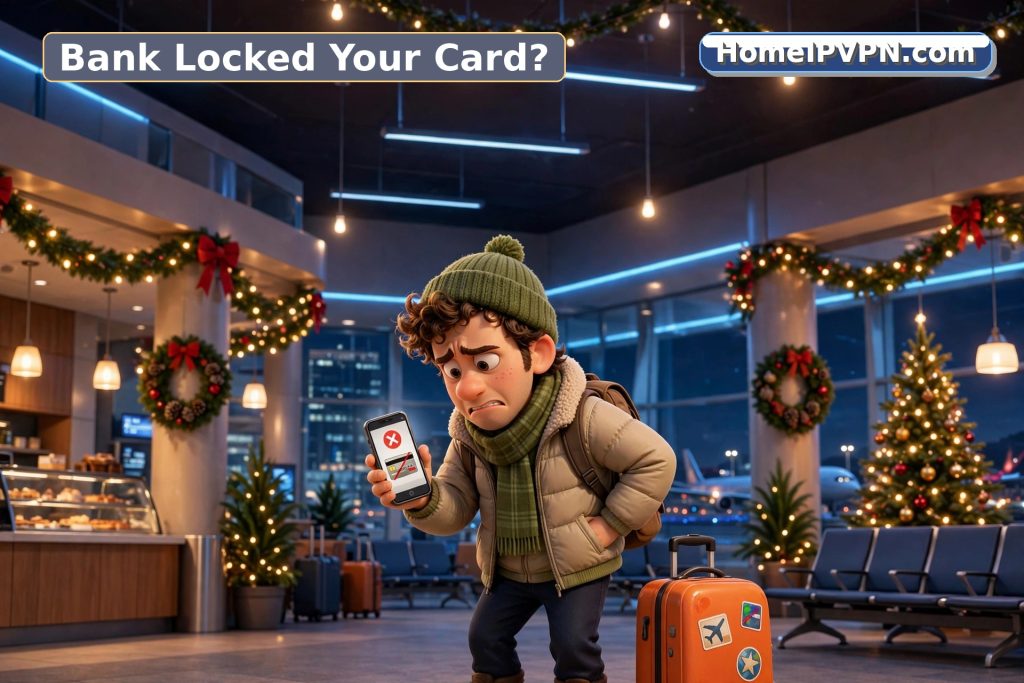
Why holidays are peak season for frozen cards
Fraud does not take holidays off. In fact, the days around Thanksgiving and Christmas are the busiest of the year for card fraud, which means banks turn their detection systems up to maximum sensitivity exactly when you are most likely to trigger them innocently.
Think about what your account looks like to the algorithm during a holiday trip. You flew to another city. You are logging into your bank from a hotel or family WiFi network the bank has never seen. You are buying gifts online, maybe from stores you do not usually shop at. You are spending more than your monthly average. You might be buying plane tickets, which are a classic fraud-test purchase.
Each of these is a small anomaly. Together, they form a pattern that matches stolen-card behavior almost perfectly. The bank’s system does not know you are visiting family. It just sees the signals, and its job is to act fast when the signals say fraud.
This is why card locks spike during holidays. It is not bad luck. It is the system working as designed, catching you as collateral damage.
What the bank actually sees
To understand why this happens, it helps to see your account the way the fraud system does. It tracks dozens of signals, but four of them do most of the work:
Login location. Every time you access your bank, the IP address is logged and mapped to a city. The system builds a history of where you normally log in from. A login from a new city is a flag. A login from a new city followed by purchases is a bigger flag.
Purchase pattern. The system knows what you buy, where you buy it, and how much you typically spend. Holiday gift shopping breaks all three: new merchants, new categories, higher amounts.
Velocity. How fast are transactions happening? A thief who steals a card number will often test it with small purchases, then go big quickly. If you are doing a lot of holiday shopping in a short window, the velocity looks similar.
Device and network. Are you on your usual phone? Your usual laptop? A new device on an unfamiliar network adds another layer of “this might not be you.”
When enough of these fire at once, the system freezes the card automatically. No human reviews it first. The freeze is instant, and unfreezing it requires you to prove you are really you.
The first-hour playbook
If your card gets locked, speed matters. Here is what to do, in order:
Minute 0-5: Do not panic, and do not keep trying. Repeated declined transactions can make the freeze harder to lift, because each attempt looks like the thief persisting. Stop, take a breath, and switch to your backup payment method for whatever you were doing.
Minute 5-15: Call the number on the back of your card. This is important: use the number printed on the physical card, not a number from a text message or email. Smishing (SMS phishing) spikes during holidays, and thieves send fake “your card was locked” texts to steal your details. The number on the card is the only one you can trust.
Minute 15-30: Verify your identity. The bank will ask security questions. These might include recent transactions, your address, or other verification. Answer carefully. If you have the bank’s app, you might be able to verify through biometric login, which is faster.
Minute 30-45: Confirm the legitimate purchases. Walk through the flagged transactions and confirm they were yours. Be specific about what you bought and where. This helps the analyst update the fraud model so it does not flag the same pattern again.
Minute 45-60: Request a travel note. Ask the bank to add a note to your account covering your travel dates and destination. This does not make you immune to future flags, but it gives the system context that reduces sensitivity. Also ask if there is a direct number for the fraud department, so you can skip the general queue if it happens again.
The prevention playbook
Unfreezing a card is annoying but fixable. Not getting frozen in the first place is better. Here is how:
Keep your banking on your home IP. This is the single highest-leverage move. When every bank login comes from your home IP address, the location signal stays consistent no matter where your body is. The fraud system sees the same city it has always seen. Your holiday purchases might still be unusual, but they are coming from the right place, which is the strongest trust signal the algorithm has. This is the same reason your IP address showing the wrong country causes problems: location inconsistency is what the system reacts to.
Set a travel note before you leave. Most banks let you do this in the app or with a quick call. It is not foolproof, but it helps. Do it at least 48 hours before you travel.
Notify them of large purchases. If you know you are going to buy something expensive (a big gift, plane tickets), a quick heads-up to the bank can prevent the velocity flag.
Use the same device. If you always bank from your phone, keep using your phone. A new laptop on a new network is two anomalies instead of one.
Carry a backup card from a different bank. If one card gets frozen, you need another way to pay. A card from a different bank is ideal, because a fraud freeze at one bank does not affect the other. Keep it in a separate place from your primary card.
The deeper problem with holiday banking
The real issue is that modern banking security was designed for people who stay in one place. The entire fraud model assumes that “normal” means consistent location, consistent device, consistent patterns. Anyone whose life does not fit that mold, travelers, remote workers, people visiting family for the holidays, generates anomalies just by living normally.
This is not going to change. Banks are not going to relax fraud detection during the holidays, because that is when actual fraud peaks. The burden is on you to make your legitimate activity look as normal as possible to the algorithm.
A home IP is the closest thing to a permanent fix for the location part of this. It does not make you invisible to fraud detection, and it should not. It just ensures that the location signal, the one the system weighs most heavily, always says “home.” Everything else, your spending, your devices, your habits, can vary without triggering the location alarm.
Travel this holiday season without the freeze
If you want your bank to see “home” no matter where you actually are this holiday season, book a Pre-Travel Audit & Advisory session. 1 hour, $79, credited toward the $379 Secure Home IP VPN System session if you go ahead. We will get your travel router running your home IP and test your banking logins with you before you travel.

