VPN SETUP GUIDES
How to Bypass Hotel WiFi Captive Portals Securely
Learn how to securely bypass hotel WiFi captive portals with HomeIPVPN. Encrypt your traffic, protect your data, and stay connected to your home network anywhere in the world.
Quick Answer
Yes, securely: always encrypt your traffic with a VPN before it leaves your device, verify the network’s exact SSID with staff, and avoid banking or shopping without VPN protection. A home IP VPN from HomeIPVPN gives you your own home IP abroad and encrypts everything, so hotel networks see nothing past the login page.
- Verify the network: check the exact SSID with hotel staff to avoid fake portals built for phishing.
- Encrypt everything: a VPN shields logins and personal data from anyone else on the same open network.
- Home IP everywhere: services see you as at home, with remote access to home devices like cameras and smart home gear.
- Sensitive tasks: banking and shopping are safe on hotel WiFi only once the tunnel is up.
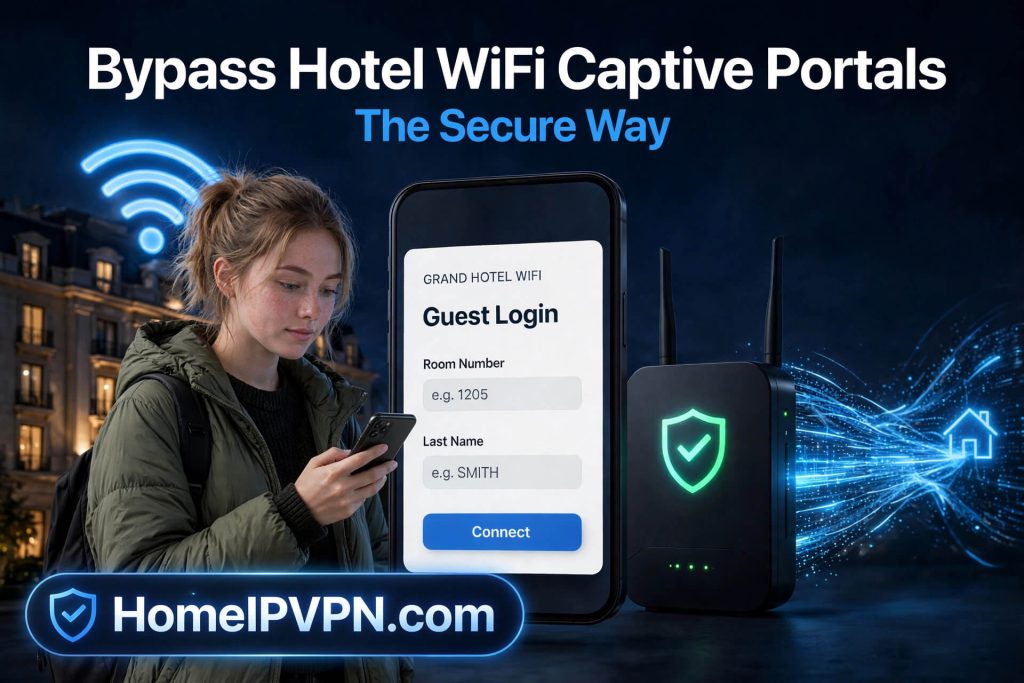
In today’s interconnected world, staying connected to your home network while traveling or working remotely is more important than ever. Public Wi-Fi networks, especially those in hotels, cafes, or airports, often operate with captive portals that can pose serious security risks. That’s where HomeIPVPN.com comes in: your trusted solution for a secure, private, and seamless internet experience, no matter where you are.
Understanding Public Wi-Fi and Captive Portals
A captive portal is a web page that appears before you can access the internet on a public Wi-Fi network. These portals are designed to authenticate users, enforce terms of service, or collect information. While convenient, they come with significant security challenges:
- Unencrypted pages (HTTP) can expose your data to eavesdroppers.
- Fake portals can be used for phishing attacks.
- Man-in-the-middle threats may intercept sensitive information.
The Risks of Using Public Wi-Fi Without Proper Security
Connecting to an open hotel or airport network without proper protection exposes you to several threats:
Data Interception
Without encryption, your browsing activity, login credentials, and personal information can be captured by anyone on the same network.
Identity Theft & Phishing
Fake portals or malicious actors on the network can trick you into revealing sensitive information such as passwords, credit card numbers, or personal data.
Unauthorized Access
Attackers may exploit vulnerabilities in public networks to gain access to your device, files, or ongoing sessions.
Best Practices to Stay Safe on Public Wi-Fi
- Always use a VPN to encrypt your internet traffic before it leaves your device.
- Verify you are connected to the legitimate network. Check the exact SSID with staff if unsure.
- Avoid performing sensitive transactions (banking, shopping) unless you are protected by a VPN.
- Use HTTPS websites whenever possible. Look for the padlock icon in your browser.
- Keep your device’s security software up to date to protect against known vulnerabilities.
How HomeIPVPN.com Elevates Your Online Security and Flexibility
HomeIPVPN.com gives you the security, privacy, and familiarity of your own home internet connection, regardless of where you are in the world. It is a tailored VPN solution that:
- Gives you a personal home IP address, even when you are abroad, so services see you as if you were at home.
- Encrypts your internet traffic, shielding it from prying eyes on public and untrusted networks.
- Allows remote access to your home network devices, such as security cameras, smart home systems, or personal servers.
- Ensures your online activities stay private and protected at all times, on any network.
Key Benefits
Enhanced Security
Protect sensitive data from interception on any Wi-Fi network: hotel, airport, coffee shop, or coworking space.
Seamless Remote Access
Log into your home network securely from anywhere in the world, as if you were sitting at your desk at home.
Bypass Geo-Restrictions
Access content and services as if you were at home, without relying on commercial VPN server pools.
Peace of Mind
Travel, work, or relax knowing your internet connection is secure, private, and under your control.
Why Choose HomeIPVPN.com for Travel and Remote Work
- Reliable Connection: Stable, fast, and secure VPN access to your home network. No shared server pools, no random IP addresses.
- Easy Setup: User-friendly configuration for any device: laptops, smartphones, tablets, and travel routers.
- Privacy Control: Maintain full control over your online footprint. Your home IP is yours alone.
- Compatibility: Works with all major operating systems and devices, including GL.iNet travel routers, WireGuard, and OpenVPN.
Take Control of Your Internet Security Today
Whether you are staying in a hotel with a captive portal, working remotely from a coffee shop, or traveling abroad, HomeIPVPN.com empowers you with the security and flexibility you need. Protect your personal data, access your home network remotely, and browse confidently, all with a setup designed for real-world travel and remote work.
Get started today. Visit HomeIPVPN.com to learn more and set up your personal home IP VPN.

