VPN SETUP GUIDES
How to Set Up a Tailscale Exit Node at Home
Port forwarding is the step where home VPN projects go to die. CGNAT, locked-down ISP routers, confusing admin panels. Tailscale's exit nodes route around
✓Why this approach exists✓Installing it on the home device✓Approving the exit node
Quick Answer
Install Tailscale on an always-on home device, enable IP forwarding, advertise it as an exit node, and approve it in the admin console. Your travel devices then browse as if they are on your couch, with no port forwarding and no DDNS, even behind CGNAT, and HomeIPVPN recommends pairing it with plain WireGuard as the primary tunnel.
- Home device: Raspberry Pi or Linux mini PC first, then a NAS, then a spare GL.iNet router.
- Approval: mandatory in the admin console; also disable key expiry and use a smart plug for remote reboots.
- Trade-offs: dependency on Tailscale’s coordination servers, occasional slower relayed connections, slightly more latency than raw WireGuard.
- Bonus: advertise subnet routes to reach your home LAN devices (NAS, cameras) without exposing them to the internet.
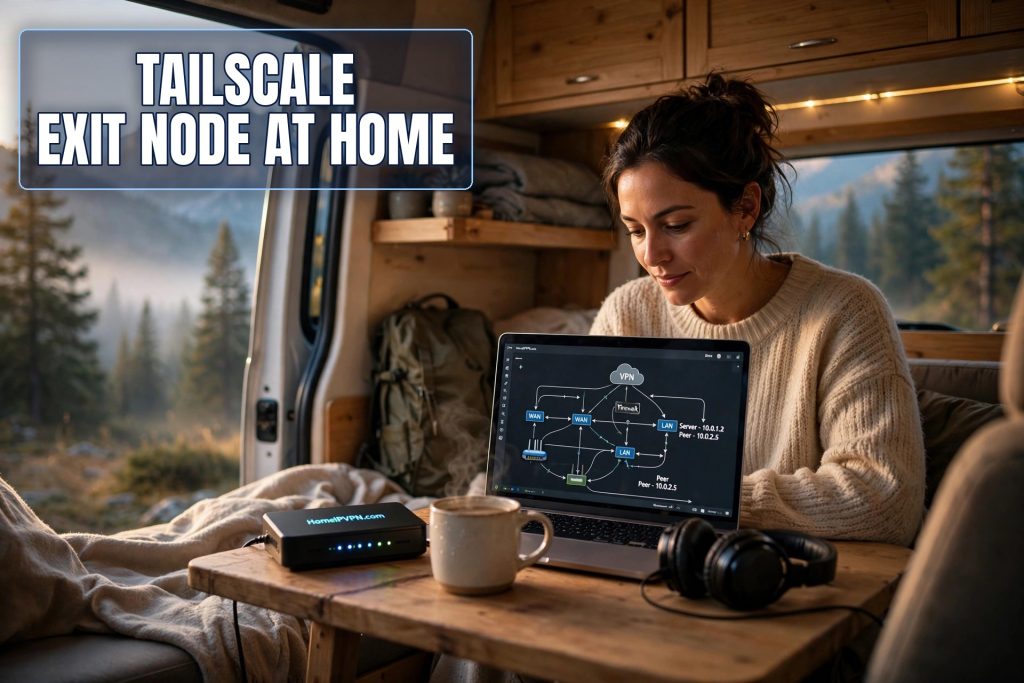
Port forwarding is the step where home VPN projects go to die. CGNAT, locked-down ISP routers, confusing admin panels. Tailscale's exit nodes route around all of it. Here's how to setup a Tailscale exit node at home and get a home IP VPN with essentially zero network configuration.
Why this approach exists
Tailscale builds a private mesh between your devices using WireGuard encryption under the hood, plus a coordination service that handles introductions, key exchange, and NAT traversal. An "exit node" is just a device on your mesh that offers to route other devices' internet traffic. Designate the home device as the exit node, and your phone in a Bangkok café browses as if it's on your couch.
The wins: it punches through NAT and CGNAT automatically, there's no DDNS to maintain, and setup is minutes. The costs: a small dependency on Tailscale's coordination servers, occasionally relayed (slower) connections when direct NAT traversal fails, and a touch more latency than a raw WireGuard tunnel. For most travelers the trade is worth it. And nothing stops you running raw WireGuard alongside it later.
Tailscale's personal tier covers this use case free. Check their current pricing page for details, since plans do change.
Installing it on the home device
Pick something that's already always on. In order of preference: a Raspberry Pi or mini-PC running Linux, a NAS (Synology/QNAP/TrueNAS have native packages), a spare GL.iNet router, or an always-on desktop (works, but desktops sleep and reboot; less ideal).
On Linux:
curl -fsSL https://tailscale.com/install.sh | sh
sudo tailscale up --advertise-exit-node
You'll get a login URL. Open it, authenticate, and the device joins your private network.
Enable IP forwarding (exit nodes can't route without it):
echo 'net.ipv4.ip_forward = 1' | sudo tee -a /etc/sysctl.d/99-tailscale.conf
echo 'net.ipv6.ip_forward = 1' | sudo tee -a /etc/sysctl.d/99-tailscale.conf
sudo sysctl -p /etc/sysctl.d/99-tailscale.conf
Then re-run sudo tailscale up --advertise-exit-node.
On NAS boxes and GL.iNet routers, use the native app and look for the exit-node toggle. Same concept, fewer commands.
Approving the exit node (don't skip this)
Tailscale deliberately makes you approve exit nodes, so a compromised account can't silently reroute you:
- Open the Tailscale admin console, find your home device.
- Its menu (⋯) → Edit route settings → enable Use as exit node.
- Confirm on the device with
tailscale status.
Two hardening steps while you're in there. First, disable key expiry for the home device in its settings, or it'll drop off the network after months unattended, quite possibly mid-trip. Second, put the device on a smart plug. Tailscale is robust, but every always-on box benefits from a remote reboot option.
Using it from the road
Phone: install Tailscale, log in, pick your home device under Exit node. Check an IP site: home IP means you're done.
Laptop: install, log in, select the exit node from the menu-bar app, or tailscale up --exit-node=<home-device-name>.
Travel router: GL.iNet firmware supports Tailscale, so the router itself can use the home exit node, extending the home IP to everything on its WiFi. Same whole-network coverage as a WireGuard client setup.
Verify like always: home IP, home geolocation, DNS leak test showing home resolvers, and a disconnect/reconnect cycle to confirm routing restores cleanly. Test from a real outside network before the trip.
One caution on kill switches. Tailscale's apps don't all enforce strict "block everything if disconnected" behavior. If leak-proof operation matters to you, prefer the travel-router design (the router enforces it) or pair Tailscale with your OS's native always-on VPN options.
Bonus: reach your home LAN too
An exit node routes your internet traffic through home. But Tailscale can also advertise subnet routes, letting you reach devices on your home LAN (a NAS, a printer, a camera) as if you were there. On the home device: tailscale up --advertise-exit-node --advertise-routes=192.168.1.0/24 (your LAN range), then approve the routes in the admin console. Travelers love this for grabbing a file off the home NAS without exposing it to the internet. It's a separate feature from the exit node, but it rides on the same always-on device, so you may as well enable it.
Quick questions
Does Tailscale see my browsing?
What home upload speed do I need?
Can I run Tailscale and plain WireGuard together?
What if Tailscale's servers have an outage?
Need help setting this up?
We configure Tailscale exit nodes with the hardening most guides skip (key expiry, remote power, leak verification), including hybrid setups with WireGuard primary and Tailscale fallback. Done-for-you: https://homeipvpn.com.

