CLIENT SETUP
Configure WireGuard, OpenVPN, and AmneziaWG VPN clients on macOS, Windows, Linux, iOS, and Android for seamless, always-on remote access.

How to Share Your Home IP VPN with Family Members
Share home VPN family guide: give each person their own WireGuard config and keep access on a strict…
How to Set Up WireGuard on Linux for Home IP VPN
Setup WireGuard Linux client for home IP VPN: install via package manager, manage with wg-quick and systemd, verify…
WireGuard on Android: Setup Guide for Home IP Access
Setup WireGuard Android for home IP access: install the app, import via QR or file, then enable always-on…
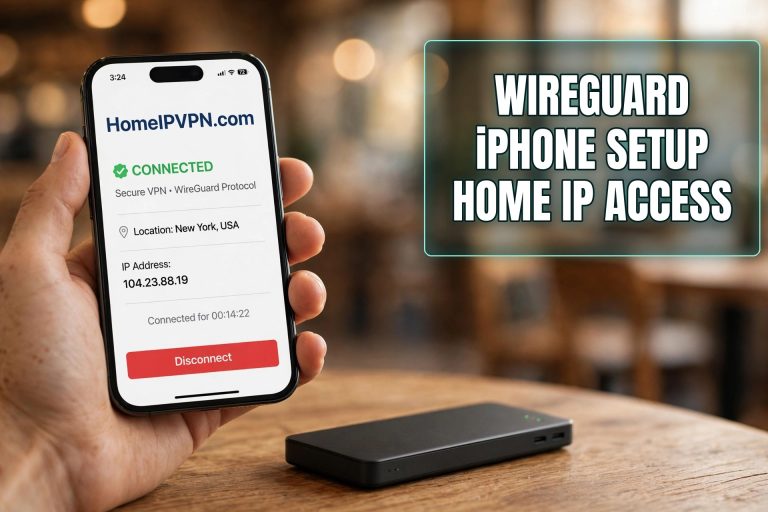
WireGuard on iPhone: Setup Guide for Home IP Access
Setup WireGuard iPhone access to your home IP VPN: install the app, scan the QR code, verify your…
How to Connect Your Laptop to a Home IP VPN
How to connect your laptop to a home VPN on Windows and macOS: WireGuard config import, kill-switch setup,…
How to Connect Your Phone to Your Home IP VPN
How to connect your phone to your home VPN: WireGuard app vs Tailscale vs travel router, QR code…
