HARDWARE REVIEWS & GUIDES
Do You Need Two Routers for a Home IP VPN?
Do I need two routers home VPN? One travel router plus a home server is the classic setup, but lighter options exist. Compare approaches and pick yours.
Quick Answer
You do not strictly need two routers: one home VPN server plus WireGuard apps on your devices works fine. But a travel router adds a hardware kill switch, protects every device at once, and handles hotel captive portals, which is why frequent travelers overwhelmingly choose the two-router setup. HomeIPVPN builds on this model for clients who travel often.
- Minimal setup: home server plus per-device WireGuard apps, with no extra hardware to carry.
- What the router adds: one tunnel held open 24/7, covering laptop, phone, tablet, and TV together.
- Captive portals: the travel router deals with hotel login pages once, for all devices behind it.
- Verdict: occasional trips work phone-only; frequent travelers should take the second router.
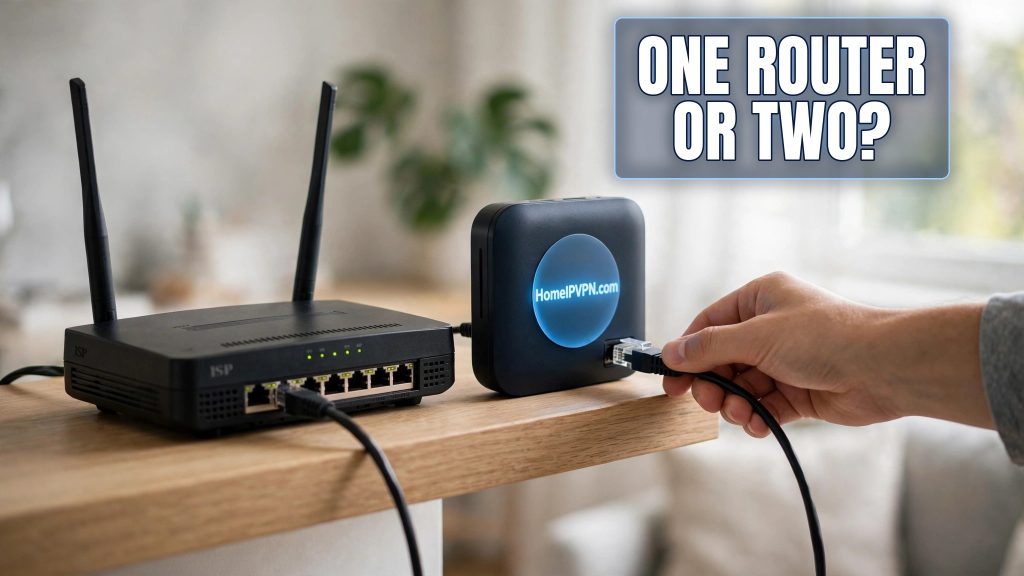
The classic home IP VPN diagram shows two little routers, one at home, one in your suitcase, and a natural question follows: do I really need both? The honest answer to "do I need two routers for a home VPN" is: it depends on how you travel and how much convenience you want. Here's how the two-router model compares to phone-and-laptop-only setups, what the travel router actually adds, and minimum viable setups at three budgets.
The two-router model vs phone/laptop-only clients
The two-router model: a VPN server runs at home (on a router, Raspberry Pi, or mini PC). You carry a small travel router that connects to hotel/café Wi-Fi and holds the WireGuard tunnel open 24/7. Your laptop, phone, tablet, and anything else join the travel router's private Wi-Fi and automatically exit through your home IP. One tunnel protects everything.
The phone/laptop-only model: the same home server, but each device runs its own WireGuard client app. Your laptop connects directly to hotel Wi-Fi and brings up its own tunnel; your phone does the same separately. No travel router involved.
Both are legitimate. The difference is operational, not technical:
- Setup effort per network: with a travel router, you join the hotel Wi-Fi once on the router; all your devices just reconnect to your familiar private network. Without it, every device must individually join each new hotel network and fight its captive portal.
- Coverage: the travel router covers devices that can't run VPN apps, and locked-down company laptops that forbid software installs: smart TVs, streaming sticks, e-readers, game consoles, a partner's phone. App-only setups leave those devices exposed or unusable.
- Kill switch: travel routers offer a hardware-level "block non-VPN traffic" switch covering every connected device. Phone/laptop apps have their own kill switches, but you must configure and trust each one separately.
- Simplicity: app-only means one less gadget to carry and keep updated. For a weekend trip with just a laptop, that's a real advantage.
What the travel router adds: kill switch, all-device coverage
The travel router's killer features for remote workers:
- One connection, every device protected. The tunnel lives on the router, so your laptops, tablets, and smartphones all inherit home-IP exit and encryption. You configure the router once instead of installing and configuring a VPN app on each device.
- Hardware kill switch. If the tunnel drops, the router blocks all traffic. No silent fallback to the hotel network, on any device, ever.
- Captive portal handling. Hotel login pages are completed once on the router; your devices never touch the portal or the hotel's DHCP directly.
- A stable private network. Your devices keep the same SSID, same IPs, same printer/file-share access everywhere you go. Chromecasting to a hotel TV, wireless printing, and local file sharing all behave like home.
- Repeater and tethering modes. The router can repeat a weak hotel signal, tether to your phone's hotspot, or plug into wired ethernet, flexibly getting you online however the location allows.
- No software installs on locked-down devices. Many employers forbid installing VPN apps on company laptops, and those devices can't be configured at all. With the dual-router setup, the tunnel runs on the router, not the laptop: the laptop just joins your private Wi-Fi and exits through your home IP. Nothing is installed on the device, and nothing needs IT approval.
None of this is magic you can't replicate with apps and discipline. It's convenience and consistency, which, at 11pm in a foreign hotel after a long travel day, is worth a lot.
Minimum viable setups at three budgets
Budget: $0 extra (app-only). Run the VPN server on hardware you already own. Many people start with a Raspberry Pi or a spare mini PC at home, or a GL.iNet-style router they already have. Use the free official WireGuard apps on phone and laptop. Total new spend: nothing. Best for: occasional travelers, single-device trips, testing the concept before investing.
Mid-range: one travel router. Keep the home server as-is (or run the server on a budget router at home) and buy one travel router for the road. You get the kill switch, captive-portal handling, and all-device coverage where it matters most: while traveling. Best for: regular remote workers and digital nomads. This is the sweet spot most people land on.
Secure Home IP VPN System session: two routers. A capable router at home as the always-on VPN server plus a travel router for the road. Maximum reliability, cleanest management, and the home unit can also serve family members' devices. Best for: full-time travelers, expats, and anyone whose livelihood depends on the tunnel working every single day.
| Setup | Cost | Devices covered | Kill switch | Portal hassle |
|---|---|---|---|---|
| Apps only | Free | Only devices with VPN apps | Per-app, manual | Per device, every network |
| One travel router | One router | Everything behind it | Hardware, automatic | Once per network |
| Two routers | Two routers | Everything, plus robust home server | Hardware, automatic | Once per network |
FAQ
Can I use my phone as a hotspot instead of a travel router?
Do both routers need to be the same brand?
Is one router enough if I only travel with a laptop?
Can the travel router also be the home server when I'm not traveling?
What's the downside of the two-router model?
Do I need a router at home, or can a PC be the server?
Need help setting this up?
Still deciding between the app-only route and a travel router? Talk it through with us on a $79 consultation. We'll look at how you actually travel and recommend the simplest setup that covers you, then build it for you if you'd like: https://homeipvpn.com/appointment. Consultations run remotely via remote desktop at your scheduled appointment, and the $79 counts toward the $379 Secure Home IP VPN System session.

