HARDWARE REVIEWS & GUIDES
GL.iNet Beryl AX Review: The Remote Worker’s Travel Router
The GL.iNet Beryl AX (GL-MT3000) shows up in every digital nomad's "what's in my bag" photo, usually next to a passport and a smug sense of
✓Design and daily use✓The stuff that matters for a home✓Setup experience
Quick Answer
The GL.iNet Beryl AX (GL-MT3000) is the best travel router for most remote workers running a home IP VPN: pocket-sized, USB-C powered, and fast enough over WireGuard that it never becomes the bottleneck in your tunnel.
- Speed: WireGuard throughput outruns typical home upload speeds, so the router is never the weak link.
- Hotel WiFi, handled: clear the captive portal once on any device, and everything behind the router rides through.
- Stays connected: a kill switch that genuinely blocks non-VPN traffic, two-tap switching between WireGuard and OpenVPN, and automatic failover across hotel WiFi, Ethernet, and USB phone tether.
- Trade-offs: range covers a room or two, not a house, and the build is plain plastic. Need more ports or range? Look at the Slate AX. On a budget? The older Beryl still handles moderate speeds fine.
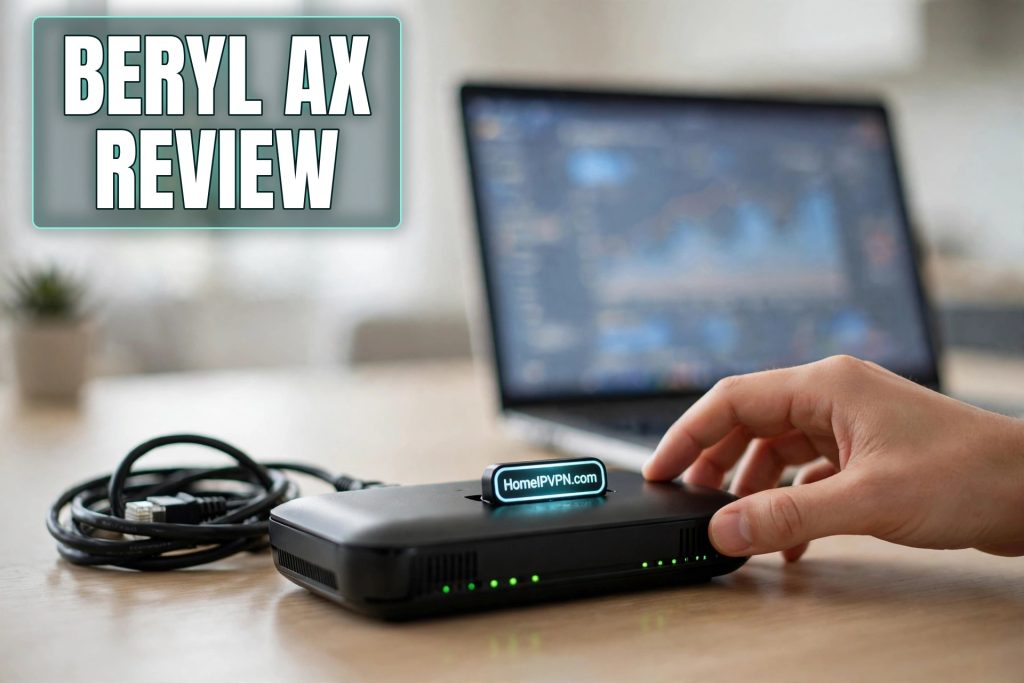
The GL.iNet Beryl AX (GL-MT3000) shows up in every digital nomad's "what's in my bag" photo, usually next to a passport and a smug sense of preparedness. After running one as the travel half of home IP VPN setups across a lot of hotel rooms, here's my honest GL.iNet Beryl AX review, from the only perspective that matters: a remote worker whose income depends on the tunnel staying up.
Design and daily use
It's roughly the footprint of a deck of cards and vanishes into a laptop bag. One USB-C port for power (runs fine off a laptop port or phone charger), a 2.5-gigabit Ethernet WAN for hotel wired jacks, a gigabit LAN, and a USB port for tethering or storage. Sensible.
WiFi 6 does what it's supposed to: holds up better when forty hotel guests are streaming on the same airspace. Set expectations, though: this is a travel router, not a mesh node. Range is a room or two, not a house. Its job is to sit next to you, and at that job it's fine.
The build is functional plastic that survives daily bag-tossing. It runs warm under VPN load, which is normal. Give it airflow instead of burying it under a sweater.
The stuff that matters for a home IP VPN
WireGuard throughput clears the bar. It encrypts faster than typical home connections can upload, which means the router is never your bottleneck. Your home ISP is. That's exactly the ratio you want.
Captive portals, handled. Join hotel WiFi with the router, complete the hotel's login page once from any connected device, and everything behind the router rides through. This alone eliminates the dumbest daily ritual in travel.
Two-tap protocol switching. WireGuard and OpenVPN profiles live side by side. Hotel blocks WireGuard's UDP? Switch to the TCP fallback without opening a laptop.
A kill switch that works. "Block Non-VPN Traffic" does what it says. I verified the scary way: kill the home server mid-session and devices lose internet instead of leaking onto the hotel network.
Failover that saves workdays. Hotel WiFi, Ethernet, USB phone tether, in that order or however you rank them. When the Airbnb WiFi dies mid-call, the phone-tether fallback kicking in automatically is the feature you'll be most grateful for.
Roaming that doesn't drop calls. Moving from hotel WiFi to hotspot re-establishes the tunnel in seconds. WireGuard's roaming plus this hardware is a good combination.
The annoyances: occasionally the VPN state gets stuck and wants a reboot; the stock antennas won't punch through thick concrete to the lobby; and the admin panel, while good, has the occasional quirk. None of it is disqualifying. All of it is the price of a compact device doing a remarkable job.
Setup experience
Unboxing to working tunnel took me under an hour, and most of that was generating the WireGuard config on the home server. The admin panel walks you through repeater setup (joining hotel WiFi), VPN client import, and the kill switch without ever touching a terminal. Firmware updates arrive regularly and install in a couple of clicks. If you're buying this as part of a home IP VPN plan, the realistic timeline is: home server one evening, Beryl AX the next, an hour of testing from your phone's hotspot, done. The learning curve is the home server half, not this box.
Who should buy it (and who shouldn't)
Buy it if you travel and work, want one box for VPN plus captive portals plus failover, and value pocketability. That covers most remote workers reading this.
Buy the Slate AX (GL-AXT1800) instead if you want more Ethernet ports, better range for big Airbnbs, or a box that can double as a beefier home VPN server.
Buy the older Beryl (GL-MT1300) if budget beats WiFi 6 for you. Still a competent WireGuard client at moderate speeds, and a great dedicated home-server unit.
Skip travel routers entirely if you need whole-home coverage (that's a mesh system's job) or built-in cellular (look at hotspot models with modem slots). And if you never travel, the home server half still matters but the travel half can just be software.
Quick questions
Good as a home VPN server too?
Does it run Tailscale?
How do updates work?
Realistic range?
Need help setting this up?
We ship Beryl AX units pre-configured: your home server profile loaded, kill switch on, fallback protocols tested, verified before it reaches you. Done-for-you home IP VPN setup: https://homeipvpn.com.

