HARDWARE REVIEWS & GUIDES
Portable Hotspot vs Travel Router: Which Is Better for Work?
Packing for a work trip, you face a small-box dilemma: portable hotspot, travel router, or both? The portable hotspot vs travel router question trips people up
✓What Each Box Actually Does✓VPN Capability: The Tiebreaker✓When to Carry Both (and When Not
Quick Answer
For work travel, the travel router wins: it creates a real private network with a VPN client that covers every device at once, which a portable hotspot cannot do. The smart move is both, with the hotspot supplying cellular uplink and the router running your home IP tunnel. HomeIPVPN setups use exactly this pairing for hotel-proof connectivity.
- Hotspot: a cellular modem with WiFi, a great internet source, but no VPN, no firewall, no network control.
- Router: one private SSID everywhere, NAT, firewall, DNS control, and a tunnel covering all devices automatically.
- The decider: only the router puts laptops, phones, and devices that cannot run VPN apps inside the tunnel.
- The bar: cellular beats open WiFi, but work needs traffic exiting from a trusted IP, encrypted end to end.
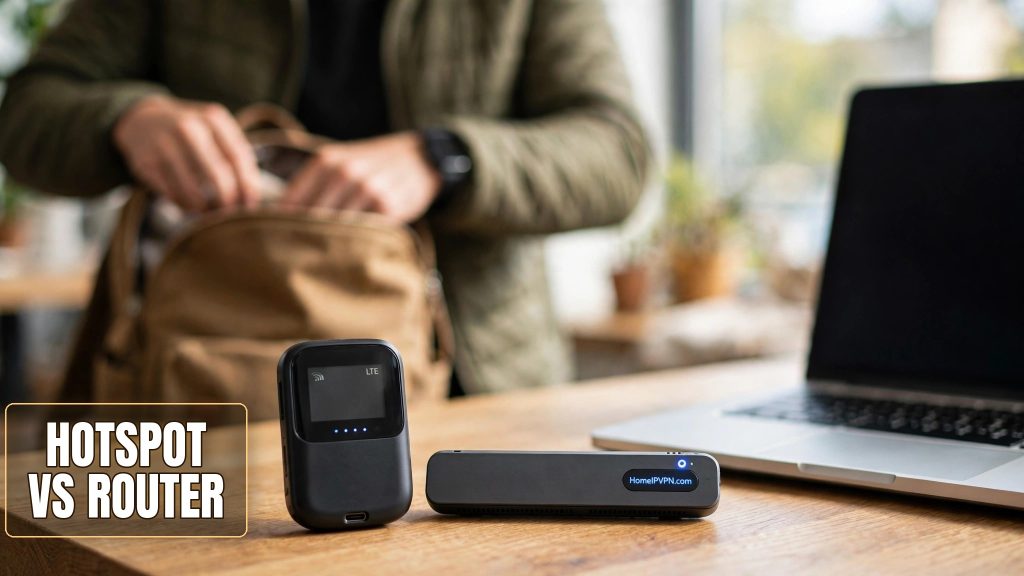
Portable Hotspot vs Travel Router: Which Is Better for Work?
Packing for a work trip, you face a small-box dilemma: portable hotspot, travel router, or both? The portable hotspot vs travel router question trips people up because the gadgets look alike. They are not alike. One gives you internet; the other gives you a network. Pick wrong and you'll discover the gap mid-deadline on hotel WiFi, which is the worst classroom.
What Each Box Actually Does
A portable hotspot (MiFi-style) is a cellular modem with WiFi strapped on. It talks to cell towers via SIM/eSIM and shares the connection as a WiFi network. Job: internet access. It doesn't route between networks, doesn't run a VPN client, barely has settings. Access device, not network device.
A travel router is a real router, pocket-sized. It creates your private WiFi network and takes its upstream from multiple sources: hotel WiFi (repeater mode), ethernet, a USB-tethered phone, or a hotspot's WiFi. Job: network management. NAT, firewall, DHCP, DNS control, and the big one: a VPN client covering everything behind it automatically.
Mental model: the hotspot provides internet; the router manages and protects your network. Complementary layers, not competitors. (Though I'll still answer "which is better" below.)
| Portable hotspot | Travel router | |
|---|---|---|
| Internet from cellular | Yes, its core job | Via tethered phone/hotspot, or built-in modem on some models |
| Uses hotel WiFi as upstream | No | Yes (repeater/WISP mode) |
| Wired ethernet upstream | Rarely | Usually yes |
| VPN client for all devices | No | Yes |
| Firewall and DNS control | Minimal | Full |
| Same private SSID everywhere | One SSID, no VPN/DNS control | Yes, consistent network identity |
| Power | Built-in battery, hours | Usually USB-powered (outlet or power bank) |
VPN Capability: The Tiebreaker
For remote work, this comparison has a clear decider: only the travel router puts your whole network inside a VPN tunnel.
Hotel WiFi, three scenarios:
- Hotspot only. Laptop joins the hotspot's WiFi; traffic exits via the carrier's IP in the country you're standing in. Reasonably safe from local snoops (cellular beats open WiFi), but your company's IP allowlist doesn't know you, your bank sees a foreign login, streaming shows the local catalog. Fixing the IP means a VPN app on every device, and devices that can't run VPN apps are simply exposed.
- Router only, on hotel WiFi. Devices join the router; the router joins the hotel WiFi and runs your home IP VPN. Laptop, phone, tablet, the TV: everything exits through your home IP, encrypted. One config covers all of it.
- Both. Hotspot supplies a private cellular uplink; the router connects to it and runs the VPN. Independence from hotel WiFi plus the home IP tunnel plus whole-network coverage. The full nomad stack.
A clear-eyed note on hotspot security: cellular is encrypted to the tower, which beats open hotel WiFi. But "better than hotel WiFi" isn't the bar for work. The bar is: traffic exits from a trusted IP, encrypted end to end, on every device. Only the router clears it.
Reliability has a wrinkle too. A hotspot does one thing with few settings: little to break. A travel router is more capable and needs correct configuration: VPN profiles, DNS, upstream modes. One-time cost, and exactly the kind of thing setup services exist to eliminate, but go in knowing the router asks more of you upfront.
When to Carry Both (and When Not To)
Router alone is enough if you mostly stay where WiFi exists (cities, decent hotels, Airbnbs), your phone tethers as backup, and you pack light. The router handles hotel WiFi via repeater mode and the phone via USB tether. A hotspot adds little.
Add the hotspot if you work where WiFi is unreliable or untrusted (rural areas, trains, countries with heavily monitored networks), you live on video calls and can't gamble on the hotel network, or you share the connection with a partner. The hotspot becomes your private portable ISP; the router makes it safe and consistent.
Hotspot alone works when your work doesn't care about your IP, you use one or two devices that both run VPN apps reliably, and minimalism wins. Valid for casual trips. Just know what you're trading away.
Practical tip for the two-device crowd: prefer a hotspot with ethernet or solid USB tethering. Feeding the router over a wire instead of WiFi-to-WiFi repeating removes a wireless hop and the repeater chain (hotspot WiFi to router WiFi to laptop) is otherwise the weakest link in a solid stack.
FAQ
Can a portable hotspot run a VPN itself?
Does a phone hotspot replace a dedicated hotspot?
Which is more secure on public WiFi?
Do I need both for a home IP VPN?
Won't two devices complicate things?
What's the cheapest setup that actually works?
Need Help Setting This Up?
Choosing the hardware is the easy half; configuring the VPN, DNS, and failover so it all survives real travel is the half that eats weekends. Our done-for-you setup handles the router side completely, so you just pack and go: https://homeipvpn.com.

