PRIVACY & SECURITY
Public USB Charging Stations: The “Juice Jacking” Risk Explained
Quick Answer “Juice jacking” is what happens when a public USB charging station, or the cable attached to it, has been tampered with so it can steal data from your phone or install malware
Quick Answer
“Juice jacking” is what happens when a public USB charging station, or the cable attached to it, has been tampered with so it can steal data from your phone or install malware while it charges. A normal power outlet cannot do this, because it only carries electricity. The risk comes only from USB ports and cables that also carry data.
- The real risk: a compromised public USB port can read files or silently install software while your phone charges, and you would never see it happen.
- The easy defense: charge from a wall outlet with your own charger and cable, or use a USB data blocker, a tiny adapter that cuts the data wires.
- Cables matter too: never use a stranger’s cable or a “free” cable left at an airport kiosk. Only ever plug in cables you brought yourself.
- Keep the rest of your travel life safe too: readers who liked this guide also read the HomeIPVPN blog’s security posts, where we cover the everyday habits that keep nomads’ accounts out of trouble.
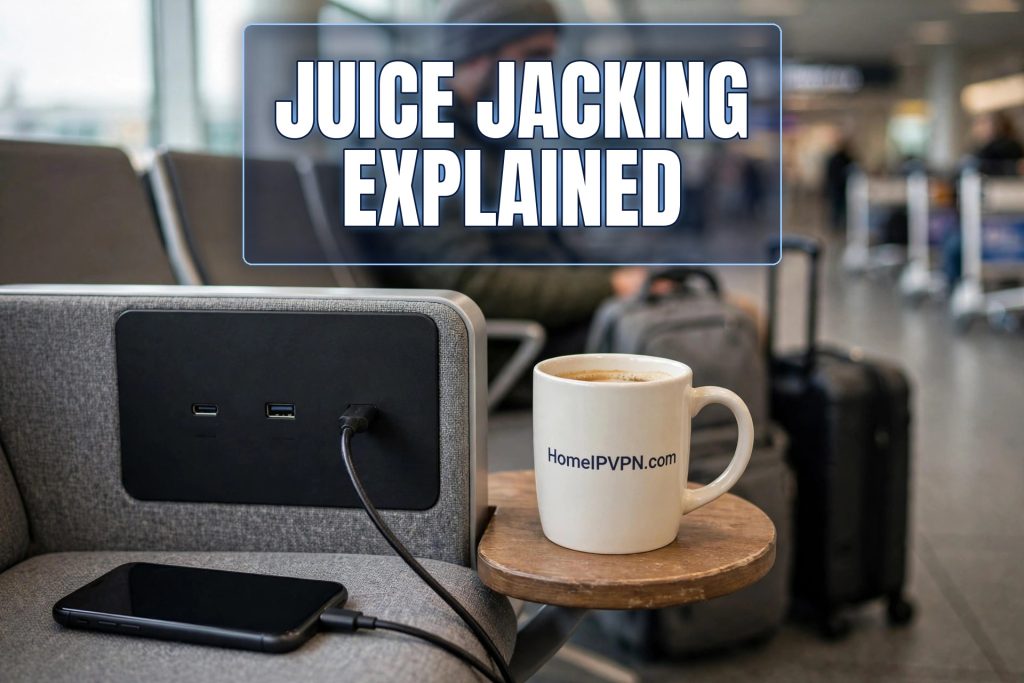
You know the moment. You are at 4 percent, your boarding gate is a twenty-minute walk away, and there it is: a glowing charging station with a row of cables, free for anyone. You plug in, the little lightning bolt appears, and relief washes over you. You have just done the one thing security people beg travelers not to do, and the worst part is how reasonable it felt.
I am not writing this to make you paranoid. The actual odds of any given charging station being compromised are low. But the consequences are high, the fix is trivially cheap, and travelers are the people most likely to plug into random ports in airports, malls, and bus terminals. This is a five-minute read that will change one small habit forever. That is a good trade.
What juice jacking actually is, in plain English
Your phone’s charging cable does two jobs at once. It carries power, which charges the battery, and it carries data, which is how your phone talks to your laptop when you plug it in to move photos around. A normal charger uses only the power part. But a USB port, the flat rectangular or oval socket, is physically capable of both. That is the whole story. If the thing you plug into is secretly a tiny computer instead of a dumb charger, it can use the data wires to talk to your phone while the power wires charge it.
“Juice jacking” is the nickname for this. The “juice” is the charge. The “jacking” is the hijack. Someone modifies a public charging station, or swaps in a doctored cable, so that while your phone sits there happily charging, the station is quietly copying data, installing malicious software, or both. You see nothing. There is no warning on your screen. Your battery fills up and you walk away, and the damage is already done.
Now, a reality check, because the internet loves to hype this. There has never been a confirmed, documented, large-scale juice jacking attack in the wild that researchers could point to and say “this happened to real people.” Security agencies have warned about it, which is where most of the headlines come from, and researchers have demonstrated it working in labs many times. It is a real, proven technique. It is also rare. The honest way to think about it: low probability, high impact, nearly free to prevent. That is exactly the kind of risk worth handling.
Why travelers specifically? Because travelers are the only people who regularly plug their phones into hardware they did not choose, in places they will never return to, while distracted. At home you charge from your own outlet with your own cable. On the road, you will plug into anything with the right shape when the battery icon turns red. Attackers, like everyone else in the scam business, go where the behavior is.
What a compromised charger could actually do to your phone
Let us be concrete about the damage, because vague fear is useless and specific knowledge is protective. The mildest version is data theft. Your phone, when connected over USB, can expose photos, contacts, documents, and backups, depending on how it is configured and whether you have ever told it to “trust” a computer. A doctored station does not need your permission in the way you imagine. It exploits the automatic handshake your phone performs the moment a cable connects.
The nastier version is malware installation. The station pretends to be a keyboard, this is a real demonstrated technique, and types commands into your phone faster than any human could, installing software in seconds. Or it exploits a bug in how your phone handles USB connections. Either way, you end up with spyware that can read messages, log keystrokes, or track location, and it arrived through the most innocent-looking object in the airport.
There is also a third flavor that gets less attention: the cable itself. Researchers have shown that a normal-looking charging cable can be modified to contain a tiny wireless chip. You buy it, or someone hands you one “for free” at a kiosk, or you find one conveniently left at a cafe table. It charges your phone perfectly. It also gives an attacker nearby a wireless doorway into your device. This is why the advice is never just “avoid public stations” but also “never use a cable you did not bring.”
Modern phones have added some protection. Recent versions of the major phone operating systems ask you before allowing data transfer over USB, or restrict what a new USB connection can do while the phone is locked. That helps a lot. But it is not a guarantee. Software has bugs, people tap “allow” out of habit without reading, and a phone that is unlocked and in active use is more exposed. Do not rely on the popup. Rely on the habit.
The safe charging habits that cost almost nothing
The gold standard is boring: carry your own charger and cable, and plug into wall outlets. A wall outlet, the kind with just holes for prongs, carries only electricity. There is no data path. It is physically impossible to juice-jack someone through a plain power socket. Every airport, mall, and coworking space has them, sometimes hidden behind benches or under desks, and hunting for one is a small price for certainty.
If wall outlets are not available and you must use a USB port, use a USB data blocker. This is a tiny adapter, about the size of a thumbnail, that sits between the cable and the port and physically disconnects the data wires, allowing only power through. They cost a few dollars, weigh nothing, and live on your keychain. For a traveler, this is one of the highest value-to-weight items you can own. Buy it before your next trip, not during.
Carry a power bank, and keep it charged. This is the real travel solution, because it removes the decision entirely. When your phone is dying and the only option is a sketchy station, a power bank in your bag means you never have to choose. Charge the power bank from wall outlets at your accommodation, then charge your phone from the power bank anywhere. Problem solved at the root.
And the cable rule, worth repeating because it is the one people break: only ever use cables you brought yourself or bought sealed from a reputable shop. Never borrow a cable from a stranger, never use the cable dangling from a public station, and be deeply suspicious of free cables left in public places or handed out at events. A cable is a tiny computer now. Treat it like one.
One more: keep your phone locked when charging in public, and do not absentmindedly tap “trust” or “allow” on any popup that appears while plugged into something you do not own. Those popups are your phone asking whether it should open the data door. The answer, when the thing on the other end is a mystery port in an airport, is always no.
What about wireless charging pads in public?
This comes up a lot, so let us settle it. Public wireless charging pads, the flat discs you rest your phone on, transfer power through magnetic induction. There is no data connection at all. You cannot juice-jack someone through a wireless pad, because there is no wire carrying data to hijack. From a data-theft perspective, they are safe.
The caveats are minor. A public pad could theoretically be modified to overheat a phone or just be broken, but those are hardware annoyances, not data theft. The bigger practical issue is that public wireless pads are slow and often finicky about phone placement, so you will sit there longer for less charge. They are fine in a pinch, but your power bank is still the better plan.
The same logic applies to charging from your laptop’s USB port. Your laptop is your device, you trust it, and the data connection goes to a computer you control. That is fine. What is not fine is plugging into the USB port on the back of an airplane seat, a hotel alarm clock, or a rental car’s infotainment system with a cable you found in the glove box. Those are other people’s hardware. Treat them accordingly.
The bigger picture: your travel security stack
Juice jacking is one small piece of a bigger pattern. Travelers live on infrastructure they do not control: foreign wifi networks, shared computers in hostel lobbies, SIM cards bought from street vendors, and yes, public chargers. Each one is a small gamble. None of them is likely to hurt you on its own. But a traveler takes hundreds of these small gambles a year, and the math of that adds up.
The people who stay safe are not the ones with the most technical knowledge. They are the ones with the best defaults. They charge from their own gear. They use their own hotspot instead of cafe wifi for banking. They keep their software updated. They use a password manager instead of reusing three passwords. None of these habits requires understanding how anything works under the hood. They just require deciding once and then doing it on autopilot. The HomeIPVPN blog walks through each of these defaults in plain language for travelers who would rather not think about security at all.
There is one more default worth considering, and it is about your network rather than your charger. Just as a public USB port is a stranger’s hardware touching your phone, a public wifi network is a stranger’s network carrying your traffic. A home IP setup means your connection always routes through your own home first, so the cafe, the airport, and the coworking space never see your real traffic directly. It is the same philosophy as the data blocker: put something you trust between you and something you do not.
That philosophy is the entire reason HomeIPVPN exists: to give travelers one trusted, consistent, home-based connection no matter where they actually are. If you would rather have someone set it up for you and verify it actually works, the Pre-Travel Audit & Advisory session is 1 hour, costs $79, and that fee comes straight off the $279 Secure Home IP VPN System session if you decide to go ahead.
Buy the little data blocker, pack the power bank, and never borrow a cable. Your future self, charging peacefully at 4 percent in some airport, will thank you.