PRIVACY & SECURITY
Should You Trust Hotel WiFi? A Security Breakdown
You've just checked into a hotel, your laptop auto-joins the Wi-Fi, and a small voice asks: is this actually safe? The honest answer to "is hotel…
✓What's actually risky about✓The travel-router + VPN setup that✓What even a VPN can't protect
Quick Answer
Hotel WiFi is a shared network you do not control, so treat it as hostile. A travel router plus a VPN tunnel to your home IP, with the kill switch on, neutralizes the risks. What even a VPN cannot fix: phishing, malware, and physical theft.
- Real risks: Open or weakly encrypted WiFi, evil twin hotspots, captive-portal interception, and curious guests.
- The setup: The router keeps devices off the hotel network, the tunnel encrypts everything to home, and the kill switch blocks traffic on drops.
- Habits: Do the captive portal, bring the VPN up before opening anything sensitive, and never ignore certificate warnings.
- Beyond the tunnel: Phishing is the top threat to travelers, VPN or not; HomeIPVPN ships every build with the kill switch on and tested.
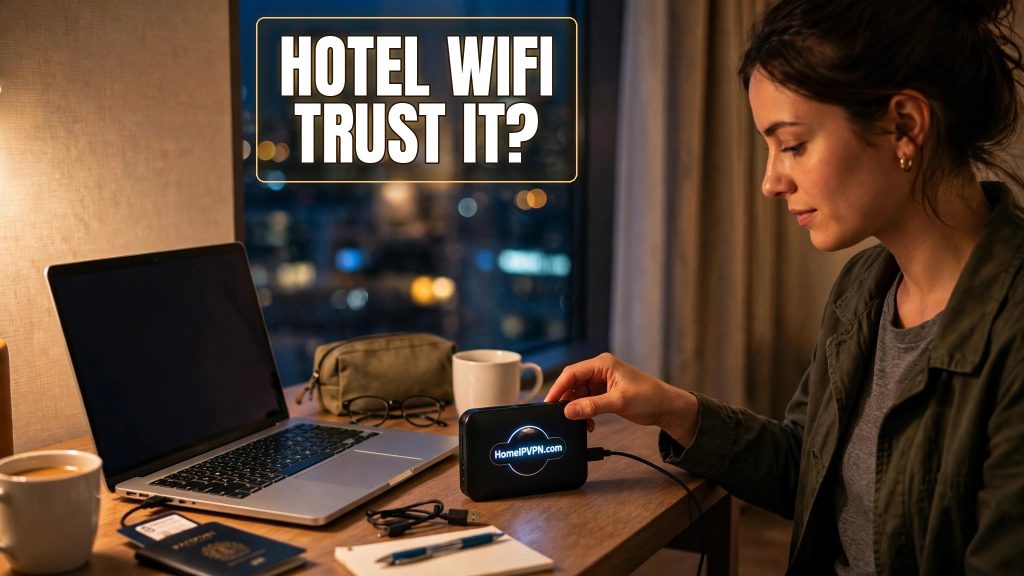
You've just checked into a hotel, your laptop auto-joins the Wi-Fi, and a small voice asks: is this actually safe? The honest answer to "is hotel WiFi safe" is: it depends entirely on what you do after connecting. Hotel networks aren't uniquely evil, but they're shared, often poorly secured, and full of strangers. Here's a clear-eyed breakdown of the real risks, the travel-router-plus-VPN setup that neutralizes most of them, and what even a VPN can't protect you from.
What's actually risky about hotel networks
Let's separate movie-plot threats from real ones.
Real risk: open or weakly-encrypted Wi-Fi. Many hotel networks are open (no password) or use a single shared password for every guest. On these networks, traffic between your device and the access point can be captured by anyone in range with free tools. Your HTTPS browsing is still encrypted end to end, but DNS queries, unencrypted apps, and metadata leak.
Real risk: evil twin hotspots. An attacker in the hotel broadcasts "Hotel_WiFi_Free" next to the real "Hotel_WiFi". Guests connect to the wrong one without noticing. Now the attacker sees everything before it even reaches the real network. This is cheap to pull off and genuinely happens.
Real risk: the captive portal. That login page is served over plain HTTP and sits between you and the internet by design. It's a natural interception point, and the moments before your VPN connects are your most exposed.
Real risk: other guests. A hotel network is a LAN shared with hundreds of strangers. Insecure file shares, outdated devices, and curious neighbors with scanning tools are all part of the environment.
Overblown risk: the hotel spying on you. Could the hotel technically inspect traffic? On unencrypted traffic, yes. In practice, hotels are in the hospitality business, not the surveillance business. The realistic adversary is another guest, not the front desk.
Overblown risk: "hackers" targeting you specifically. Nobody is waiting in the lobby to hack you. The threats are opportunistic and automated: sniffing everything, attacking everything. Good hygiene defeats opportunistic attacks completely.
The travel-router + VPN setup that neutralizes most risk
This is the standard remote-worker setup for a reason. Each layer covers the others' gaps:
Layer 1: the travel router. Your devices never touch the hotel network directly. The router connects to the hotel Wi-Fi (handling the captive portal once), and your laptop and phone join the router's private, encrypted Wi-Fi. An evil twin targeting the hotel network gets the router, not your laptop, and the router's traffic is all VPN-encrypted anyway.
Layer 2: the VPN tunnel to home. Once the tunnel is up, everything is encrypted from the router to your home network. Sniffing, evil twins, curious guests, compromised hotel equipment: they all see nothing but encrypted packets headed to your home IP. As a bonus, your banking and work tools see your familiar residential address.
Layer 3: the kill switch. If the tunnel drops at 3am while your laptop syncs email, the router blocks all traffic instead of silently falling back to the hotel network. This is the layer people skip and later regret. Enable "Block Non-VPN Traffic" and test it: disconnect the VPN manually and confirm nothing loads.
Layer 4: habits. Do the captive portal, then bring the VPN up before opening anything sensitive. Keep your OS and browser updated. Don't ignore certificate warnings. These cost nothing and close the gaps technology can't.
| Threat | Without protection | With router + VPN + kill switch |
|---|---|---|
| Traffic sniffing | Visible metadata and unencrypted data | Encrypted tunnel, nothing to see |
| Evil twin hotspot | Device connects to attacker | Router takes the hit; traffic still encrypted |
| Captive portal interception | Exposed until VPN starts | Brief window; VPN up immediately after |
| Tunnel drops mid-session | Silent fallback to hotel net | Kill switch blocks everything |
What even a VPN can't protect you from
A VPN is a network tool. It does nothing about:
Phishing. That "your bank account is locked" email doesn't care about your tunnel. Phishing is the top threat to travelers, VPN or not. Slow down, check sender addresses, and never log in via email links.
Malware. A VPN encrypts the malware's traffic just as happily as yours. Keep antivirus/endpoint protection current, don't install "free" software from hotel business centers, and be skeptical of USB drives and public charging stations (use a charge-only cable or your own power bank).
Physical theft. A laptop left in a hotel room is a data breach waiting to happen. Full-disk encryption, strong login passwords, and locking the device every time you stand up matter more than any network setting. Hotel safes are better than nothing; carrying the laptop is better than the safe.
Shoulder surfing. In lobbies and coworking spaces, someone can literally watch you type a password. Privacy screen filters are cheap and effective.
Fake front-desk calls. "This is the front desk, we need your credit card again" is a classic. Hang up and call the number on your booking confirmation.
FAQ
Is hotel WiFi safe for banking?
Should I use the hotel's ethernet if available?
What about Airbnb Wi-Fi?
Can the hotel see what I'm doing if I use a VPN?
Is the free hotel VPN or "secure Wi-Fi" offering enough?
Do I need a VPN on my phone too, or just the laptop?
Need help setting this up?
If hotel WiFi has been making you nervous, that's good instincts. Channel them into a proper setup: travel router, home IP tunnel, kill switch tested and working. We build exactly this for remote workers, or audit what you've already got. $79 consultation to start: https://homeipvpn.com/appointment. The $79 is credited toward the $379 Secure Home IP VPN System session, and the session happens remotely over screen share at your scheduled time.

