REMOTE WORK & DIGITAL NOMAD
Cruise Ship Remote Work: Staying Connected at Sea
Working remotely from a cruise ship sounds like the ultimate "office with a view", and it can be, with the right expectations and gear. Ship internet
✓Ship WiFi realities: satellite✓Travel router setup for ship✓What to realistically expect for
Quick Answer
Working from a cruise ship is realistic for email and messaging, but satellite latency, often 600ms or more on older systems, makes video calls painful. Bring a travel router to clear the captive portal once and tunnel everything through your home IP VPN, the routine HomeIPVPN recommends for ship-based clients.
- Ship WiFi: Satellite-based, high latency, shared with thousands of passengers, and often metered or per-device; Starlink-equipped ships are better.
- Router payoff: Join the ship SSID in repeater mode and clear the portal once; the ship sees one device and your other devices skip per-device fees.
- Calls and prep: Schedule calls for off-peak hours, prefer audio over video, keep offline workflows for dead zones, and update firmware before boarding.
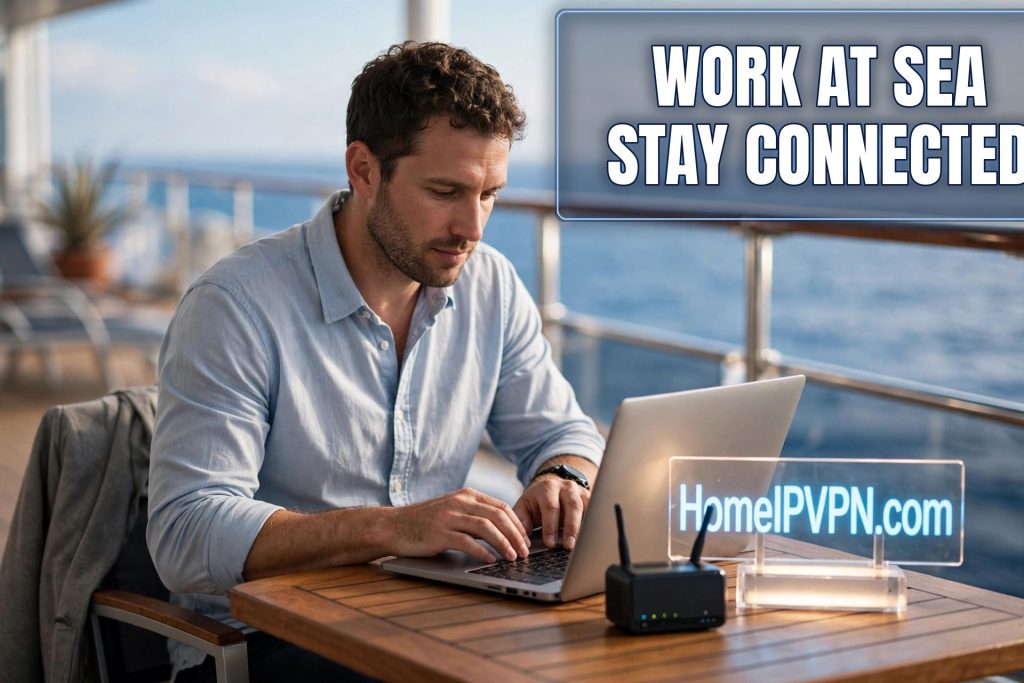
Cruise Ship Remote Work: Staying Connected at Sea
Working remotely from a cruise ship sounds like the ultimate "office with a view", and it can be, with the right expectations and gear. Ship internet is unlike any connection you've used: satellite-based, high-latency, metered, and shared with thousands of passengers. Here's the realistic guide to remote work cruise ship internet VPN life: what ship WiFi is actually like, how to set up your travel router for it, and what video calls at sea really feel like.
Ship WiFi realities: satellite latency and captive portals
How it works: your traffic goes from the ship to a satellite and back down to a ground station, a round trip of tens of thousands of kilometers. Even on modern low-earth-orbit systems (Starlink and equivalents, increasingly common on major cruise lines), latency is far higher than home broadband. On older geostationary systems, 600–800ms ping is normal.
What that means in practice:
- Email, Slack/Teams chat, web browsing: fine. Latency is noticeable but tolerable.
- Video calls: the hard part. High latency causes talk-over delays and robotic audio; limited upload bandwidth causes freezing. Possible on good ships at off-peak times, painful otherwise.
- Large uploads/downloads: slow and often metered. Ship plans are frequently sold by data allowance or per-device, check pricing before you sync a gigabyte repo.
- VPN tunnels: work, but add their own overhead to an already constrained link. WireGuard's efficiency helps; expect the tunnel to feel slower than at a hotel.
Captive portals: ships authenticate per device through a web portal, and often charge per device. This is where most travelers' setups break: your laptop's VPN can't connect until the portal is cleared, and every device needs its own login.
Dead zones and port days: connectivity degrades in bad weather and certain sea regions. In port, ship WiFi often gets worse (everyone uploads photos at once), but port also means local cellular and café WiFi as alternatives.
Travel router setup for ship networks
A travel router earns its keep on a cruise more than almost anywhere else:
- Connect the router to ship WiFi once. The router joins the ship's network and you clear the captive portal on one device (your phone or laptop, through the router). Some travel routers (GL.iNet included) have repeater modes designed for exactly this, connect to the ship SSID as WAN, broadcast your own private SSID.
- One portal login covers all your devices. The ship sees a single device (your router). Your laptop, phone, and tablet join the router's network with no additional logins or per-device fees, a genuine cost saver on lines that charge per device.
- The VPN tunnel starts automatically. Once the router has internet, it brings up your WireGuard tunnel to home. Everything behind the router, all devices, is encrypted and exits from your home IP.
- Captive portal re-auth: ship portals time out (often every 24 hours or on network changes). When the tunnel drops and websites redirect to the portal, re-authenticate through the router's repeater interface, one login, everything back online.
Before you board:
- Update the travel router's firmware at home (don't do it over ship WiFi).
- Verify the tunnel, and note your DDNS hostname and recovery steps.
- Download offline materials: key documents, reference files, entertainment, assume periods with no usable connection.
- Check your cruise line's internet packages and pricing in advance; the unlimited tier is usually worth it for a working cruise.
Onboard tips:
- 2.4 GHz vs 5 GHz: ship WiFi is congested; try both bands on your router's repeater and keep whichever is stabler.
- Off-peak is everything: early mornings (before excursions return) and late nights have dramatically better bandwidth. Schedule deep work then.
- Port days = backup internet: in port, your phone's roaming or a local eSIM often beats ship WiFi. Let the travel router fail over to your phone hotspot.
What to realistically expect for video calls at sea
Honest calibration, because this is where disappointment lives:
- On Starlink-equipped ships, off-peak: video calls are genuinely workable, occasional hiccups, but professional enough for most meetings.
- On older satellite systems: plan for audio-only. Video will freeze, audio will clip, and screen sharing will crawl. Join with camera off, dial in by phone audio if the platform allows, and warn attendees in advance.
- Always: have a backup plan for critical calls, reschedule to a port day with cellular, or pre-record a video update instead of presenting live.
Call-survival settings: camera off, screen share only when essential (and at low resolution), close every other app, and ask the travel router to prioritize your laptop (QoS) during the call window. Noise-canceling headphones are non-negotiable with ship ambient noise.
The cruise work stack
| Need | Solution |
|---|---|
| Ship portal + per-device fees | Travel router as single client |
| Security on shared ship network | Home IP VPN tunnel, always on |
| Consistent banking/work location | Tunnel exits from home IP |
| Dead zones | Downloaded offline work + entertainment |
| Critical calls | Port-day cellular or Starlink off-peak |
| Power (cabin outlets are few) | Small power strip (non-surge, cruise-compliant) |
FAQ
Can you actually work remotely from a cruise ship?
Does a VPN work on cruise ship WiFi?
How do I avoid paying for WiFi on every device?
Is Starlink on cruise ships good enough for Zoom?
What happens to my VPN when the ship's portal times out?
Should I tell my employer I'm working from a cruise?
Need help setting this up?
Boarding day is not the day to discover your router can't handle a captive portal. Talk to us before you sail and we'll get your travel router cruise-ready, portal re-auths and all: https://homeipvpn.com.

