REMOTE WORK & DIGITAL NOMAD
Digital Nomad Guide to Thailand: Banking, Work Tools, and Home IP
Thailand earns its digital nomad reputation: great coworking in Bangkok, mountain calm in Chiang Mai, and living costs that make a remote salary go far. But…
✓The blocks you'll actually hit✓Staying on a home-country IP from✓SIM, WiFi, and backup connectivity
Quick Answer
A home IP VPN is the setup that holds up for nomads in Thailand: a tunnel to your own home internet, so banks and work portals see your home-country IP. It is the two-device setup HomeIPVPN builds for remote workers.
- The blocks: Frozen bank logins, geo-fenced HR portals, and Thai streaming catalogs are IP-reputation problems; datacenter VPN IPs make banking worse.
- Before you fly: Set up an always-on home server (WireGuard, port forwarding, DDNS); use Tailscale if your ISP puts you behind CGNAT.
- In Thailand: The travel router joins the local WiFi once; every device behind it tunnels home under one kill switch.
- 2FA and verify: Move 2FA to an authenticator app before departure, then verify visible IP, geolocation, and DNS on arrival.
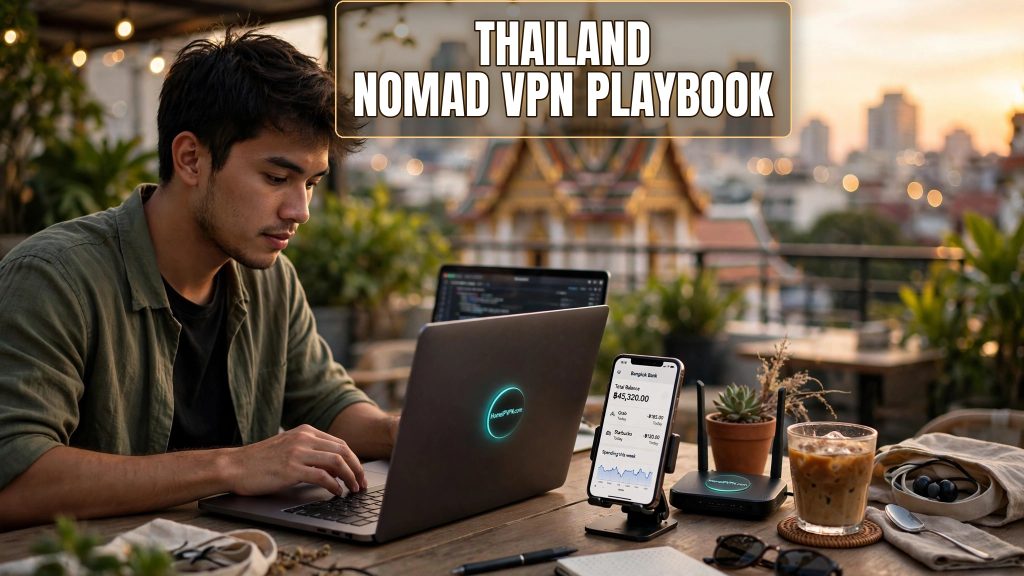
Thailand earns its digital nomad reputation: great coworking in Bangkok, mountain calm in Chiang Mai, and living costs that make a remote salary go far. But the digital nomad Thailand VPN banking headache is real, and it ambushes newcomers who assumed "good WiFi" was the whole story. Frozen bank logins, dead work portals, vanishing streaming libraries. Here's the playbook that actually holds up for months, not days.
The blocks you'll actually hit
This has nothing to do with Thailand's internet being bad. It's automated risk scoring reacting to a Thai IP:
- Bank and brokerage lockouts. Years of US or EU logins, then suddenly Bangkok. Fraud systems read that as account takeover. Some demand verification via a phone number that doesn't roam; others quietly restrict features to domestic IPs.
- Employer and HR portals. Payroll, benefits, internal tools with geo-fencing or conditional access may refuse Thai IPs or escalate you to security review.
- Government services. Tax portals, benefits sites, ID verification: often geo-restricted to the home country, full stop.
- Streaming. Your catalog follows your IP, not your passport. From Thailand you get the Thai library unless your traffic exits at home.
- 2FA friction. SMS codes sent to the home-country SIM you swapped out on arrival day. They never arrive. You're locked out with no recourse from abroad.
A commercial VPN fixes the streaming part and routinely fails the banking part, because datacenter IPs are exactly what fraud filters hunt. Your own residential IP doesn't have that problem. To every automated system, you never left.
Staying on a home-country IP from Bangkok or Chiang Mai
The setup that survives long stays:
- Before you fly: a small always-on VPN server on your home internet (spare travel router or Raspberry Pi, WireGuard), with port forwarding and DDNS. Behind CGNAT? Use Tailscale instead.
- Travel with a router, not just apps. In Thailand it joins the condo or coworking WiFi; your devices join it; everything tunnels home. One config, one kill switch guarding all of it.
- Pack a fallback protocol. Some Thai networks are picky about VPN traffic. A preconfigured OpenVPN-over-TCP or AmneziaWG profile turns a blocked evening into a two-tap fix.
- Verify on arrival, from the real network. Before anything sensitive: visible IP, geolocation, DNS leak test. The hotel WiFi you tested from home tells you nothing.
- Plan for home-side outages. Thailand runs 11-14 hours ahead of the US, so your workday is your house's deep night. A smart plug on the home server means you can reboot it at 3am home time without waking anyone.
Long-stayers sometimes add a second exit: a trusted family member's connection back home as backup. When your income depends on the tunnel, redundancy stops feeling paranoid.
SIM, WiFi, and backup connectivity
Mobile data first. Thai tourist and long-stay SIMs are cheap with generous data, and 4G/5G coverage in Bangkok, Chiang Mai, and the main islands is excellent. Buy one on arrival day. When the condo WiFi dies mid-call, a phone hotspot is the backup that actually works. Keep your home number alive somehow too (cheapest plan, or VoIP forwarding), because some 2FA codes only go there.
WiFi, honestly assessed. Coworking spaces in Bangkok and Chiang Mai are generally solid and call-ready. Condo and Airbnb WiFi is a lottery: ask the host for a recent speed-test screenshot before committing to a month, and distrust any building where dozens of units share one link.
Power. City grids are reliable, but tropical storms cause brief outages. Here's the thing people miss: a UPS matters more at the home end than in Thailand. Your tunnel's uptime depends on the server staying powered back home.
2FA hygiene, before departure. Move every important account off SMS onto an authenticator app. "My codes go to a number I can't receive" is the most common preventable lockout story I hear from nomads.
Quick questions
Is using a personal VPN legal in Thailand?
Fast enough for Zoom from Thailand to the US?
Should I open a Thai bank account?
Bangkok or Chiang Mai for remote work?
Need help setting this up?
Long-stay nomad setups are our specialty: fallback protocols, remote power management, leak tests verified before you fly. Done-for-you home IP VPN setup: https://homeipvpn.com.

