RESIDENTIAL IP SOLUTIONS
Do I Need a VPN for Airport WiFi?
Quick Answer Airport WiFi is one of the least trustworthy networks you will use: thousands of strangers share it, fake hotspots impersonate it, and you have no idea how it is configured. A VPN encrypt
Quick Answer
Airport WiFi is one of the least trustworthy networks you will use: thousands of strangers share it, fake hotspots impersonate it, and you have no idea how it is configured. A VPN encrypts your traffic, which neutralizes the main risks. For a layover, the safest simple routine is: verify the exact official network name, connect through your VPN, and save sensitive tasks for later if anything looks off.
- Fake hotspots are the top threat: attackers set up networks with names nearly identical to the official airport WiFi.
- What a VPN fixes: encrypted tunnel means snoopers on the network, real or fake, cannot read your traffic.
- What it does not fix: a fake login portal harvesting your email, or malware; verify the network name and keep software updated.
- Land connected: travelers who route through HomeIPVPN arrive with their accounts already seeing a familiar home location, not a new country.
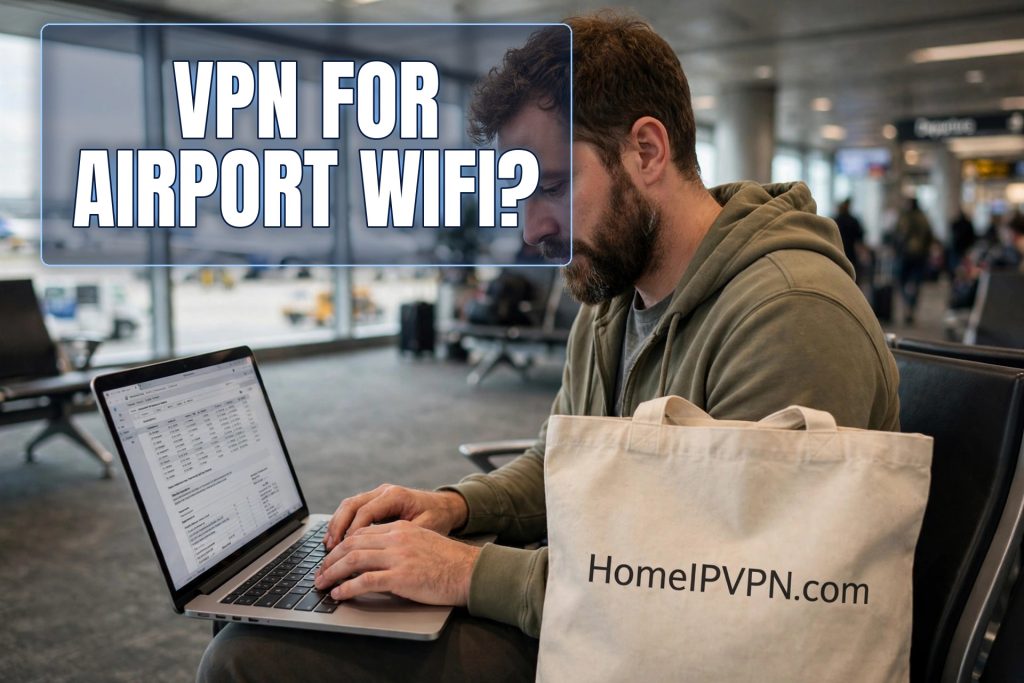
Six hours in Hamad International. I had a dead phone, a delayed connection, and a laptop full of work I could finish if I just had WiFi. The network list showed “HIA_Free_WiFi,” “HIA Free WiFi,” and “Airport_WiFi_Free,” and I stood there in the terminal realizing I had no idea which one was real. That moment of uncertainty is the entire airport WiFi problem in miniature.
Airports are where travelers are most desperate for connectivity and least able to evaluate it. You are tired, rushed, and surrounded by strangers, which is exactly the environment where network risks thrive. Here is what is happening on airport networks, what a VPN does about it, and a simple routine for every layover.
Why airports are the worst networks
Think about what makes a network risky: many strangers, no trust, no accountability, and users who will click anything to get online. Airports maximize all of it. Thousands of people cycle through daily, the network is a utility nobody thinks about, and everyone connecting is in a hurry. It is the ideal hunting ground for anyone interested in intercepting traffic.
The infrastructure itself is often fine; major airports run professional networks. The problem is everything around it. Attackers set up fake hotspots with names one character off from the official one. Your phone may auto-join a network it thinks it recognizes. The captive portal, the page where you accept terms or enter an email, can be imitated to harvest credentials.
And unlike a cafe, you cannot ask the barista. Airport staff generally cannot tell you the exact network name with confidence, the signage is inconsistent, and you are one of ten thousand people asking questions today. Verification is harder, which makes the fake hotspot attack easier.
The evil twin, explained simply
The attack worth knowing by name is the “evil twin.” An attacker sets up a WiFi network with the same or a similar name as the legitimate airport WiFi. Your device, which prefers known networks and strong signals, connects to the attacker’s equipment instead of the airport’s. From that moment, all your traffic flows through their hands.
What can they do with it? They can observe unencrypted traffic, redirect you to fake versions of login pages, and strip away protections in various clever ways. This sounds alarming, and it is a real attack, but it has a straightforward defense that works even if you join the wrong network: a VPN.
With a VPN active, your traffic is encrypted before it leaves your device. The evil twin operator sees only scrambled data heading to your VPN server. They cannot read it, cannot meaningfully redirect it, and gain nothing from your connection. The VPN does not prevent you from joining the wrong network, but it makes joining the wrong network mostly harmless.
Your layover routine, step by step
Here is the routine I use in every airport now. First, find the official network name from the airport’s own signage or website, not from the network list. Look for the exact spelling, including underscores, spaces, and capitalization. If the airport’s site lists the WiFi name, use that as the source of truth.
Second, before connecting, turn off auto-join for unfamiliar networks in your phone’s settings, and forget old airport networks you joined on previous trips. Your device’s eagerness to reconnect is the evil twin’s best friend. A phone that only joins networks you explicitly choose is a much harder target.
Third, connect, get through the captive portal with minimal information, and start your VPN before doing anything else. Make the VPN the gate: no browsing, no email, no logins until the tunnel is up. If your VPN has a kill switch, enable it, so a dropped connection does not silently expose you.
Fourth, do the sensitive stuff or do not. Email and general browsing over VPN in an airport is fine. Online banking can wait the six hours unless it cannot; if it cannot, the VPN plus the bank’s own encryption is reasonable protection. What you should not do in an airport, VPN or not, is anything involving new account creation, password resets, or downloading sensitive documents to an unencrypted device.
Phone versus laptop in airports
Your phone is actually the safer airport device in one respect: mobile data. If you have a local SIM, an eSIM, or roaming, using mobile data instead of airport WiFi sidesteps the entire problem. The cellular connection is encrypted between your phone and the carrier, no strangers involved. For quick tasks, email triage, messaging, maps, mobile data beats airport WiFi on both safety and simplicity.
Save the airport WiFi for the laptop work that needs real bandwidth. And if you tether your laptop to your phone’s hotspot, you get the best of both: the laptop’s screen and keyboard with the phone’s safer connection. It uses your data allowance, so it is a sometimes tool, not an always tool, but for sensitive work in an airport it is the gold standard.
Whatever you use, keep Bluetooth and AirDrop set to contacts-only or off. Airports are dense with devices, and an open AirDrop has been the vector for more than one traveler’s bad day. These radios are separate from WiFi, and a VPN does nothing for them.
On very long layovers, it is tempting to settle in and treat the airport like an office: video calls, big uploads, hours of work. It is fine to work, but keep perspective on the environment. You are surrounded by strangers, your attention is divided by announcements and boarding calls, and shoulder surfing is trivially easy in a crowded gate area. Save the confidential client call for the hotel. Use the layover for the low-sensitivity backlog: inbox triage, expense reports, reading, planning. Match the work to the setting and the setting stops being a risk.
Charging stations and USB ports
While we are on airport risks: those public USB charging stations deserve a mention. A compromised charging port can, in theory, do more than charge; it can attempt to communicate with your device. This attack, sometimes called juice jacking, is rare in practice but the defense is trivial: carry your own charger and plug into the AC outlet, or use a USB data blocker, a tiny adapter that passes power but not data. Ten dollars, permanent peace of mind.
This is the same principle as the WiFi advice: bring your own trust. Your charger, your VPN, your hotspot. In environments you cannot verify, the safest approach is to depend on as little of the environment as possible.
Arriving with your accounts calm
There is one more airport-adjacent benefit worth mentioning. Landing in a new country means your accounts are about to see a new location. If your first login from the new country happens over airport WiFi, that is the login your bank’s fraud system evaluates. Travelers who route through their home connection arrive digitally before they arrive physically: their accounts see the familiar home location, and the whole trip starts without a single verification challenge.
It is a small thing that changes the texture of travel. No “we noticed a new login” emails. No frozen payment apps while you are trying to pay for a taxi. Just the quiet luxury of everything working. HomeIPVPN is set up for exactly this: your connection appears from your home internet no matter which airport you are sitting in.
The short layover version
Do you need a VPN for airport WiFi? Yes, as much as anywhere. Airports concentrate every public-network risk into one building, and a VPN neutralizes the main ones. But the VPN is half the routine; the other half is your own attention. Verify the network name, do not auto-join, start the VPN before anything else, and use mobile data for the truly sensitive stuff.
The root cause underneath it all is unfamiliarity: strange networks, strange locations, accounts that notice the strangeness. That is the problem HomeIPVPN was built to solve: the location strangeness disappears permanently. If you would rather have someone set it up and verify it works before your next flight, the Pre-Travel Audit & Advisory session is 1 hour, costs $79, and that fee comes straight off the $279 Secure Home IP VPN System session if you go ahead.
Safe landings, and may your layovers always have decent coffee.