TROUBLESHOOTING
How Companies Detect Remote Workers Abroad (Without Any Spyware)
Tom is a support engineer who has been in Medellin for a month. His work has been fine, better than fine, honestly. He answers tickets fast, his manager is…
✓Your IP address is the loudest✓WiFi network names tell a story✓Latency: the physics giveaway
Quick Answer
Companies do not need spyware to spot a remote worker abroad. Your IP address, the names of the WiFi networks you join, the physics of signal travel time, and your login patterns each tell part of the story. Together, they are very hard to argue with.
- IP addresses: The country and city of your connection are visible in every company login, email session, and VPN connection.
- WiFi names: The networks your laptop joins are visible to IT tools, and a name like “Hotel_Barcelona_Guest” is not subtle.
- Latency and login patterns: Signals from another continent take measurably longer to arrive, and logins at odd hours paint a clear picture.
- The clean solution: Send all of your work through your own home internet connection so every signal agrees, which is exactly what HomeIPVPN sets up for travelers.
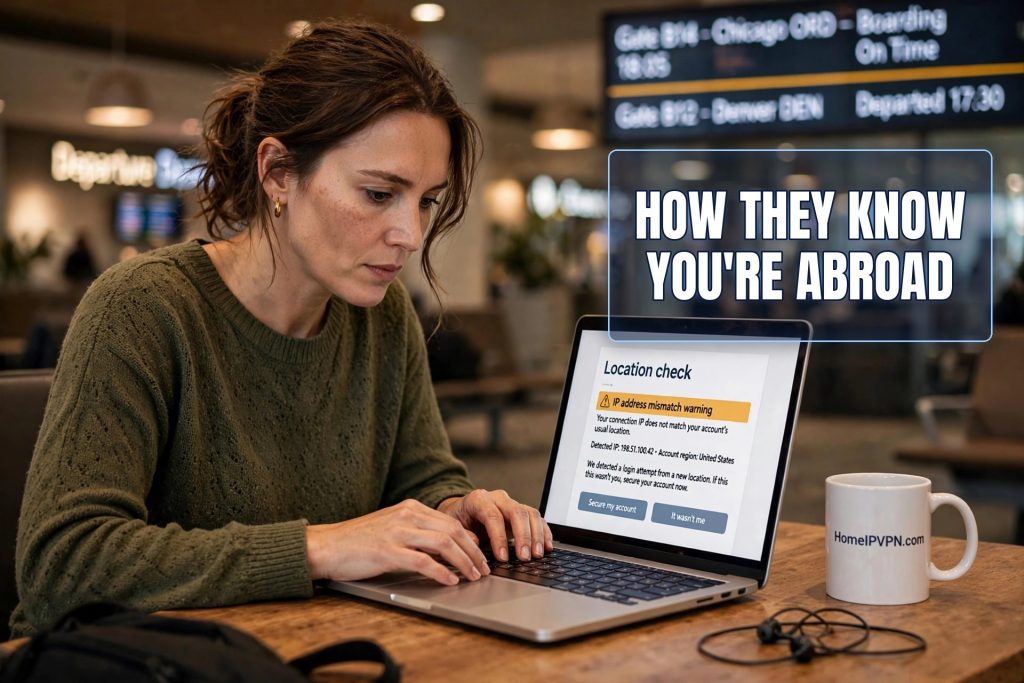
Tom is a support engineer who has been in Medellin for a month. His work has been fine, better than fine, honestly. He answers tickets fast, his manager is happy, and the coworking space has better coffee than his apartment back home ever did. Then, on an ordinary Tuesday, a Slack message pops up from his manager: “hey, quick question, where are you working from this week?”
Tom’s stomach drops. He types “home, why?” and the reply comes back: “no reason, just checking.” Nothing more is ever said about it. But Tom cannot stop thinking about it for the rest of the month. How did they know? Or were they just guessing?
Here is the thing most remote workers never fully absorb: companies do not need spyware, keyloggers, or screen recorders to figure out where you are. The everyday signals are more than enough. Your connection, your networks, your timing, and your patterns each leave a small clue, and together they form a picture that is surprisingly detailed. Let us go through them one by one, in plain English, so you understand exactly what your employer sees.
Your IP address is the loudest signal
We will start with the big one, because it dwarfs everything else. Every time your laptop talks to the internet, it uses an address called an IP address. Think of it as the return address on every letter you send. Your company’s email server, its VPN gateway, its chat platform, and every cloud app you log into all see that return address, and they write it down. Keeping these logs is standard security practice, not surveillance.
IP addresses are registered to places. The lookup will not give your street address, but it reliably gives your country and usually your city. So your employer’s login records do not just say “Tom logged in at 9:04.” They say “Tom logged in at 9:04 from Medellin, Colombia.” And they say it for every login, every day, in a neat list that anyone in IT can sort and filter.
The giveaway is rarely a single entry. It is the change. For a year, every line said Chicago. Then, starting on a Monday, every line says Medellin. You do not need sophisticated monitoring to spot that. A routine security review, an automated alert for logins from a new country, or even a curious glance at a report does the job. The IP address is the loudest signal because it is attached to everything, it is recorded automatically, and it is unambiguous about country.
This is also the signal you cannot talk your way around. If the logs say Colombia for thirty straight days, no explanation about “visiting a friend for the weekend” survives contact with the calendar. The data is boring, consistent, and extremely persuasive.
WiFi network names tell a story
The second signal is almost embarrassingly simple: the names of the WiFi networks you join. Every WiFi network has a name, called an SSID, and your laptop keeps a list of the ones it has connected to. Your company’s security software, the program IT installed on your work laptop, can typically see which network you are currently on. In many setups it can see more than that.
Now think about what those names look like when you travel. “Hotel_Barcelona_Guest.” “Selina_Cowork_Medellin.” “Airbnb_Guest_5G.” These names are not encrypted or hidden. They are plain text, broadcast openly, and they are about as subtle as a postcard. An IT admin glancing at a device report does not need to be a detective to read the story those names tell.
Even the pattern of network changes is informative. At home, your laptop connects to the same one or two networks for months. On the road, it hops between a new network every few days: a hotel, a cafe, a coworking space, an airport lounge. That restlessness shows up in the records as a device that never sits still, which is exactly what a traveling laptop looks like and exactly what a homebound laptop does not look like.
You might think: I will just rename things, or forget networks after use. Forgetting a network removes it from your laptop’s memory, which helps a little, but it does nothing about the network you are on right now, and nothing about the IP address behind it. The WiFi name is a supporting signal, not the main one, but it is the kind of detail that turns a suspicion into a certainty.
Latency: the physics giveaway
This one is my favorite, because you cannot argue with physics. Latency is just a fancy word for delay: how long it takes a signal to travel from your laptop to a server and back. It is usually measured in milliseconds, thousandths of a second, and it is logged constantly because IT uses it to diagnose call quality and connection problems.
Here is why it matters for location. Signals travel through fiber-optic cables at a large fraction of the speed of light, which is fast, but not infinite. A signal from Chicago to a company server in Virginia might take 30 milliseconds round trip. The same signal from Medellin has thousands of extra miles to cover, so it takes noticeably longer, maybe 120 milliseconds or more. From Bangkok or Sydney, longer still. Nobody can fake being closer than physics allows.
On its own, a single latency reading proves nothing. Networks have bad days. But a pattern of consistently higher delay, day after day, combined with everything else, is another line of evidence. And unlike an IP address, you cannot change latency with any setting on your laptop. It is baked into the distance between you and the server. Some companies even have tooling that flags when an employee’s connection characteristics suddenly look like a different continent, because that same pattern is also how account takeovers look.
The honest summary: latency will not convict you by itself, but it corroborates everything else. It is the quiet witness that never lies about distance.
Login patterns: the rhythm of your day
People are creatures of habit, and login records capture those habits beautifully. Your employer can see not just where you log in from, but when: the time you start each day, when you take lunch, when you sign off. Over months, that forms a rhythm as distinctive as a fingerprint.
Travel scrambles the rhythm in ways that are hard to hide. If you keep working home hours from eight time zones away, your logins now start at what is locally 1 a.m. or 5 a.m., and your activity stretches through hours when any reasonable person would be asleep. If you shift to local hours instead, your 9-to-5 suddenly starts at 2 a.m. home time, and your manager notices you are weirdly unavailable during the hours you used to be online. Either choice leaves a mark.
Then there are the smaller timing tells. Multi-factor authentication prompts, those “approve this login” taps on your phone, get answered at odd hours. Calendar invites you accept show up with timestamps that do not match your supposed location. File saves and email sends carry time metadata. None of these is proof on its own, but a manager who is already wondering will find the pattern in about five minutes of looking.
This is the signal people forget because it feels so mundane. You are not doing anything wrong in any given moment. You are just living your day. But your day, recorded across dozens of systems, has a shape, and travel changes the shape.
The paper trail outside your laptop
Not every signal is technical. Some of the most common ways people get found out have nothing to do with networks at all. Expense reports are a classic: you submit a receipt from a restaurant in Medellin while your profile says you work from Chicago, and nobody even needed to check a log. The finance system did the detective work by accident.
Support tickets are another. You open a ticket because the office VPN is slow, and the ticket system records your location alongside it. Or you call the help desk and mention, casually, that you are at a coworking space, and the agent notes it. People are often far more careful with their laptops than with their words.
And then there is the human network, which is the least controllable signal of all. You tell one coworker you are in Colombia. That coworker mentions it on a call. Your manager hears it third-hand and decides to check the login reports “just out of curiosity.” A huge share of these stories end not with a dramatic unmasking by software, but with a casual comment traveling further than expected. Operational security is a team sport, and most teams are terrible at it.
How it usually comes out in the end
Here is what the ending typically looks like, because it is rarely dramatic. There is no confrontation with printed-out evidence, no “we know you were in Medellin on the 14th.” What happens is a casual question, exactly like the one Tom got: “hey, quick question, where are you working from this week?” The casualness is the point. By the time someone asks, they usually already know. They are giving you a chance to be honest, or they are confirming what the reports already told them.
Why does the company care? Usually it is not about your productivity. Tom was doing great work. It is about the boring legal machinery underneath employment: payroll taxes are calculated by where work is performed, labor laws differ by jurisdiction, and some companies have insurance or client contracts that restrict where work can happen. Your manager might personally not care at all and still be required to act, because the company’s obligations do not pause for a good quarter.
That is also why “but I got all my work done” is not the defense people hope it is. The issue was never your output. It was the mismatch between where the company believes you are, for tax and legal purposes, and where you actually are. Once that mismatch is documented in login records, it becomes a compliance problem, and compliance problems do not get resolved with a good performance review.
Making every signal agree
Look at the full picture now: the IP address says Medellin, the WiFi names say Medellin, the latency says South America, the login rhythm says a different time zone, and the expense report says Medellin. Five independent signals, all pointing the same way. That is what makes detection so reliable. It is not one clever trick. It is the sheer number of ordinary records that all happen to include location.
This is why piecemeal fixes fail. Change the IP address with a commercial VPN and the WiFi names still talk, the latency still looks wrong, and the VPN address itself is flagged as belonging to a VPN company. Tweak the time zone and the login timestamps still tell the story. Each fix covers one signal while the others keep testifying. The only approach that actually works is making every signal agree on the same story, and the only story that holds up under all five is the true one from your employer’s point of view: you, at home. For example, even a travel-router VPN can leak your real location through Teams.
That means routing your work through your actual home internet connection, so the IP address is your home address, the network looks like your home network, and the latency looks like the distance from your house. That is what HomeIPVPN sets up for you before you travel: a private, secure tunnel from your laptop back to your own home internet. Every company system then sees the same familiar home connection it has always seen, and there is no disagreement between the signals for anyone to notice.
The root cause behind all five signals is the same: your work traffic carries the network identity of wherever you physically are, and ordinary company systems record it without anyone asking. That is the problem HomeIPVPN was built to solve. If you would rather have someone set it up and verify it works, the Pre-Travel Audit & Advisory session is 1 hour, costs $79, and that fee comes straight off the $279 Secure Home IP VPN System session if you go ahead.
Tom never did find out whether his manager knew or was guessing. But you do not need to live with that question hanging over your coffee. When every signal says home, nobody ever has a reason to ask.

