ROUTER SETUP
How to Stop DNS Leaks on Your Travel Router
Here's an uncomfortable truth: your VPN tunnel can be working perfectly while your location leaks anyway. DNS, the system turning domain names into IP…
✓How DNS Leaks Give You Away✓Forcing Every Query Through the✓Proving It With Leak Tests
Quick Answer
Stop DNS leaks by forcing every query through the tunnel: DNS override on the travel router, firewall off port 53 escapes, IPv6 off on the travel LAN, and no hardcoded DNS or pinned DoH on devices. Then prove it with an extended leak test.
- Why leaks: routers pass along hotel DNS, browsers run their own DoH, IPv6 slips past the tunnel, reconnect gaps fall back local.
- Ideal: forward DNS through the WireGuard tunnel to your home resolver so queries originate from your home IP.
- Devices: set OS DNS to automatic and browser DoH to system default, then let the router do its job.
- Prove: run the extended test on every device and browser; mid-reconnect too. HomeIPVPN‘s VPN audit hunts these invisible leaks.
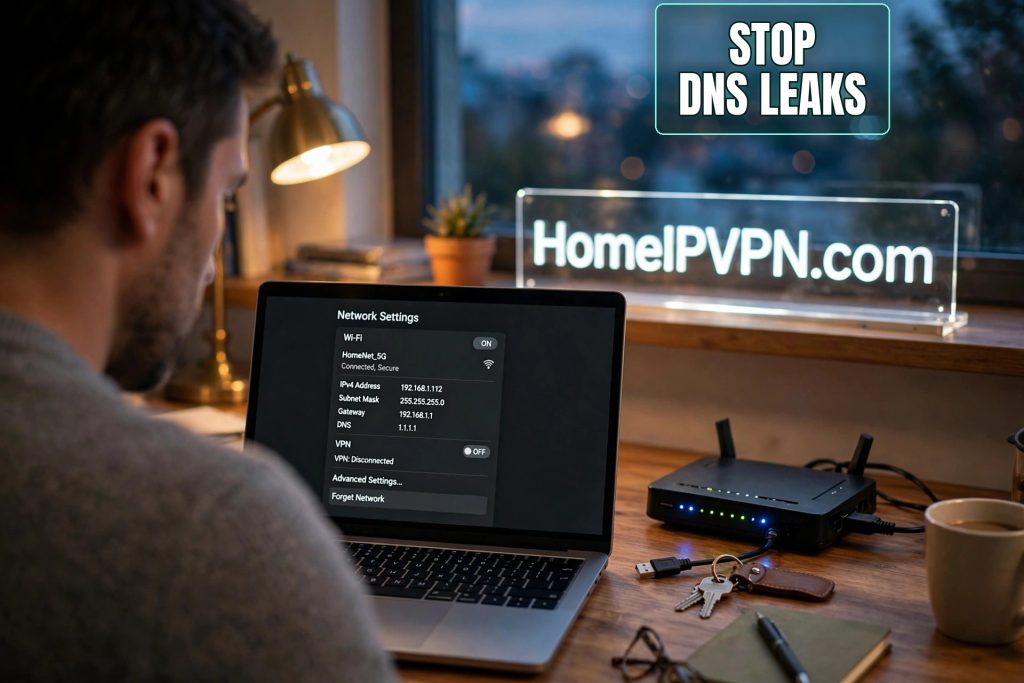
How to Stop DNS Leaks on Your Travel Router
Here's an uncomfortable truth: your VPN tunnel can be working perfectly while your location leaks anyway. DNS, the system turning domain names into IP addresses, is the quiet saboteur of travel setups. If you want to stop DNS leaks on a travel router, you need to understand where they come from, because the leak is never in the tunnel itself. It's in everything around it.
How DNS Leaks Give You Away
The mechanics are simple. You type a domain into your browser; your device asks a DNS resolver for the IP. If that question goes to the hotel's DNS server instead of traveling through your VPN tunnel, two bad things happen.
First, the local network operator gets a readable list of every domain you look up. DNS is usually unencrypted, so the hotel or café sees your destinations even though page contents are encrypted inside the tunnel.
Second, and sneakier: resolvers are geographically close to you. Traffic exiting from a home IP in Chicago, but DNS queries hitting a resolver in Bangkok, is a mismatch that detection systems specifically hunt for. Your IP says home; your DNS says you're lying.
Why does this happen with the VPN up? Because DNS lives at several layers and the VPN client only controls some:
- The router passes along hotel DNS. Your travel router learns DNS servers from the hotel's DHCP and hands them to your devices. Unless the router overrides this, your devices ask the hotel's resolver directly.
- Devices go rogue. Some operating systems and browsers use hardcoded DNS or their own DNS-over-HTTPS, ignoring whatever the router advertises.
- IPv6 slips past the tunnel. VPN handles IPv4, local network offers IPv6 DNS, queries stroll out over IPv6 entirely outside the tunnel. Classic.
- Reconnect gaps. During the seconds the tunnel is re-establishing, devices fall back to the local resolver. A few seconds is plenty to leak a batch of queries.
Forcing Every Query Through the Tunnel
Goal: every DNS query from every device travels inside the encrypted tunnel to a resolver you chose. On a typical GL.iNet/OpenWrt-style travel router, that means:
- Turn on the VPN client's DNS override. In the VPN client settings, find the DNS option and set it to use the tunnel's DNS, or manually enter a resolver you trust (your home router's DNS is ideal; a privacy-respecting public resolver is the backup). This one setting fixes most leaks.
- Firewall off the escape hatches. Add a rule blocking outbound port 53 from LAN clients except through the router's own forwarder. This catches apps with hardcoded resolvers that try to bypass your config.
- Decide your DNS-over-HTTPS policy. Blocking port 53 doesn't stop browsers using DoH over port 443. Options: allow it (it's encrypted, so the local network can't read it, though the DoH provider sees your queries) or block known DoH endpoints and force everything through tunnel DNS. For most travelers, encrypted DoH inside the tunnel to a reputable provider is a sane balance.
- Kill IPv6 on the travel LAN unless your tunnel explicitly handles IPv6. An IPv6-capable local network plus an IPv4-only tunnel is a leak waiting to happen. Disabling IPv6 router advertisements closes it completely.
- Check the devices themselves. Laptops with manually set DNS bypass the router. Browsers with DoH pinned to a specific provider bypass the router. Set OS DNS to automatic and browser DoH to "use system default," then let the router do its job.
The ideal arrangement for a home IP setup
Have the travel router forward DNS through the WireGuard tunnel to your home network's resolver. Then your queries originate from your home IP: no geographic mismatch, no third party logging your travel browsing. If home DNS isn't practical, a well-known privacy-focused resolver reached through the tunnel is the next best thing.
Proving It With Leak Tests
Unverified config is wishful thinking. Test from a device on the router's network with the VPN up:
- Confirm the IP first. Check your visible IP shows your home address. If not, fix the tunnel before chasing DNS.
- Run a DNS leak test. Free ones are a search away. Run the full/extended test and look at which servers appear.
- Read results like a skeptic. Only your home ISP's or chosen resolver's servers: clean. The hotel's ISP, the local country, unknown providers: leaking. A mix: partial leak, usually one device or browser bypassing the router.
- Test every device and browser separately. The laptop can be clean while the phone's browser runs its own DoH. Test what you actually work on.
- Test mid-reconnect. Restart the VPN and run the test during the gap. If queries escape, enable the router's kill-switch ("block non-VPN traffic") so nothing leaves until the tunnel returns.
- Re-test on every new network. Clean on hotel WiFi can mean leaking on a network with aggressive IPv6 or DNS-hijacking portals. Make it part of your arrival routine; it takes thirty seconds.
FAQ
What is a DNS leak, exactly?
Can DNS leak while my IP check passes?
Is browser DNS-over-HTTPS enough protection alone?
Whose DNS should I use: mine or a public resolver?
Leak tests show several servers. Is that bad?
Does IPv6 really cause leaks, or is that theoretical?
Need Help Setting This Up?
DNS leaks are the kind of thing that's invisible until someone checks, and then suddenly urgent. Our VPN audit goes through your whole setup, tunnel, DNS, IPv6, kill switch, and tells you exactly what's leaking and how to fix it: https://homeipvpn.com.

