VPN SETUP GUIDES
How to Turn an Old Mini PC into a Home VPN Server
That old mini PC gathering dust in a drawer? It's a better VPN server than most routers. Small x86 boxes, Intel NUCs, Lenovo Tiny machines, random fanless
✓Why a mini PC makes a great✓OS choice and WireGuard✓Power, placement, and
Quick Answer
That old mini PC is an excellent home VPN server: x86 chips encrypt fast, 4-8GB of RAM and a real SSD beat SD-card reliability, and it sips power silently. Install Ubuntu LTS or Debian, set up WireGuard, forward one UDP port, configure DDNS, and arrange remote recovery. HomeIPVPN hardens and monitors these builds for clients.
- Why it fits: even a five-year-old mini PC encrypts far more than a typical home upload can deliver.
- Extras: Pi-hole or Tailscale as a CGNAT backup; add one service at a time and verify after each.
- Recovery: a smart plug is your remote power button, and BIOS auto-power-on restores it after blackouts.
- Pre-trip ritual: verify the server, DDNS, an outside test connection, and the smart plug before you go.
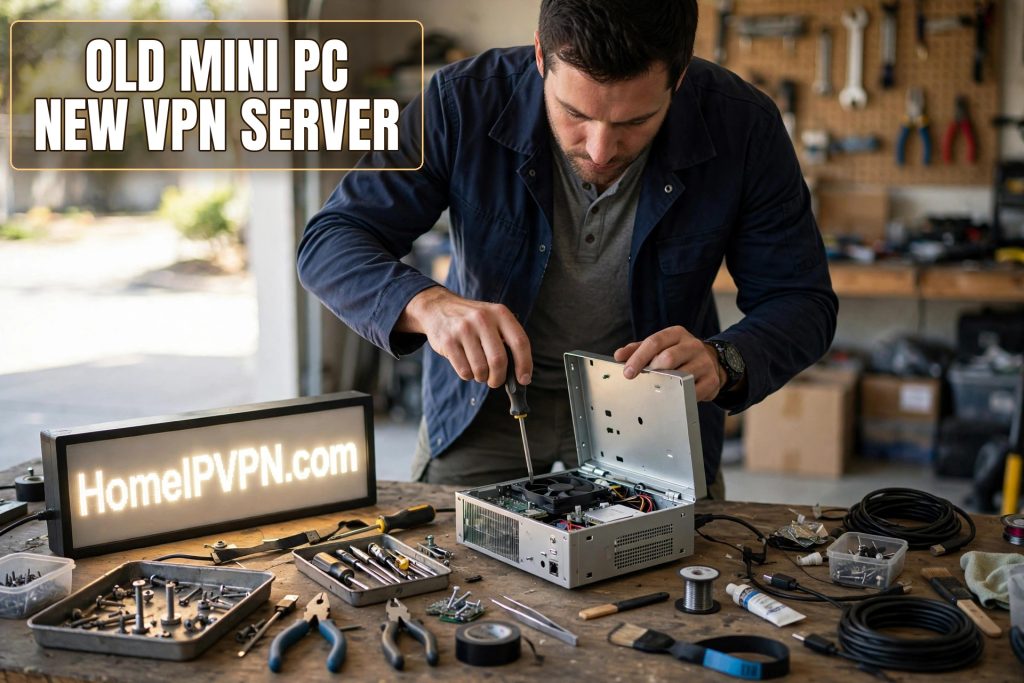
That old mini PC gathering dust in a drawer? It's a better VPN server than most routers. Small x86 boxes, Intel NUCs, Lenovo Tiny machines, random fanless boxes from years ago, have the CPU power, RAM, and storage reliability that make them ideal always-on servers. Here's how to turn one into a mini PC home VPN server: why the hardware fits, what to install, and how to think about power, placement, and remote access.
Why a mini PC makes a great always-on server
CPU headroom. WireGuard encryption is fast on modern x86 chips, many with AES-NI or similar acceleration. Even a five-year-old mini PC encrypts far more traffic than a typical home upload can deliver. You'll never wonder if the server is the bottleneck.
RAM and multitasking. Unlike a Pi or a router, a mini PC usually has 4-8GB+ of RAM and a real SSD. That means you can run the VPN server alongside other useful services: Pi-hole for network-wide ad blocking, a file sync service, or a Tailscale node as a CGNAT backup, without anything feeling cramped.
Storage reliability. SSDs beat SD cards for 24/7 operation by a wide margin. The number one Pi failure mode, dead SD cards, simply doesn't apply. Your server can run for years without storage anxiety.
Standard Linux, no ARM quirks. Everything is compiled for x86. No hunting for ARM builds, no compatibility surprises. Ubuntu, Debian, Fedora: pick your favorite and every tutorial on the internet applies verbatim.
Quiet and efficient. Most mini PCs idle at a handful of watts and are silent or near-silent. Tucked behind a TV or in a closet, you'll forget it's there. The power cost is a rounding error.
The honest downsides: it's bigger than a Pi, it probably has a fan that can eventually fail, and if it's truly ancient (10+ years), check that it supports 64-bit and has working ethernet. Anything from the last decade with 4GB of RAM is fine.
OS choice and WireGuard installation overview
Pick the OS. For a set-and-forget server, Ubuntu LTS Server or Debian Stable are the safe choices: huge communities, long support windows, WireGuard in the standard repositories. Install the minimal/server edition, no desktop. During setup, enable SSH, create your user, and apply all updates.
Harden the basics before exposing anything. Strong SSH (key-based auth, no password login), automatic security updates enabled, a firewall allowing only SSH from the LAN and the WireGuard UDP port from anywhere. This takes twenty minutes and it's the difference between a server and a liability.
Install WireGuard. From the standard repos on any modern distro. Then the familiar sequence: generate the server keypair, write the server config with your tunnel subnet and listening port, enable kernel IP forwarding, add the NAT masquerade rule so client traffic exits through your home connection, create per-device client configs, and enable the service to start at boot.
Consider the extras. A mini PC invites scope creep, which is fine if you're deliberate: Pi-hole for ad-blocking (lovely over VPN, your phone gets ad blocking everywhere), a simple monitoring dashboard so you can see the server's health remotely, or Tailscale as a backup access method that works even behind CGNAT. Add one thing at a time, verify the VPN still works after each.
Document what you did. Future you, debugging from a hotel at midnight, will thank present you for a text file with the port number, the DDNS hostname, and where the configs live.
Power, placement, and remote-access planning
Power. Plug the mini PC into a smart plug. This is your remote power button: if the machine ever hangs hard, you can power-cycle it from anywhere. Also configure the BIOS to auto-power-on after power loss ("restore on AC power loss"), so a blackout doesn't leave your server off until someone visits.
Placement. Ethernet to the router, always. Beyond that: somewhere ventilated (not sealed in a cabinet), reasonably dust-free, and out of the way. A shelf in a closet with the router is the classic spot. If it has a fan, make sure the vents aren't blocked.
Remote access. Plan two ways in: SSH through the VPN tunnel itself (once connected, SSH to the server's tunnel IP, secure and simple), plus one independent path for when the tunnel is the problem. Tailscale on the server is an excellent second path: it punches out through NAT independently of your port forward, so you can reach the machine even when WireGuard is misbehaving.
Monitoring. At minimum, know when it's down. A free uptime monitor pinging your DDNS hostname's VPN port, or a simple heartbeat script emailing you, turns "the tunnel broke three days ago" into "the tunnel broke three minutes ago." For a server your livelihood depends on, that's cheap insurance.
The pre-trip ritual. Before every trip: verify the server is up, DDNS resolves correctly, a test client connects from outside your network, and the smart plug responds. Five minutes that prevents five days of regret.
| Decision | Recommendation |
|---|---|
| Hardware | Any 64-bit mini PC, 4GB+ RAM, SSD |
| OS | Ubuntu LTS Server or Debian Stable |
| Access | SSH keys only, auto security updates |
| Recovery | Smart plug + BIOS auto-power-on |
| Backup path | Tailscale alongside WireGuard |
FAQ
Is a mini PC overkill for a personal VPN server?
Mini PC vs Raspberry Pi for a VPN server: which wins?
How much electricity does an always-on mini PC use?
Can I use Windows on the mini PC instead of Linux?
What if the mini PC's fan dies while I'm away?
Should the mini PC replace my router?
Need help setting this up?
Got the hardware but not the weekend to configure it? We turn old mini PCs into hardened, monitored home VPN servers regularly: OS, WireGuard, DDNS, remote recovery, all tested before you travel. Book the done-for-you build at https://homeipvpn.com.

