REMOTE WORK & DIGITAL NOMAD
What to Look for in a Coworking Space Before You Pay for a Month
I paid for my first monthly coworking membership in Lisbon based on a tour that lasted eleven minutes. The community manager showed me the rooftop, the…
✓Start with the internet, but test✓The trial day is non-negotiable✓Phone booths and call
Quick Answer
A month at a coworking space is a real commitment of money and workdays, so check it before you pay. Test the internet during your actual working hours, sit in the noise before you commit to it, and confirm the practical details like phone booths, chair quality, and access hours. The best spaces earn a monthly membership; the worst ones just have good photos.
- Test the WiFi at your real hours: run a video call trial during your busiest work window, because empty-morning speeds mean nothing when fifty people log on at noon.
- Do a full trial day first: buy the day pass, work your normal schedule, and notice the chair, the noise level, the temperature, and whether anyone actually enforces quiet zones.
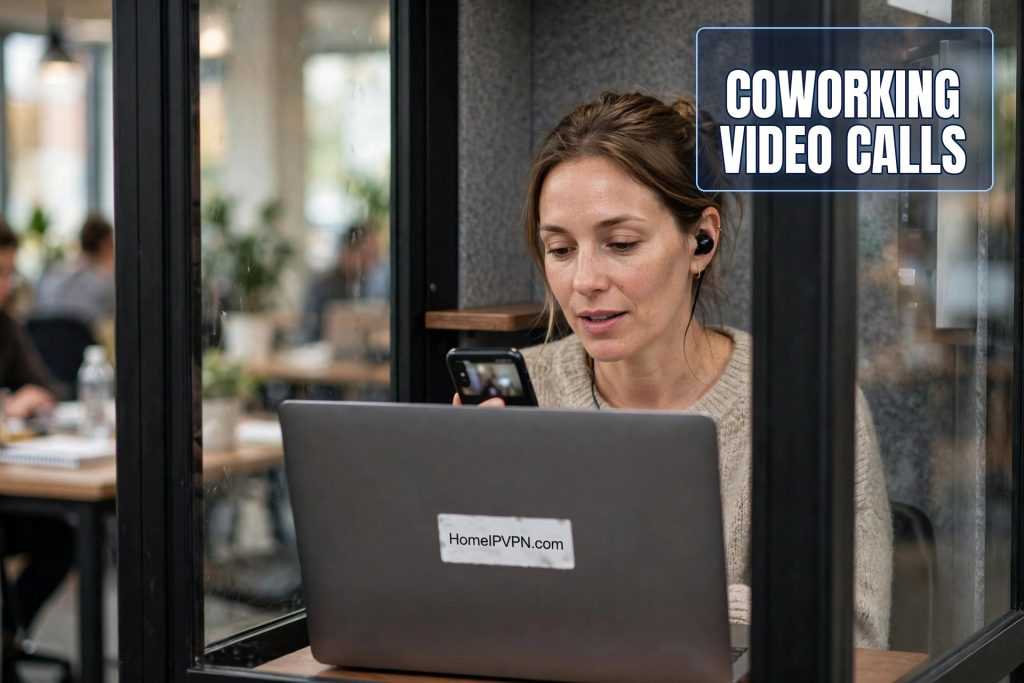
- Check the call setup: count the phone booths, test one with a real call, and ask what happens when they are all full during peak hours.
- Protect your logins on shared networks: dozens of members share the same WiFi, so connecting through HomeIPVPN makes your traffic appear to come from your own home connection, which is what your bank and work tools expect to see.
I paid for my first monthly coworking membership in Lisbon based on a tour that lasted eleven minutes. The community manager showed me the rooftop, the espresso machine, and the event wall covered in smiling faces. The WiFi showed full bars. I signed up for a month, settled in with my laptop on Monday morning, and discovered that the internet crawled to a stop every day between eleven and three, when the space filled up. The phone booth had a broken door latch that never closed. The “quiet zone” was right next to the kitchen.
I finished that month because I had paid for it, and I spent most of it working from a cafe across the street. That was the expensive lesson that taught me how to evaluate a coworking space properly. A monthly membership is not a gym membership you can ignore. It is where your workdays happen, and the wrong choice costs you a month of bad calls, sore backs, and frustration.
Here is the checklist I wish someone had handed me before I paid.
Start with the internet, but test it honestly
Every coworking space claims fast WiFi. Almost none of them lie outright, but almost all of them quote the best-case number. A speed test at 8am in an empty room tells you nothing about your 2pm video call when the space is full and everyone is on Zoom.
Do your internet test during your actual working hours. Buy a day pass, show up at the time you normally work, and run a real video call. Join a test meeting, share your screen, turn your camera on. If the call stutters, if your screen share freezes, if you get dropped once, that is your answer. Speed tests measure a moment. A video call measures the reality.
Ask specific questions. Is there a wired ethernet option at the desks, and can you actually use it? How many separate networks does the space run, and is there one reserved for video calls? What is the upload speed, not just download? Upload is what your video calls run on, and it is the number most spaces conveniently forget to mention. A connection with 200 down and 5 up will feel terrible on every call you take.
Find out what happens when the internet goes down. Every space has outages. The good ones have a backup connection that kicks in automatically and a manager who tells you what is happening. The bad ones shrug. Ask directly: “When did your internet last go down, and what did you do?” The answer tells you everything about how the place is run.
The trial day is non-negotiable
Never buy a month without buying a day first. A day pass costs a fraction of a monthly membership and it is the only honest preview you get. Work your full normal schedule that day, not a relaxed version of it. Take your real calls. Do your real work. Eat lunch there. Notice everything.
The chair matters more than you think. You are going to sit in it for eight hours a day for a month. That stylish wooden stool that looked fine for eleven minutes will destroy your back by day three. Sit in the actual chair you would use, for at least a few hours, before committing. If the space has adjustable chairs, great. If everyone is on fixed stools, walk away.
Noise is the second thing to evaluate honestly. Tour-day noise is not real noise. Real noise is the peak-hour buzz of forty conversations, the espresso grinder, the community manager giving tours to new people, the guy who takes all his sales calls on speaker. Sit through the loudest part of the day and ask yourself: can I take a client call in this? Can I concentrate here?
Check the quiet zones and whether anyone respects them. Many spaces have a silent area on paper and a social area in practice, and the silent area is just where people take slightly quieter phone calls. If you need real quiet, look for a space that actually enforces it, or accept that you will be wearing noise-canceling headphones all day.
Phone booths and call infrastructure
If you take video calls for work, the phone booth situation is a dealbreaker. Count them. Two booths for a hundred members is decoration, not infrastructure. At peak hours you will be competing with everyone else who also has a 2pm standup.
Test a booth with a real call before you commit. Sit inside, close the door, and check three things: can you hear the room outside, can the room hear you, and does your laptop actually get signal in there. I have used booths that were basically glass boxes with zero soundproofing, booths with no ventilation that became saunas in ten minutes, and one booth where the WiFi did not reach at all. Any of those makes the booth useless.
Ask about the booking system. Can you reserve a booth, or is it first come first served? Is there a time limit? What happens when someone camps in one for three hours? A space with clear, enforced booth rules is a space that understands remote workers. A space where booths are permanently occupied by the same people is telling you something about management.
The details that decide your month
Access hours can make or break a membership. If you work US hours from Europe, you need a space that is open late or offers 24 hour access. Many spaces close at 7 or 8pm, which is mid-afternoon for a US team. Check this before you pay, not after your first late call ends at the door with a security guard.
Temperature and air quality sound minor until you spend a month in them. Southeast Asian coworking spaces are often freezing, cranked to arctic levels that require a jacket indoors. European spaces in old buildings can be stifling in summer. Sit through a full afternoon and notice whether you are comfortable. Your body keeps the score on this one.
Look at the power situation. Are there enough outlets, or is everyone fighting over two strips? Is the voltage stable? In some countries the power flickers, and a space without proper protection can fry your charger. This is a small thing until your laptop dies mid-presentation.
Check the bathrooms, the kitchen, and the general cleanliness. You are going to use these every day for a month. A space that cannot keep its bathrooms clean is a space that cuts corners everywhere else too. This is the most reliable five-minute quality check I know.
Community: the part you cannot photograph
The social side is real and it matters, but it is hard to evaluate on a tour. Everyone is friendly on tour day. The question is what the community is actually like on a random Tuesday. Are people heads-down working, or is it a social club where networking events matter more than the WiFi?
Neither is wrong, but they serve different people. If you need to get serious work done, a party space will drive you crazy. If you are lonely on the road and want connections, a silent library will too. Be honest with yourself about which one you need this month.
Talk to actual members, not the community manager. Sit near someone at lunch and ask how long they have been there and whether they would renew. Members have no incentive to sell you anything, and their answers are the most trustworthy reviews you will get. If three different people hesitate before answering whether they would renew, believe the hesitation.
Money and contract terms
Read the actual terms before you pay. Can you pause or cancel mid-month? What is the refund policy if the internet is unusable? Some spaces lock you in with no exit, which is fine if the space is good and brutal if it is not. A space confident in its quality will offer flexible terms.
Compare the real cost, not the sticker price. The monthly rate is just the start. Add the day passes you bought while deciding, the cost of printing, the coffee you will buy because the free coffee is terrible, and the days you will work elsewhere anyway. Sometimes a slightly more expensive space with everything included is cheaper than a budget space you keep escaping from.
Ask about price increases and what your renewal would cost. Some spaces offer a low first month and raise the rate after. Know the real number.
The security question most nomads skip
Here is the checklist item almost nobody thinks about on tour day: dozens of strangers share the same WiFi network, and you will be logging into your bank, your email, and your work accounts on it for a month. The space might have a great firewall, or it might have a consumer router from 2015 that the manager set up once and never touched again. You will never know, and you should not have to trust it.
I handle this the same way in every coworking space now. I connect through HomeIPVPN, which routes everything through my own home internet connection. The shared network in the building just sees an encrypted tunnel. My bank sees a login from my home address, which matches my normal pattern, so no fraud alerts, no frozen accounts, no “verify it is you” loops in the middle of a workday. It is the one part of the coworking security picture I actually control.
The root cause, and a simpler fix
The coworking gamble has a simple root cause: you are committing a month of workdays to a place you evaluated in eleven minutes, and the things that matter most, peak-hour internet, real noise, booth availability, shared-network security, only reveal themselves after you have paid.
That exact uncertainty is what HomeIPVPN was built to remove from the equation. At least the connection side becomes a solved problem: your own home IP, everywhere you sit, so your accounts behave and your traffic stays private no matter which space you picked. If you would rather have someone set it up for you and verify it works, the Pre-Travel Audit & Advisory session is 1 hour, costs $79, and that fee comes straight off the $279 Secure Home IP VPN System session if you go ahead.
Do the trial day, ask the awkward questions, and trust what members tell you over what the brochure shows. The right space makes a month abroad feel like an office. The wrong one just makes it expensive.