REMOTE WORK & DIGITAL NOMAD
Working from an RV: Mobile Home IP VPN Setup
An RV is the ultimate remote office: your home, your view, and your commute all change whenever you feel like it. But mobile living breaks the assumptions most
✓RV connectivity stack: cellular,✓Running a travel router and home✓Power considerations for always-on
Quick Answer
Working from an RV takes three layers: connectivity (cellular primary, campground WiFi and Starlink as backup), a travel router running your home IP VPN tunnel, and power management for off-grid days. Everything routes through WireGuard so banks and work tools always see your home IP.
- Connectivity: Carry SIMs on two carriers; dead zones differ by network, and hotspot data throttles harder than phone data.
- The router: One SSID for all devices; the router reconnects upstream at each stop, devices never see the churn.
- Fallback: Keep an OpenVPN-on-443 profile for campground networks that block WireGuard’s UDP.
- Power: Routers sip USB power; hotspots and the Starlink dish are the real consumers. HomeIPVPN tests failover before your first travel day.
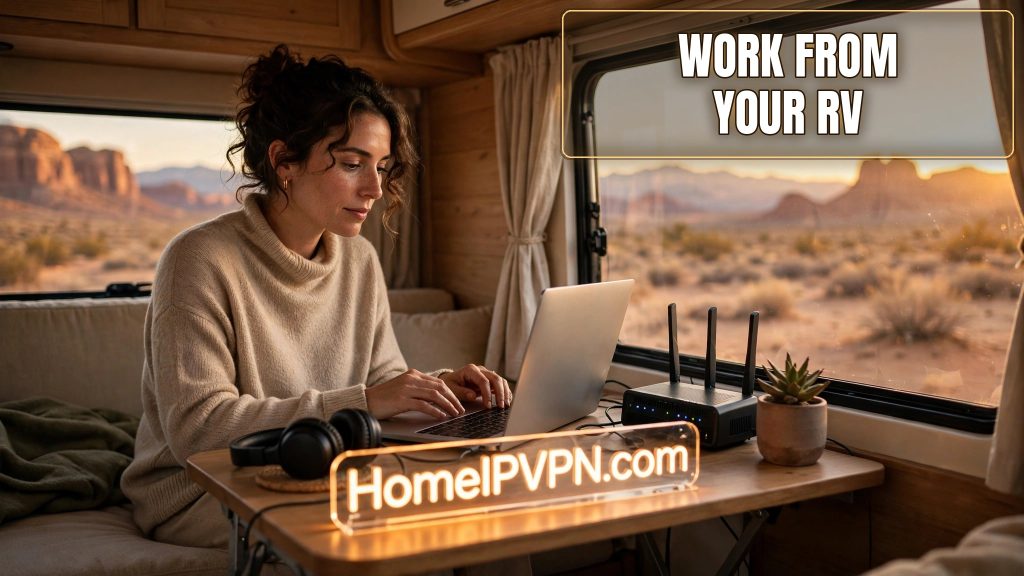
Working from an RV: Mobile Home IP VPN Setup
An RV is the ultimate remote office: your home, your view, and your commute all change whenever you feel like it. But mobile living breaks the assumptions most remote-work setups rely on. Your internet changes every time you move, your "home" IP is wherever the campground WiFi says it is, and your bank notices. Here's how to build an RV remote work VPN setup that keeps your digital life anchored no matter where you park.
RV connectivity stack: cellular, Starlink, campground WiFi
Forget the idea of one good connection. RV internet is a stack, and you switch layers as conditions change:
Cellular data (your primary). For most RVers, this is the workhorse. A dedicated hotspot device or a phone tethering, ideally with a plan that offers generous high-speed data. Two tips from people who've done the miles: carry SIMs or plans on two different carriers, because dead zones differ by network, and a carrier that's great in Arizona can vanish in rural Montana. Also, learn the difference between "phone data" and "hotspot data" on your plan: many "unlimited" plans throttle hotspot usage hard after a cap.
Campground WiFi (free but untrustworthy). Most campgrounds offer WiFi; most of it is slow, congested, and insecure. Treat it as a backup for low-priority browsing, never as your work connection, and never without the VPN tunnel running. Your travel router connects to it once and shields all your devices.
Starlink (the serious option for boondockers). If you spend time off-grid away from cell towers, satellite internet designed for mobility fills the gap nothing else can. The RV-oriented plans are built for exactly this. It's the most expensive layer, so many RVers add it only when their travel style demands true off-grid connectivity.
The priority order most working RVers settle on: cellular first (cheap, good enough), campground WiFi as opportunistic backup, satellite for the boondocks. Your travel router can fail over between them if configured for multi-WAN, or you switch manually. Either way, everything behind the router stays on your home IP VPN tunnel regardless of which upstream is active.
Running a travel router and home IP VPN on the road
The travel router is the heart of the rolling office:
- One network, everywhere. Your laptop, phone, tablet, and smart TV join the router's WiFi once. When you move campgrounds, only the router re-connects upstream. Your devices never see the churn.
- The tunnel is always on. The router holds a WireGuard connection to your home server. Every device behind it exits through your home IP automatically. Your bank sees home whether you're in Yellowstone or the Florida Keys.
- Public WiFi protection. Campground networks are shared with strangers. With the tunnel up, the local network sees only encrypted WireGuard traffic. No snooping, no session hijacking.
- Captive portals handled once. Many campgrounds have login portals. The router clears it once; your devices skip it entirely.
Setup tips specific to RV life:
- Mount the router centrally in the RV for even WiFi coverage; these are small devices, and a central shelf beats a back corner.
- If your router supports it, attach an external cellular antenna on the roof. The signal difference between inside a metal box and a roof antenna is dramatic in fringe coverage areas.
- Keep the WireGuard and an OpenVPN-on-443 fallback profile on the router. Some campground networks block UDP; the fallback gets you through.
- Test the whole stack before a big travel day: fail the primary connection deliberately and confirm the backup picks up with the tunnel intact.
Power considerations for always-on gear
Your home server sits on grid power with a UPS. Your RV gear lives on batteries, and power discipline matters:
- Travel routers sip power (typically USB-powered, a few watts). Run it off a USB port or small power bank; it's the last thing to worry about.
- Hotspots and phones are the real consumers. Keep them charged from the RV's 12V system while driving or on shore power; carry a high-capacity power bank for boondocking days.
- Starlink's dish draws meaningful power (tens of watts). Factor it into your battery budget if you boondock: it can be the difference between making it through the night and not.
- Shore power vs. boondocking: on hookups, run everything freely. Off-grid, prioritize: router and one connectivity device stay on; the dish sleeps when you're not working; laptops charge during solar peak.
The night-before-travel-day routine: charge every power bank, confirm the hotspot plan has data, verify the tunnel connects, and download anything you'll need offline. A travel day with no connectivity and no offline materials is a lost workday.
The RV office checklist
| Layer | Primary | Backup |
|---|---|---|
| Internet | Cellular hotspot (carrier A) | Carrier B SIM, campground WiFi, Starlink |
| Network | Travel router, one SSID | Phone hotspot direct (emergency) |
| Location identity | Home IP VPN tunnel (WireGuard) | OpenVPN on 443 fallback profile |
| Power | RV 12V + shore power | Power banks, solar |
| Continuity | Offline-synced files | Downloaded entertainment and docs |
FAQ
How much cellular data does remote work actually use?
Can I really get fired over my IP location showing travel?
Is Starlink worth it for RV remote work?
What's the biggest connectivity mistake new RVers make?
How do I keep my home VPN server running while I'm away for months?
Does the VPN slow down my already-slow cellular connection?
Need help setting this up?
Rolling offices have more moving parts than most: multi-carrier failover, tunnel configs that survive network hops, power budgets. We build the whole thing for you, home server to roof antenna advice included: https://homeipvpn.com.

