TROUBLESHOOTING
Airport WiFi: Convenient, Free, and Risky. Here Is the Safer Way
Heathrow, Terminal 5, a four-hour layover. I had a boarding pass, a bad coffee, and a phone at 12 percent. The wifi list showed seven networks. Seven….
✓Why airports are worse than cafes✓The seven-network problem✓What is safe to do on airport wifi
Quick Answer
Airport wifi is convenient and free, but it is also one of the riskiest networks you will use: crowded, unmonitored, and a favorite hunting ground for fake hotspots and eavesdroppers. Use it for light browsing if you must, but never for banking or sensitive logins unless your full connection is encrypted first. Frequent flyers protect themselves with habits, not hope: verify the network name, encrypt everything, and keep sensitive tasks for trusted connections.
- The specific risks: fake airport hotspots with official-sounding names, crowded networks full of strangers, and captive portals that train you to click through warnings.
- What is okay: reading news, checking flight status, and messaging, ideally with encryption running.
- What is not: banking, work logins, or anything with a password that matters, on raw airport wifi.
- The frequent flyer setup: HomeIPVPN encrypts your devices automatically on every airport network and routes you through home, so layovers stop being a security gamble.
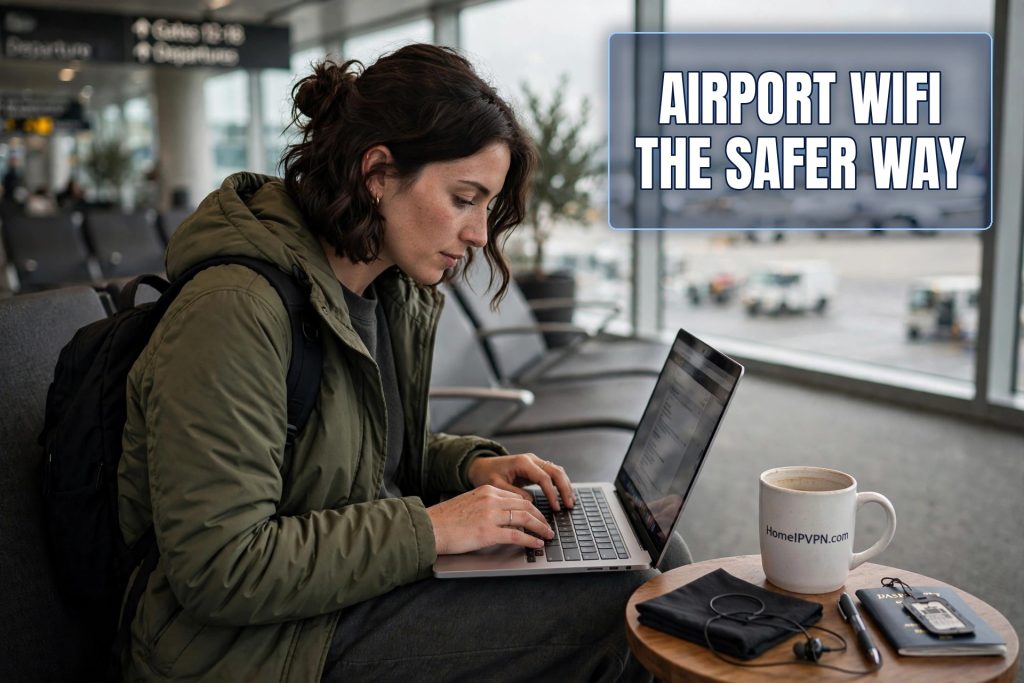
Heathrow, Terminal 5, a four-hour layover. I had a boarding pass, a bad coffee, and a phone at 12 percent. The wifi list showed seven networks. Seven. “Heathrow WiFi,” “Heathrow_WiFi_Free,” “Heathrow Airport Official,” “Boingo Hotspot,” and three more creative variations. I stared at them for a full minute, because I knew something most travelers in that terminal did not: at most one or two of those were real, and picking wrong meant handing my traffic to a stranger.
Airports are the ultimate public wifi environment. Thousands of people, all bored, all connecting, all in a hurry, all trusting. If you were designing a place to harvest credentials at scale, you would design an airport terminal. Here is how frequent flyers handle it without giving up the convenience.
Why airports are worse than cafes
Not all public wifi is equally risky, and airports sit near the top of the danger ranking for a few specific reasons. First, density. A busy terminal puts thousands of devices on the same infrastructure, which means thousands of potential victims and plenty of cover for an attacker. In a cafe, a person running network attacks might get noticed. In a terminal with four thousand people staring at phones, nobody notices anything.
Second, transience. Everyone is passing through. Nobody knows what the real network is called, because nobody has been here before, or they were here six months ago and things changed. Attackers exploit this ruthlessly with official-sounding network names. “Heathrow Airport Official” sounds authoritative precisely because you have no baseline to compare it against. At your regular cafe, you know the network name. At an airport, you are guessing.
Third, urgency. Your flight boards in twenty minutes, your phone is dying, you need to send one email. Urgency is the enemy of caution. Attackers count on you connecting to the first plausible network without thinking, and in an airport, that describes nearly everyone.
Fourth, the captive portal problem. Airport wifi usually makes you click through a login page before you get online. This trains travelers to do something security experts beg them not to do: type information into unexpected web pages and click through certificate warnings. When the portal looks slightly off, tired travelers click through anyway. Attackers know this and build fake portals that harvest credentials.
The seven-network problem
Let us go back to my Heathrow wifi list, because it is the perfect illustration. Seven networks, similar names, no way to distinguish them by looking. This is normal at major airports. Some are legitimate: the airport’s own network, a paid provider’s network, airline lounge networks bleeding through walls. Some are other travelers’ phone hotspots. And some are set up by people you do not want to meet.
The evil twin attack thrives here. An attacker names their network something official, gives it a strong signal, and collects whoever connects. With thousands of fresh victims arriving hourly, it is a numbers game they win by volume. You do not need to be targeted. You just need to be in a hurry.
How do you pick the right one? Ask. Airport information desks, airline staff, or the signs near seating areas usually name the official network. It takes a minute. Most travelers skip it, which is exactly why the attack works. The defense is embarrassingly simple and almost universally skipped.
What is safe to do on airport wifi
Let us be practical rather than paranoid. With basic precautions, airport wifi is fine for low-stakes activities: checking your flight status, reading the news, messaging friends, browsing social media. These are the things most people actually need during a layover, and the risk for casual browsing on proper encrypted sites is modest.
The line is drawn at credentials and sensitive data. Banking, email logins, work systems, anything where a stolen password causes real damage: not on raw airport wifi. Not “quickly, just this once.” The one time you make an exception is the one time it matters, because that is how probability works when you fly often enough.
And “with encryption running” changes the equation substantially. If your full connection is encrypted before you do anything, the network’s identity stops mattering much. You could be on the attacker’s network and they would see only scrambled traffic. This is the habit that lets frequent flyers use airport wifi freely without the anxiety.
The frequent flyer playbook
People who fly weekly have this down to a science, and their playbook is worth copying. It has four moves.
One: verify the network name. Ask staff or check official signage. Never connect to the most official-sounding name on faith. The attacker’s whole strategy is sounding official.
Two: encryption before everything. The encrypted connection starts the moment the wifi connects, before email, before anything. Many frequent flyers have this automated so it happens without thought. Automation beats discipline, because discipline has bad days and layovers.
Three: phone as backup. Your mobile data connection is vastly safer than any airport wifi, because it is yours, authenticated to your carrier, not shared with four thousand strangers. For anything sensitive, tethering to your phone is the safest option in the terminal. The data cost is trivial compared to the risk it eliminates. If you travel internationally, an eSIM with a data plan turns your phone into a safe hotspot anywhere.
Four: keep the laptop closed for the sensitive stuff when in doubt. If your encrypted connection is not working and you need to check your bank, wait. Use your phone’s data, or wait until the hotel. The world will not end because your banking waited two hours. It might end, financially speaking, if you do it on a hostile network.
The captive portal trap
Airport wifi portals deserve special attention because they actively train bad habits. You connect, a page pops up asking you to accept terms, enter an email, or watch an ad. You comply, because you want wifi. Now consider what this teaches your brain: when a network shows you an unexpected page asking for information, you provide it.
Attackers build fake portals that mimic this flow and add credential harvesting. The page looks like the airport’s login. It asks for your email and maybe a password “to create an account.” You, trained by a hundred legitimate portals, comply. There is a special circle of irony here: the security theater of the portal becomes the attack vector.
The defense is skepticism plus minimalism. Real portals ask for little: usually just an accept button, sometimes an email. A portal asking for passwords, payment details, or software installation is lying to you. Close it, forget the network, and find the real one. And never, ever install anything a portal tells you to install.
Layovers without the gamble
Here is what it looks like when it all comes together. You land, you ask for the network name or check the signs, you connect, your encrypted tunnel to home starts automatically, and then you just live your layover. Email, work, browsing, whatever you need. The seven suspicious networks become background noise. It does not matter which one you picked, because your traffic was scrambled before it touched any of them.
This is the real luxury good for frequent flyers, and it has nothing to do with lounges. It is the ability to treat every network as untrusted and not care. No decisions, no anxiety, no mental checklist at every terminal. The security is architectural, not behavioral, which means it works when you are exhausted at the end of a red-eye just as well as when you are fresh.
That is how HomeIPVPN is designed to work for travelers: automatic encrypted routing through your own home internet, on every network, in every terminal. The airport wifi becomes what it should have been all along, just a way to reach your own connection.
Boarding with peace of mind
I eventually figured out the real Heathrow network that day. I asked at an information desk, connected, started my encrypted tunnel, and spent the layover working without a second thought. The seven networks were still there on my wifi list, shimmering with plausible names. They just did not matter anymore.
Airports will not get safer. The incentives point the wrong way: more travelers, more devices, more urgency, more attackers. What changes is you. Four habits, one automated setup, and the riskiest network in your travel life becomes the most boring one.
Making every airport, everywhere, as safe as your living room is the problem HomeIPVPN was built to solve. If you would rather have someone set it up and verify it works, the Pre-Travel Audit & Advisory session is 1 hour, costs $79, and that fee comes straight off the $279 Secure Home IP VPN System session if you go ahead. You can book a Pre-Travel Audit & Advisory session before your next trip and stop studying wifi lists.
Safe travels. The coffee is still bad, but at least the wifi does not have to be scary.