TROUBLESHOOTING
Is Public WiFi Safe? The Simple Answer for Travelers
I was sitting in a cafe in Canggu, Bali, watching a guy at the next table do something that made my stomach drop. He had his laptop open to a screen full of…
✓What “public wifi”✓What can actually go wrong, in✓What the padlock in your browser
Quick Answer
Public wifi is not safe for anything sensitive unless your connection is encrypted. On open networks, attackers can intercept unencrypted traffic, impersonate the network itself, and exploit the fact that hundreds of strangers share the same connection. The simple answer: treat public wifi as a utility for getting online, never as a network to trust, and encrypt everything before you use it.
- What can go wrong: eavesdropping on unencrypted traffic, fake lookalike networks, and malware distributed through compromised hotspots.
- What the padlock does: browser encryption protects web pages, but not your apps, background syncing, or traffic from programs that encrypt poorly.
- The one habit: encrypt your full connection before joining any public network, and keep sensitive logins off until you have.
- Make it automatic: HomeIPVPN routes your devices through your own home internet with encryption, so every public network becomes safe by default.
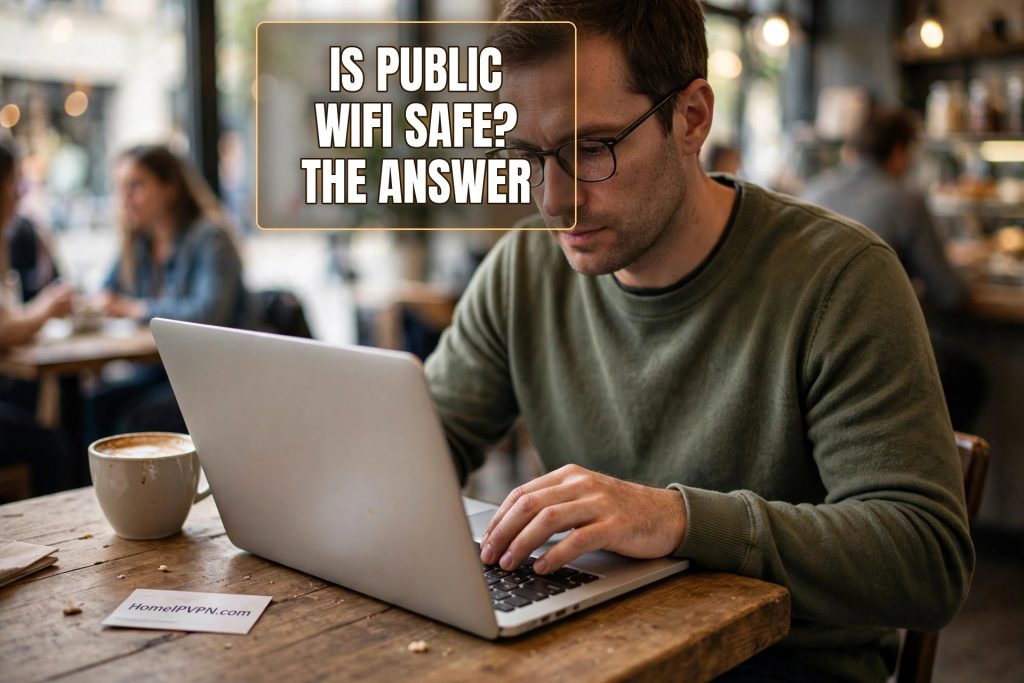
I was sitting in a cafe in Canggu, Bali, watching a guy at the next table do something that made my stomach drop. He had his laptop open to a screen full of scrolling text, and he was smiling at it the way people smile at entertainment. I could not see exactly what the screen showed, but I knew the shape of it. He was watching other people’s internet traffic go by. On the cafe wifi. The same wifi I was using. The same wifi everyone in the room was using.
I closed my laptop, turned on my encrypted connection, and reopened it. Thirty seconds, and the show next door was over as far as I was concerned. But most people in that cafe had no idea the show was happening at all. That is the thing about public wifi risks. They are invisible until they are not, and by then the damage is done.
So here is the simple answer, in plain words, with everything a non-technical traveler needs to act on it.
What “public wifi” actually means
Public wifi is any wireless network you do not control: cafes, airports, hotels, coworking spaces, shopping malls, the “free wifi” on the bus. What they share is not just that they are free or convenient. It is that you have no idea who set them up, who maintains them, who else is on them, or whether anyone has tampered with them.
Your home wifi is yours. You set the password, you know the router, you know who connects to it. A public network is the opposite on every axis. The password, if there is one, is shared with hundreds of strangers. The router is a box under a counter that nobody has updated in years. The other users are whoever walked in, including, potentially, the guy with the scrolling text.
This does not mean every public network is under attack. Most of the time, nothing bad happens. The problem is that you cannot tell the difference between a safe moment and an unsafe one. The network looks identical either way. The risk is invisible, which is why the only sane approach is to assume the worst and protect yourself uniformly.
What can actually go wrong, in plain words
There are three main things that go wrong on public wifi, and they are all easy to understand.
First, eavesdropping. On many public networks, data travels in a way that others on the same network can observe. Anything you send unencrypted, and plenty of apps still send things unencrypted, can be read by someone with basic tools. Your emails, your messages, your login details for services that do not encrypt properly. The guy in Canggu was doing exactly this: watching.
Second, the fake network. An attacker sets up a wifi network with the same name as the real one, or a convincing variation. Your phone or laptop connects to it automatically, because devices are helpful like that. Now all your traffic flows through the attacker’s device. They can see it, modify it, and redirect you to fake login pages. You typed the right network name. You connected to the wrong network. There is no visible difference.
Third, the compromised network. Sometimes the real network itself is the problem. Routers get hacked. Hotel systems get breached, as the industry’s history shows. When the infrastructure is compromised, everyone on it is exposed, and there is nothing about the wifi experience that tells you.
What the padlock in your browser does and does not do
Here is the reassuring part, with limits. When you see the padlock icon in your browser, your connection to that website is encrypted. Someone watching the network sees that you visited the site, but not what you did there. Your passwords and messages on that site are protected. This is genuine, meaningful protection, and the web is much safer than it was a decade ago because of it.
Here are the limits. The padlock only covers your web browser. Your email app, your messaging apps, your work tools, the dozens of background processes syncing data without telling you, those are separate. Some encrypt well. Some do not. You have no easy way to check each one.
Also, the padlock does not hide which sites you visit, only what you do on them. An observer sees the list of your destinations. And the padlock depends on everything working correctly: no warnings clicked through, no compromised certificates, no sneaky redirects. Most of the time it is fine. “Most of the time” is not a security strategy.
The one habit that stops most of it
Encrypt your entire connection before you use any public network. Everything. Not just the browser, not just the banking app, all of it, in one scrambled tunnel that leaves your device before touching the network. Then the eavesdropper sees nothing. The fake network sees nothing. The compromised router sees nothing. All three attacks fail against the same defense, because the defense does not depend on the network being trustworthy.
Think of it as the difference between whispering in a crowded room and passing notes in code. The padlock is whispering to one person while everyone else politely pretends not to listen. Full encryption is writing every note in a code only you and the recipient understand, then handing the stack to the room to deliver. The room can deliver. It cannot read.
The practical rule is simple: the encrypted connection goes on before anything else. Before email, before the bank, before work. It becomes the first thing you do on joining a network, as automatic as putting on a seatbelt. If it is not on, you are not logged in to anything that matters. Full stop.
Why travelers need this more than anyone
Office workers use one network, managed by an IT department. Travelers use dozens of networks a month, managed by nobody. Every cafe, every airport, every hotel is a new roll of the dice. The cumulative exposure is enormous compared to someone who works from home. You are not just using public wifi occasionally. For a digital nomad, public wifi is the workplace.
This is also why the “just be careful” advice fails travelers. Being careful on one network is doable. Being careful on sixty networks a month, while tired, while working, while catching flights, is not a plan. It is a hope. What travelers need is not vigilance but architecture: a setup where the safe behavior is the default behavior, requiring no decisions and no memory.
That is what routing through your own home connection gives you. Your devices connect to home, encrypted, automatically, on every network. The cafe wifi in Canggu becomes a dumb pipe carrying scrambled data to your house. The guy at the next table can scroll all he wants. There is nothing to see.
HomeIPVPN is set up exactly this way for travelers: automatic, encrypted, and ending at your own home address instead of a shared server.
The rest of the checklist
Encryption is the big one, but a few small habits complete the picture. Turn off automatic wifi joining so your devices stop volunteering to connect to networks you have not vetted. Forget public networks after you use them, so your phone does not auto-join them next time you walk past. Keep your software updated, because attackers on shared networks target unpatched devices first. And verify network names with staff when there are lookalikes.
None of these replaces encryption. They are the supporting cast. The star of the show is the encrypted tunnel, and everything else is just good hygiene around it.
The simple answer, restated
Is public wifi safe? No, not by itself. Not for anything you would not shout across the room. But it becomes safe the moment your traffic is encrypted before it touches the network, because then the network’s trustworthiness stops mattering. You do not need to evaluate sixty networks a month. You need one good setup that makes all of them irrelevant.
I think about that guy in Canggu sometimes. Not with anger, exactly. He was probably just curious, or showing off, or testing tools he had read about. But he taught me something I have never forgotten: on a public network, you are performing for an audience you cannot see. The only question is whether you give them anything worth watching.
Give them nothing. That is the whole strategy. And making public networks safe by default, everywhere you go, is the problem HomeIPVPN was built to solve. If you would rather have someone set it up and verify it works, the Pre-Travel Audit & Advisory session is 1 hour, costs $79, and that fee comes straight off the $279 Secure Home IP VPN System session if you go ahead. You can book a Pre-Travel Audit & Advisory session and stop thinking about which network you are on.
The coffee is still worth it. The wifi just needs a chaperone.