TROUBLESHOOTING
That Free Hotel USB Charger by the Bed: Should You Use It?
The hotel room was perfect. Boutique place in Marrakech, beautiful tiles, a rooftop with views over the medina, and right there on the nightstand, next to the…
✓Why a charging cable is also a✓What an attacker can actually do✓Why hotel USB ports specifically
Quick Answer
You should not use public USB charging ports, including the ones in hotel rooms. Attackers can modify these ports to steal data from your phone in an attack called juice jacking. The safe alternative is simple: carry your own wall charger and cable, and plug into a power outlet, never a USB port you do not own.
- The risk: a USB cable carries both power and data, so a compromised charging port can access your phone’s data while it charges.
- Where it happens: airports, hotels, cafes, and anywhere with public USB ports, which are rarely inspected or secured.
- The safe rule: use your own charger in a wall outlet, or carry a portable battery. Treat unknown USB ports the way you treat unknown wifi networks.
- Protect the rest too: HomeIPVPN protects what your phone sends over networks, while your own charger protects what it shares over cables.
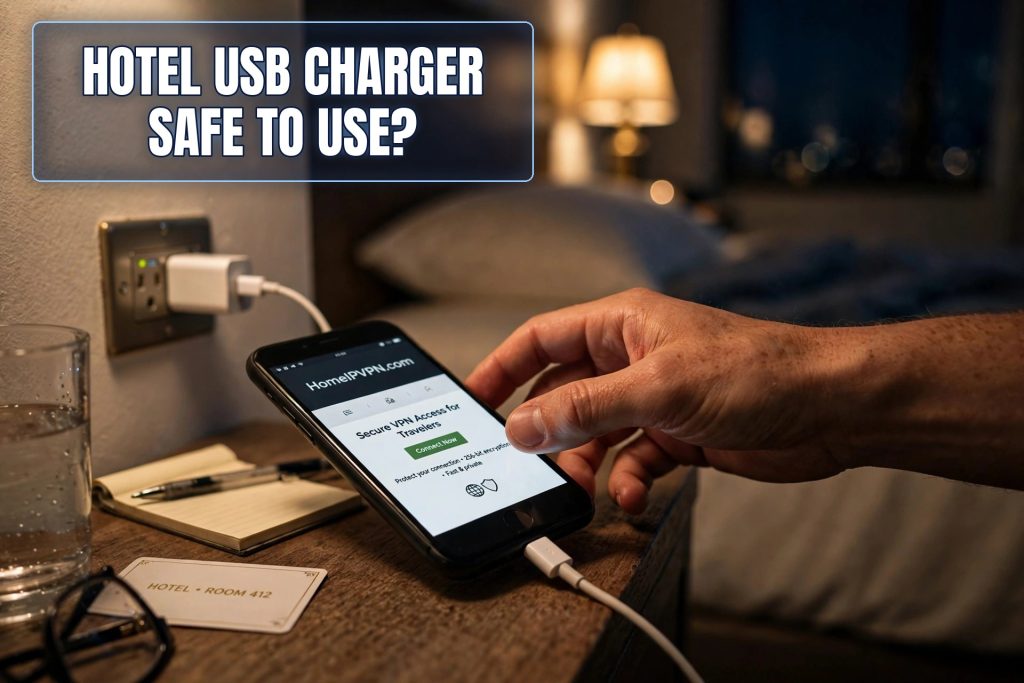
The hotel room was perfect. Boutique place in Marrakech, beautiful tiles, a rooftop with views over the medina, and right there on the nightstand, next to the bed, a little panel with USB ports built in. “How thoughtful,” I thought, plugging in my phone before dinner. It was only later, reading about a security warning on my flight home, that I learned what I had actually done: I had connected my phone’s data port to hardware I knew nothing about, in a room used by hundreds of strangers before me.
Nothing happened to me, as far as I know. But “as far as I know” is doing a lot of work in that sentence. Here is what those innocent-looking USB ports can actually do, and the dead-simple habit that makes the whole issue disappear.
Why a charging cable is also a data cable
This is the one technical fact you need, and it is simple. A USB cable has wires inside it for two jobs: carrying power to charge your phone, and carrying data to sync it. When you plug your phone into your own laptop, both jobs happen. Your phone charges and your computer can see its files. That is by design.
Now think about what that means at a public charging port. The port is supposed to do only the power job. But your phone cannot tell the difference between a friendly power outlet and a hostile one. The moment you plug in, your phone opens the data channel too, because that is what USB does. If the hardware on the other end is malicious, or has been tampered with, that data channel is an open door.
This is the entire basis of “juice jacking,” the security community’s memorable name for attacks through public USB ports. The name sounds like a joke. The attack is not.
What an attacker can actually do through a USB port
A compromised charging port, or a compromised cable left plugged into one, can do several unpleasant things. The simplest is data theft: copying files, photos, contacts, or anything accessible through the phone’s data connection. More sophisticated versions can install malware, the kind that keeps working long after you unplug and go home.
There is also a sneakier variant. Some attacks do not steal anything immediately. They install software that waits, then exfiltrates your data later over the internet, when you are safely home and have forgotten all about the hotel nightstand. The charging port was just the delivery mechanism. The real theft happens weeks later.
How likely is this at any given hotel? Honestly, documented cases in the wild are rare, which is worth saying plainly. Security researchers have demonstrated these attacks thoroughly, and authorities including the FBI have warned travelers about them, but your chance of encountering a compromised port on a specific trip is low. The reason experts still warn about it is the asymmetry: the attack is cheap to set up, hard to detect, and the cost of carrying your own charger is essentially zero. When the defense is this easy, you do it regardless of the odds.
Why hotel USB ports specifically deserve suspicion
Airport charging stations get the headlines, but hotel room USB ports worry me more, for a simple reason: access. An airport charging station is in public, under cameras, surrounded by people. A hotel nightstand port is in a private room, accessible to every previous guest, every cleaner, every maintenance worker, for years, with nobody watching.
Think about how many people have had unsupervised access to that little panel by the bed. Think about how rarely anyone inspects it. Hotels renovate lobbies and replace mattresses. Nobody audits the USB ports. A tiny malicious adapter, smaller than a thumbnail, can sit between the port and the wiring indefinitely, and no guest would ever notice. The housekeeping staff certainly would not know what they were looking at.
This is not paranoia. It is just counting. Hundreds of unsupervised hands, zero inspections, over years. Whatever the actual probability of tampering, the opportunity is obviously there, and opportunity is what attackers shop for.
The safe alternatives, ranked by convenience
The gold standard is boring: your own wall charger plugged into a regular power outlet. A power outlet carries only electricity. There is no data channel, nothing to exploit, no attack surface at all. Every hotel room has power outlets. Use them. This single habit eliminates the entire category of risk.
Second best: a portable battery pack. Charge the battery from any source you like, then charge your phone from the battery. The battery acts as a buffer. Even if the public port were malicious, it talks to the dumb battery, not to your phone. Modern battery packs are light, cheap, and double as insurance against dead phones generally. If you travel with one thing from this article, make it this.
Third: a USB data blocker, a small adapter that physically disconnects the data wires and passes only power. These cost a few dollars and work fine. The only downside is remembering to carry and use it. In practice, most people buy one, use it twice, and lose it in a bag pocket.
What about just tapping “do not trust” if your phone asks? Phones do sometimes prompt you about trusting a connected device, and declining helps. But not all attacks trigger the prompt, and prompt fatigue is real. Do not rely on a popup as your security strategy.
The broader lesson: trust nothing you do not own
The USB port is one instance of a general travel principle. Hotel wifi, public USB ports, the business center computer, the “free” charging cable someone left at the airport: all of them are infrastructure you do not own, cannot inspect, and should not trust with your data. The mindset is the same every time. Bring your own, verify what you can, and assume the rest is hostile.
Your own charger. Your own cable, because cables can be tampered with too, and that free cable at the conference booth is not worth the risk. Your own encrypted connection, because the network is just as untrustworthy as the port. Each of these is a small, cheap habit. Together they close the easy paths into your digital life.
This is the philosophy behind HomeIPVPN as well. The network version of “bring your own charger” is “bring your own internet”: route through your home connection instead of trusting whatever network happens to be nearby. Same principle, different cable.
What about wireless charging pads?
You might be wondering whether those wireless charging pads, the flat discs you just rest your phone on, have the same problem. Good news: they do not. Wireless charging uses magnetic induction to transfer power, with no data connection at all. There is no data channel to exploit because the technology physically cannot carry data. A public wireless charging pad in an airport lounge is as safe as a wall outlet from a data perspective.
This makes wireless pads the one public charging option you can use without thinking twice. If your phone supports wireless charging and you spot a public pad, go ahead. Just remember that wireless charging is slower than a cable, so it is better for topping up during a long layover than for a quick ten-minute boost before boarding.
Of course, the pad still needs to actually work, and public ones take a beating. If your phone is not charging on a public pad, do not keep repositioning it for five minutes. Just fall back to your own cable and the wall outlet. The goal is a charged phone, not a relationship with a specific pad.
What I do now
My travel kit has not changed much, just gotten slightly more deliberate. Wall charger and my own cable, always. A battery pack for long days. I have never used a hotel USB port since Marrakech, and I have never missed it. Power outlets are everywhere. The convenience I thought I was getting from the nightstand port was imaginary. Plugging into the wall takes exactly as long.
That is the thing about most travel security advice. People resist it because they imagine a burden, and then the actual habit turns out to be trivial. This one is trivial. Own your power source the way you own your passwords.
Protecting what your devices share over cables and what they send over networks are two halves of the same job. The cable half costs you a charger you already own. The network half is the problem HomeIPVPN was built to solve. If you would rather have someone set it up and verify it works, the Pre-Travel Audit & Advisory session is 1 hour, costs $79, and that fee comes straight off the $279 Secure Home IP VPN System session if you go ahead. You can book a Pre-Travel Audit & Advisory session and travel with both halves covered.
Leave the nightstand port alone. The wall outlet has been waiting for you all along.