VPN SETUP GUIDES
How to Migrate Your Home VPN Server to New Hardware
Sooner or later the hardware hosting your home VPN server needs replacing, a router upgrade, a failing device, or a move to a more capable mini-PC. A careless…
✓Migration checklist: keys,✓The zero-downtime swap sequence✓Updating travel clients to the new
Quick Answer
Migrating your home VPN server means inventorying everything first (keys, configs, DDNS, port forwards, firewall rules), then setting up the new device in parallel with the old one still running. Switch the port forward and DDNS over, migrate clients one by one, and keep the old server as fallback.
- Zero downtime: Run both in parallel; keep the same keys and clients reconnect transparently on their next handshake.
- Keys: Carrying keys over needs no client updates, ideal while abroad; fresh keys are cleaner but touch every client.
- Test locally: Connect from your home LAN before the new server ever faces the internet.
- Order: Travel router first, then phones and laptops; a HomeIPVPN tech can run the whole swap if timing is tight.
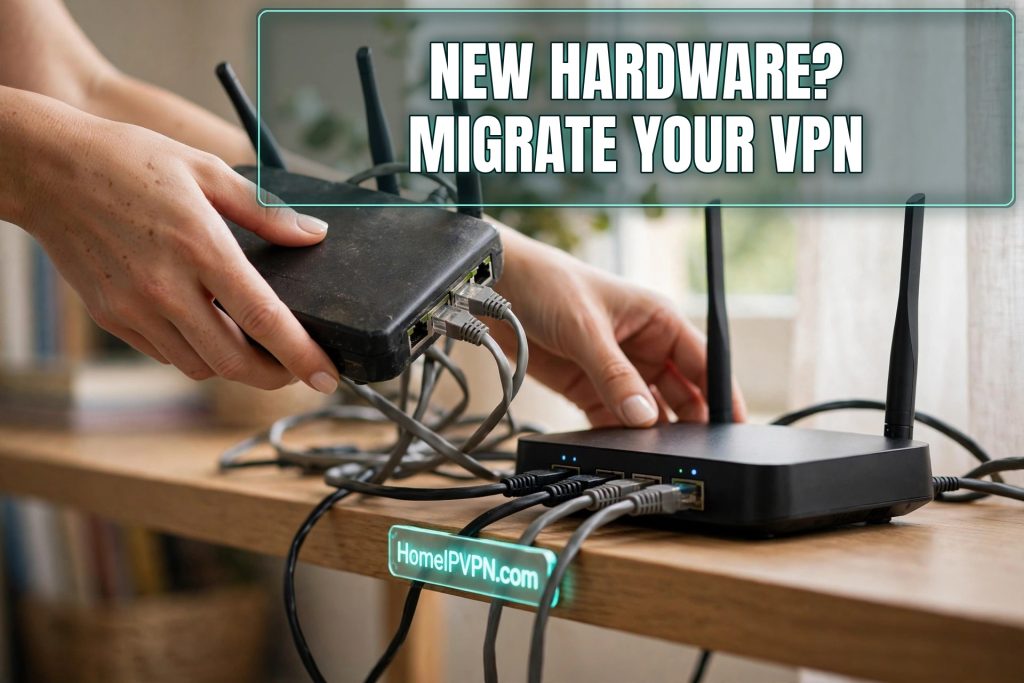
How to Migrate Your Home VPN Server to New Hardware
Sooner or later the hardware hosting your home VPN server needs replacing, a router upgrade, a failing device, or a move to a more capable mini-PC. A careless migration means regenerating keys, reconfiguring every travel client, and downtime while you're potentially abroad. Here's how to migrate VPN server new router hardware cleanly, with zero downtime and no client-side surprises.
Migration checklist: keys, configs, DDNS, port forwards
Before touching anything, document the full state of the old server. You'll need:
- WireGuard/OpenVPN server configuration, interface addresses, listen port, peer definitions (public keys, allowed IPs, preshared keys).
- Private keys and certificates, the server's private key, plus any CA/certs for OpenVPN. Decide now: carry keys over, or generate fresh ones (fresh is cleaner security-wise, but requires updating every client).
- DDNS configuration, provider, hostname, credentials, update client settings. The hostname stays the same; only the updater moves.
- Port forwards, which UDP/TCP ports forward from the WAN to the VPN server, and to which internal IP. The new server will likely have a different LAN IP.
- Firewall rules, input rules allowing the VPN port, forwarding rules for tunnel traffic, kill-switch or policy rules, and any custom chains.
- LAN dependencies, static DHCP lease for the server, DNS settings clients rely on, and anything else on the LAN that references the old server's address (NAS mounts, smart-home integrations, subnet routes in Tailscale/ZeroTier if used).
Screenshot the old router's relevant pages. This checklist is also your rollback plan: if the migration goes sideways, you know exactly what "working" looked like.
The zero-downtime swap sequence
The key insight: run both servers in parallel during the transition. Downtime comes from cutovers; parallel operation eliminates the cutover.
- Prepare the new hardware on the bench. Install firmware, apply updates, and get it on your LAN with its own static IP, while the old server keeps serving travelers. Don't connect it to the WAN port forward yet.
- Replicate the VPN server config. Copy the WireGuard/OpenVPN server configuration to the new device. If you're carrying keys over, transfer the private key securely (encrypted USB, not email). If generating fresh keys, create them now and note every client that will need a new peer config.
- Replicate firewall and supporting config. Port-forward rules on the main router will need updating to the new server's LAN IP, but don't flip them yet. Set up DDNS updating from the new device (or keep it on the main router, which doesn't change).
- Test locally. From a device on your home LAN, connect a WireGuard client to the new server's LAN IP. Verify the tunnel establishes, traffic routes, and DNS works. This validates the entire server config before it ever touches the internet.
- Flip the WAN port forward. Update the main router's port forward to point at the new server's LAN IP. From this moment, new inbound connections reach the new hardware. (If you kept the same keys, existing clients reconnect transparently on their next handshake, genuine zero downtime.)
- Test remotely. Have a travel client (or your phone on mobile data with WiFi off) connect via the DDNS hostname. Confirm IP, DNS, and speed.
- Migrate clients deliberately. If you generated fresh keys, update each travel client's config now, travel router, laptop, phone, and verify each one connects.
- Monitor for a week, then decommission. Keep the old server powered but disconnected from the port forward for several days. If a forgotten client or integration surfaces, you can flip back in seconds. Only wipe the old device once you're certain nothing depends on it.
Same keys vs. fresh keys
| Carry keys over | Generate fresh keys | |
|---|---|---|
| Client updates needed | None (transparent) | Every client reconfigured |
| Downtime risk | Near zero | Brief per-client interruption |
| Security posture | Old keys live on | Clean rotation, old keys retired |
| Best when | You're abroad during migration, many clients | You're home, few clients, keys are old |
If you're migrating while traveling (a trusted person swaps hardware at home), carrying keys over is the only sane option, you can't easily reconfigure a travel router remotely for new keys without a working tunnel, which is what you're migrating.
Updating travel clients to the new server
If the DDNS hostname, port, and keys are unchanged, travel clients need no updates at all, they'll resolve the hostname and handshake with the new server as if nothing happened. This is the payoff for doing the migration properly.
If anything changed (new keys, new port, new hostname), update clients in this order:
- Travel router first, it's the device everything else sits behind. Update its WireGuard profile, reconnect, verify.
- Phone and laptop clients, update profiles, connect, run the standard verification (IP check, DNS leak test).
- Mesh VPN peers, if Tailscale/ZeroTier runs on the home server, reinstall/re-authenticate on the new hardware and re-enable exit-node or subnet routing.
Keep a list of every client as you go. The one you forget is the one you'll need at 2 AM in an airport.
FAQ
Can I migrate my VPN server while I'm traveling abroad?
Do I need to update DDNS when I change server hardware?
What if the new hardware has a different LAN IP?
Should I upgrade WireGuard/OpenVPN versions during migration?
How long should I keep the old server around?
My ISP uses CGNAT, does migration change anything?
Need help setting this up?
Swapping the box your VPN lives on is exactly the kind of job where experience pays for itself. We do the parallel build, move the keys safely, and cut over with zero downtime for your travel devices. Book the done-for-you setup at https://homeipvpn.com.

