REMOTE WORK & DIGITAL NOMAD
Backing Up Your Work While Traveling: The Simple Rule for Nomads
The theft took eleven seconds. I know because the cafe’s security camera caught it: a man walked past my table in Barcelona, swept my laptop bag off the…
✓The 3-2-1 rule, translated for✓Make the cloud copy automatic and✓The external drive: your offline
Quick Answer
The simple rule is 3-2-1: three copies of your work, on two different kinds of storage, with one copy somewhere other than your bag. For nomads, that usually means your laptop, an external drive, and automatic cloud backup running quietly in the background.
- Three copies: the original plus two backups, so that losing any single thing never means losing the work itself.
- Two different media: a physical drive plus cloud storage, because theft, drops, and dead laptops take out local copies together.
- One copy off-site: cloud backup is your off-site copy; a drive in the same backpack as the laptop is not.
- Backups need a working connection: cloud sync only helps if it can reach home reliably, which is why nomads keep their sync traffic on a stable home connection via HomeIPVPN.
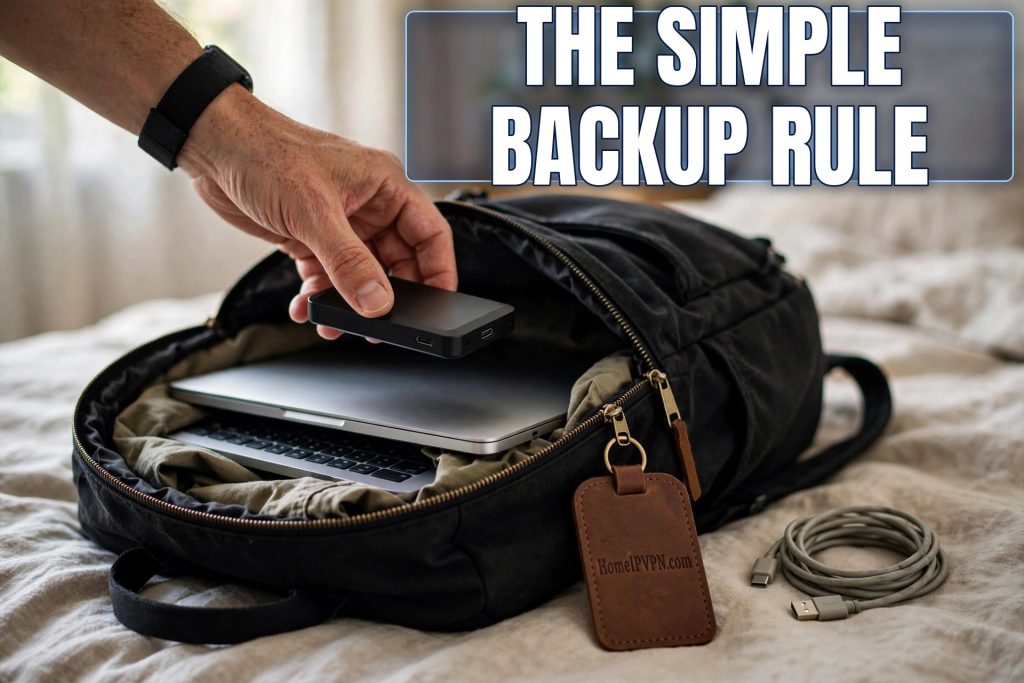
The theft took eleven seconds. I know because the cafe’s security camera caught it: a man walked past my table in Barcelona, swept my laptop bag off the chair in one motion, and kept walking. My laptop, my external drive sitting in the bag’s front pocket, and six weeks of client work vanished into a crowd. What saved me was not the police report or the travel insurance. It was the boring little cloud backup I had set up months earlier and completely forgotten about.
By that evening I was working again on a borrowed machine, everything restored. The thief got a laptop. He did not get my livelihood. That is the entire philosophy of backups for travelers, and it fits in one sentence: assume your bag will disappear, and make sure that does not matter.
The 3-2-1 rule, translated for nomads
IT professionals have preached the 3-2-1 rule for decades: three copies of your data, on two different types of storage, with one copy off-site. For a nomad, it translates beautifully. Copy one is your laptop, where you work. Copy two is an external SSD in your bag, updated regularly. Copy three is the cloud, syncing automatically whenever you have a connection.
Each copy protects against different disasters. The laptop dies: you have the drive and the cloud. The bag is stolen with the drive inside it: you have the cloud. The cloud service has an outage or locks your account: you have the local copies. No single failure, however dramatic, takes everything. That is the whole point.
Notice what does not count as a second copy: the same file in two folders on the same laptop, or a drive that lives permanently in the same bag as the laptop. If one event can destroy both copies, they are one copy with extra steps. The Barcelona thief took my laptop and my drive together, which is exactly why the cloud copy was the one that mattered.
Make the cloud copy automatic and invisible
The backup that saves you is the one you never have to think about. Manual backup routines fail because humans are optimistic and busy; you will do it every Sunday until the third Sunday, and then never again. Automatic backup services run continuously, quietly copying changed files whenever you are online, and they are worth every cent.
You have good options regardless of your ecosystem. If you live in Apple land, iCloud with enough storage plus Time Machine to your external drive covers it. On Windows, OneDrive or a dedicated backup service does the same job. Google people get Drive. Beyond the big platforms, dedicated backup services offer unlimited versioned backups that keep every change to every file, which is wonderful when you realize you overwrote the wrong version three days ago.
Version history is the underrated feature. A backup is not just for total disasters; it is for the Tuesday afternoon when you save over the good draft, delete the wrong folder, or let a corrupted file sync everywhere. Services that keep thirty days of versions turn those moments from crises into two-click fixes.
One practical note: the first backup takes forever. Hundreds of gigabytes over a foreign wifi connection can run for days. Do the initial backup at home before you leave, or somewhere with fast unlimited internet, like a coworking space. After that, only changed files upload, which is quick and invisible.
The external drive: your offline lifeline
Cloud backup is the hero, but it has one weakness: it needs the internet. When you are on a twelve-hour bus with no signal, or in a country where the connection barely loads email, the cloud might as well be on the moon. That is when the external drive earns its place.
Get a rugged SSD, not a spinning hard drive. SSDs have no moving parts, survive drops that would kill old-style drives, and are small enough to forget in a pocket. A terabyte costs less than a nice dinner now. Keep it updated with a weekly full copy of your working files, more often during intense project periods.
And separate it from the laptop physically whenever you can. Drive in the daypack, laptop in the room safe. Drive with you, laptop at the coworking desk. Perfect separation is impossible while traveling, but every meter of distance between your copies is real protection. The thief who gets your laptop should not automatically get the drive too.
What to back up (it is more than you think)
Everyone remembers their work documents. People forget everything around them. Your backup should include: active projects, obviously, but also your email archives, your password manager vault, your two-factor recovery codes, your business records and invoices, your contracts, your portfolio, your website files, and your personal photos.
The two-factor recovery codes deserve special emphasis. If you lose your phone abroad, those little backup codes are the only way back into half your accounts. Print them, store them encrypted in the cloud, and keep a copy somewhere physically separate from the phone. Losing your laptop is recoverable. Losing your laptop and your account access simultaneously is a special kind of hell.
Also back up your configurations, the invisible stuff that makes your machine yours: browser bookmarks and extensions, app settings, SSH keys, design presets, code environments. Rebuilding a working setup from scratch takes days. A disk image or a good settings-sync turns it into an afternoon. Your future self, setting up a replacement laptop in a foreign electronics market, will be grateful for every preset that restores itself.
The connection problem nobody plans for
Here is the wrinkle travelers discover too late: cloud backup only works if your connection can actually reach the cloud service reliably. Some countries throttle or interfere with certain services. Hotel and cafe networks sometimes block the ports backup software uses. Captive portals interrupt the sync every time they expire. Your backup quietly falls days behind, and you do not notice until the day you need it.
Check your backup status the way you check your bank balance: regularly, not hopefully. Most services show a “last successful backup” time. If it says three days ago and you have been online, something is wrong. Fix it before it matters.
Many nomads solve the flaky-network problem by routing their traffic through a stable home connection. A home IP address from a service like HomeIPVPN gives your backup software a clean, consistent path to its servers instead of whatever the local network is doing today. Your files sync in the background like you are sitting at home, because as far as the internet is concerned, you are.
Test your restore before you need it
A backup you have never restored is a theory, not a backup. Once a quarter, pick a random file, delete your local copy, and restore it from the cloud. Time how long it takes. Notice what is awkward about the process. This fifteen-minute drill is the difference between calm confidence and panicked clicking during a real crisis.
Also verify the big one: if your laptop vanished tonight, could you be working tomorrow? That means knowing your cloud login by heart or having it in your password manager, which itself must be recoverable without the laptop. Walk the chain mentally: laptop gone, phone gone, what do you touch first? If the answer involves a device you also lost, fix the chain now.
Keep a written recovery sheet somewhere safe: the services you use, the order to restore them, the support numbers, the recovery codes. When disaster strikes, you will not be thinking clearly. The sheet thinks for you.
The bigger picture
The deeper problem is that your entire livelihood lives on a machine you carry through the least secure environments on earth: crowded buses, beach cafes, hostel dorms. Everything about nomad life increases the odds of loss, theft, and damage, while the work itself becomes more valuable every year. Building a backup system that assumes the worst is the problem you can solve in an afternoon; keeping that system syncing reliably over unpredictable foreign networks is the problem HomeIPVPN was built to solve, with a stable home IP address that keeps your cloud backups flowing wherever you are. If you would rather have someone set that up and verify it works, the Pre-Travel Audit & Advisory session is 1 hour, costs $79, and that fee comes straight off the $279 Secure Home IP VPN System session if you go ahead.
Three copies, two media, one off-site. Set it up once, check it monthly, and never think about it again, until the eleven seconds that make you glad you did.