REMOTE WORK & DIGITAL NOMAD
When Your Country Does Not Match Your ID: Platform Headaches Explained
Daniel is a copywriter from Manchester. In March he flew to Mexico City for two months, rented a small apartment in Roma Norte, and settled into a pleasant…
✓Why platforms suddenly care where✓What the verification request✓What not to do when you get flagged
Quick Answer
Freelance platforms sometimes ask you to verify your country, and traveling can make your answers look inconsistent: your ID says one country, your login says another. This is called a country mismatch, and it usually just triggers a routine check, not a punishment. Answer honestly, keep your story consistent, and keep your documents ready.
- It is usually routine: a mismatch between your ID country and your login location prompts a verification request, not an automatic ban.
- Honesty is the whole strategy: use your real ID and your real country of residence, and never create a second account to dodge the check.
- Keep documents handy while traveling: a passport photo, a proof of address, and recent invoices cover nearly every verification request.
- Stay consistent everywhere: freelancers who keep one steady online location, for example with a HomeIPVPN home ip vpn setup, give platforms nothing contradictory to flag.
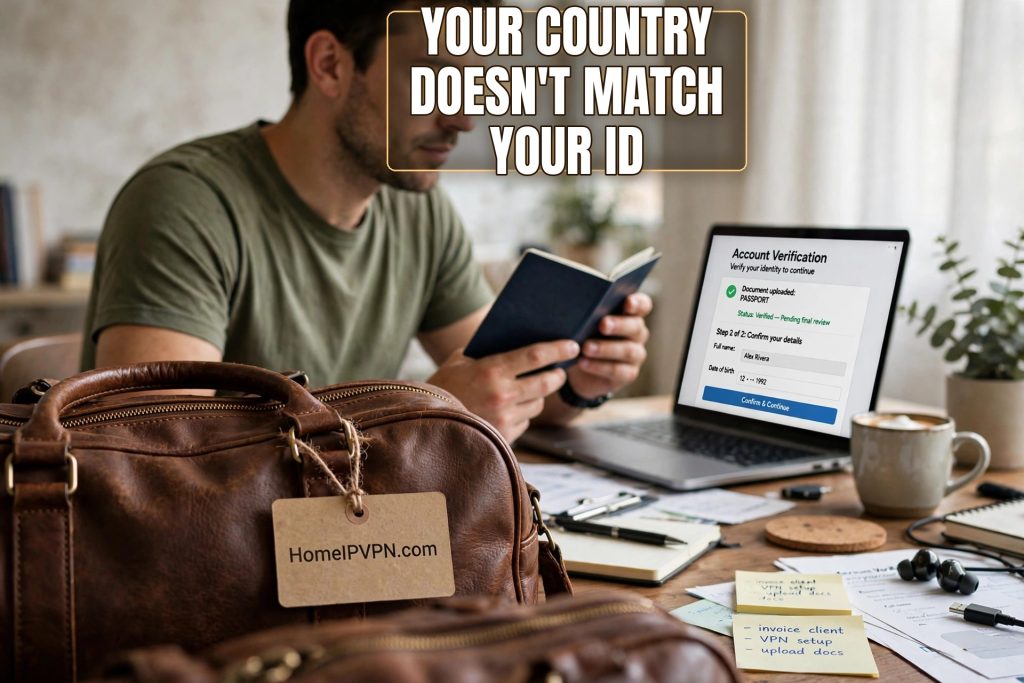
Daniel is a copywriter from Manchester. In March he flew to Mexico City for two months, rented a small apartment in Roma Norte, and settled into a pleasant routine: strong coffee, fast wifi, client calls in the afternoon. Then one Tuesday morning he opened Fiverr and found a message he had never seen before: “Please verify your country.” His stomach dropped. His passport says United Kingdom. His last three weeks of logins said Mexico. He had done nothing wrong, but the platform was now asking him to prove who he was and where he belonged, and he had no idea what the right answer was.
If you freelance while traveling, this moment will probably find you eventually. It feels alarming, like being pulled aside at an airport, but it is almost always a routine check. Platforms are required to know who is earning money through them, and travel makes your digital footprint look messy. Once you understand what they are actually asking, the whole thing becomes manageable.
Why platforms suddenly care where you are
Freelance platforms handle millions of dollars in payments between strangers in different countries. That puts them in the middle of fraud prevention, tax reporting, and identity rules that they cannot ignore. When someone’s account shows a UK passport, a profile set to the United Kingdom, and a month of logins from Mexico City, automated systems flag the contradiction. Not because traveling is suspicious, but because stolen accounts and fake identities look exactly like that too.
A country mismatch is simply what the platform calls it when the country on your identity documents does not match the country your account activity points to. It can also happen when your profile country, your payment method country, and your login country all tell different stories. The platform is not accusing you of anything. It is asking you to clear up the confusion, the way a bank teller might ask for ID when your signature looks different on a tired day.
This matters more than it used to because platforms have tightened identity checks over the last few years. Video verification, government ID uploads, and location cross-checks are now normal. The freelancers who sail through are not the ones who never travel. They are the ones whose paperwork is in order when the questions come.
What the verification request actually asks for
When the message arrives, read it slowly before you click anything. Most verification requests ask for the same small set of things: a government-issued photo ID (passport or national ID card), sometimes a live selfie or short video to prove you are the person on the ID, and occasionally a proof of address like a utility bill or bank statement. Some platforms also ask you to confirm your country of residence, which is where many travelers get confused.
Your country of residence is generally the country you live in most of the year, pay taxes in, or are registered in, not the country you happen to be sitting in this week. If you are a UK citizen spending two months in Mexico, your country of residence is still the United Kingdom. Answering with the country on your ID and your tax paperwork is almost always the right move. The platform wants your stable, documentable identity, not your current GPS coordinates.
Daniel’s story ended well. He uploaded his passport, took the selfie video in his apartment, and wrote a short, honest note: “UK citizen, traveling in Mexico for two months, my residence and tax status are in the UK.” The check cleared in a couple of days. The freelancers who run into real trouble are usually the ones who panic and improvise: entering a local address they cannot document, uploading a friend’s utility bill, or trying to look like a resident of a country they are just visiting. Every one of those moves creates a bigger mismatch than the one they started with.
What not to do when you get flagged
Let us be direct about the mistakes, because they are common and they make everything worse. Do not create a second account in the country you are visiting. Platforms treat duplicate accounts as fraud, and getting caught means losing both accounts instead of verifying one. Do not borrow someone else’s documents or address. Do not change your profile country to match wherever your plane landed, unless you have genuinely moved there and can prove it.
And be careful with quick technical fixes. Some travelers, trying to make their logins match their ID country, route their traffic through a cheap commercial VPN. The problem is that platforms know the IP addresses of commercial VPN services, and logging in through one can look more suspicious than logging in from Mexico honestly. A login from a known VPN data center next to a UK passport can read as someone hiding something, which is the opposite of what you want during a verification check.
What does work is the boring approach: your real connection, your real documents, your real story. If you want your logins to consistently show your home country while you travel, the clean way is your own home internet connection, which is exactly what HomeIPVPN sets up for freelancers who live on the road. It is your real residential connection, not a shared VPN server, so there is nothing for a platform to flag.
How to travel without triggering the headache
You cannot prevent every verification request, and you should not try to. They are part of platform life now. But you can make them rare and painless. Keep your profile country set to your actual country of residence and leave it alone. Do not update it for every trip. Keep your payment method in the same country as your ID. A UK freelancer getting paid to a UK bank account while logging in from Mexico is a coherent story. A UK freelancer getting paid to a brand new account in a third country is a puzzle, and puzzles get flagged.
Keep a small “verification kit” on your phone or laptop: a clear photo of your passport, a recent proof of address (a bank statement or utility bill from home works), and a couple of recent client invoices with your name on them. When the request arrives, you can respond in an hour instead of scrambling. Daniel now keeps his kit in a folder he can find in thirty seconds, and he says the second verification request he got, a year later, took him less time than making coffee.
It also helps to keep your login location steady. Every platform builds a picture of your normal activity, and “always logs in from the same home city” is the calmest picture there is. A home ip vpn setup gives you exactly that: wherever your laptop is, your sessions look like home. Freelancers who travel constantly often have HomeIPVPN running quietly in the background for this reason alone, so their account history reads as one unbroken, boring, trustworthy line.
If your account gets limited during the check
Sometimes a platform limits what you can do while verification is pending: no withdrawals, no new bids, or a temporary hold on messages. This is nerve-wracking but usually temporary. Do not try to work around it with a new account or a friend’s login. That turns a routine pause into a real violation.
Instead, respond to the verification request completely and promptly, then wait. Most checks resolve in a few days once you have submitted everything. If it drags on, use the platform’s official support channel and keep your messages short and factual: what you submitted, when, and what you are waiting for. Keep working for existing clients through whatever channels remain open, and let them know there may be a short delay. Clients are far more understanding about a platform security check than about silence.
The root cause of the country mismatch headache is simple: your ID, your profile, and your login location tell three different stories when you travel, and platforms are required to ask about it. That is the problem HomeIPVPN was built to solve, giving you one consistent home connection so your account history always reads as steady and trustworthy. If you would rather have someone set it up and verify it works, the Pre-Travel Audit & Advisory session is 1 hour, costs $79, and that fee comes straight off the $279 Secure Home IP VPN System session if you go ahead. You can book a Pre-Travel Audit & Advisory session whenever you are ready.
You are not in trouble for traveling. You just need your paperwork to tell the same true story everywhere.