REMOTE WORK & DIGITAL NOMAD
Working From Bali: The Honest Internet Guide for 2026
The Instagram version of Bali is a laptop open on a bamboo desk, smoothie bowl just out of frame, ocean breeze doing something poetic to your hair. The real…
✓The big picture: better than its✓Coworking spaces: your internet✓Villa and apartment WiFi: test
Quick Answer
Bali’s internet in 2026 is good enough for real remote work, but it is uneven: coworking spaces and newer villas deliver 50 to 200 Mbps reliably, while older guesthouses and beach cafes can drop to single digits. The winning strategy is redundancy: a coworking membership, a local SIM with data, and a backup plan for outage days.
- Coworking is the safe bet: Major Bali coworking spaces run on business-grade fiber with backup connections, and day passes cost roughly 150,000 to 250,000 rupiah.
- Villa WiFi varies wildly: Newer builds often have fiber; older ones share one router across six rooms. Always run a speed test before signing a lease.
- Outages are part of life: Planned blackouts and storm damage happen. A charged power bank, a phone hotspot, and knowing your nearest coworking escape route covers almost everything.
- Protect your logins too: Banking and work portals can flag Indonesian IP addresses, so travelers keep a home connection through HomeIPVPN for sensitive sessions.
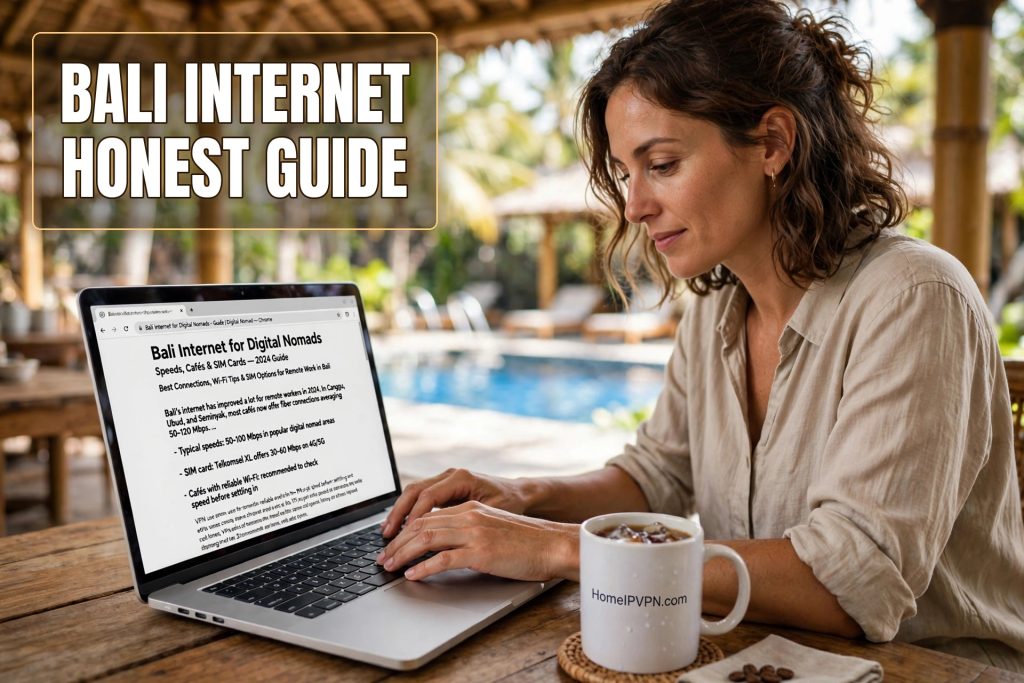
The Instagram version of Bali is a laptop open on a bamboo desk, smoothie bowl just out of frame, ocean breeze doing something poetic to your hair. The real version is you, at 7:55am, refreshing a speed test for the third time because your client call starts in five minutes and the WiFi icon keeps flickering.
Both versions are true. Bali in 2026 genuinely supports full-time remote work. Thousands of people do it every day. But the island’s internet is not one thing. It is a patchwork of excellent fiber, tired routers, monsoon-season wobbles, and the occasional full blackout. This guide is the honest version: what the connection is really like, where it breaks, and how working nomads handle it without losing their minds.
The big picture: better than its reputation, worse than Bangkok
Bali’s internet has improved enormously in the last five years. Fiber-to-the-home has spread through Denpasar, Canggu, Ubud, and Sanur. In a good setup, you will see 50 to 200 Mbps down and 20 to 50 Mbps up, which handles everything a normal remote workday throws at it: video calls, screen sharing, cloud tools, uploads.
But Bali is an island with tropical weather, aging infrastructure in the older areas, and a tourism economy that sometimes prioritizes the pool over the router. The variance is the story. Two villas on the same street can have completely different internet because one owner installed fiber last year and the other is still running a 4G router from 2019.
Compared to Bangkok, Bali is less consistent. Compared to most of Southeast Asia’s beach destinations, it is excellent. The realistic expectation: your internet will be fine 95 percent of the time, and the other 5 percent is why you need backup plans.
Coworking spaces: your internet insurance policy
If you are serious about working from Bali, get a coworking membership. This is the single best internet decision you can make on the island. The major spaces run on business-grade fiber connections, often with a backup line from a second provider, plus generators for the outage days.
Day passes run roughly 150,000 to 250,000 rupiah, about ten to sixteen dollars. Monthly memberships land around 1.5 to 2.5 million rupiah. For that you get fast, stable internet, air conditioning, proper chairs, and a room full of people who understand why you are muttering at your screen during a call.
The coworking map follows the nomad map. Canggu has the densest cluster, Ubud has the wellness-flavored ones, Denpasar has the serious local-professional spaces, and Uluwatu and Sanur have smaller but solid options. Pick your base near your workspace, not the other way around. A forty minute scooter ride through traffic to reach good WiFi gets old by week two.
Villa and apartment WiFi: test before you commit
Most nomads work from their villa at least some of the time, and this is where the variance bites. A brand new villa in Canggu might have 200 Mbps fiber with a modern router. A charming older place in Ubud might share a single struggling connection across the main house and two guest bungalows.
The rule is absolute: never sign a monthly lease without testing the WiFi in person, at the time of day you will work. Run a speed test on your phone in the bedroom, the living room, and wherever you plan to take calls. Ask the owner which provider they use and whether the line is fiber. Ask how many other units share it. If the owner gets vague about the internet, that is your answer.
Also check the router itself. If you see a dusty box with one antenna blinking in the corner, that connection is going to struggle with video calls no matter what speed the line delivers. A 50,000 rupiah upgrade to a decent router is the highest ROI purchase in Bali remote work, and some landlords will split the cost if you ask.
Cafes: great for email, risky for calls
Bali’s cafe culture is wonderful and mostly terrible for important calls. The island has hundreds of beautiful cafes with WiFi, and the WiFi is designed for tourists uploading photos, not for you presenting to a client. Speeds swing wildly with the lunch crowd, and the connection can vanish entirely when the rain starts.
Use cafes for what they are good at: writing, admin, email, planning. For anything with a client on the other end, be at your villa or your coworking space. And learn the local etiquette: buy food and drinks steadily, do not take calls on speaker, and do not camp a four-top during the lunch rush. The cafes that welcome laptop workers are a gift. Treat them like one.
Power outages: the Bali special
This is the part of the Bali internet story that surprises newcomers. The island has planned rolling blackouts, maintenance windows announced by the power company, plus unplanned outages when storms knock lines down. In some areas, you can expect the power to go out a few times a month. It usually comes back within an hour or two, but “usually” is doing a lot of work in that sentence.
Working nomads handle this with a simple kit. A phone with a local SIM and a generous data plan, so you have a hotspot the moment the WiFi dies. A power bank big enough to charge the phone twice. A laptop that is always charged above 80 percent. And a mental map of the nearest coworking space or mall with a generator, for the days when the outage outlasts your battery.
The scheduled blackouts are published in advance, often on local social media groups. Join the Bali and Canggu and Ubud expat groups before you arrive. Half of remote work success on the island is just knowing what is happening today.
Mobile data: your second connection
Indonesian mobile data is cheap and, in the main nomad areas, fast. Telkomsel has the widest coverage, XL and Indosat are solid in the towns. A tourist SIM with 30 to 60 GB costs a few dollars, and top-ups are everywhere.
Treat mobile data as a parallel connection, not a backup plan you set up during an emergency. Keep the hotspot configured, the plan topped up, and the phone charged. The nomads who sail through outage days are the ones whose backup was already running before the lights went out. On a good day, a 4G hotspot in Canggu can hit 30 to 50 Mbps, which is enough for a video call without anyone noticing the difference.
Upload speed: the hidden bottleneck
Download speed gets all the attention, but upload speed is what makes or breaks your calls. Many Bali connections are asymmetric in the extreme: 100 Mbps down, 8 Mbps up. That is fine for watching things. For presenting your screen on Zoom while your cloud backup syncs in the background, it can stutter.
Before important calls, pause cloud backups and photo syncs. Close the seventeen tabs. If your villa upload is consistently under 10 Mbps, take your important calls from the coworking space. This one habit eliminates most of the “can you hear me now” moments that make remote workers look unprofessional.
The login problem: your accounts notice you are in Bali
There is a second internet problem in Bali that has nothing to do with speed. Your bank, your brokerage, your employer’s systems: they all watch where you log in from. An Indonesian IP address on an account that has always logged in from Ohio can trigger fraud alerts, verification challenges, or outright locks.
The travelers who avoid this keep a home connection for anything sensitive. HomeIPVPN routes your traffic through your own home internet back home, so your bank sees the same residential IP it has always seen. Your villa WiFi handles the speed. The home connection handles the trust. It is a small travel router you carry with you, and it removes an entire category of 2am verification-code panic.
A realistic Bali work setup
Put it together and the honest Bali remote work setup looks like this. A villa or apartment with tested fiber, within scooter distance of a coworking space. A coworking membership for important days, or at least a stack of day passes. A local SIM with generous data, hotspot pre-configured. A power bank, a charged laptop, and the expat groups bookmarked for outage news. And a home IP connection for banking and sensitive logins.
That sounds like a lot. In practice it becomes routine within a week, like checking the surf report. Bali rewards the prepared and punishes the optimistic. The people who struggle are the ones who assumed the WiFi would just work because the villa photos looked nice.
Underneath all the logistics, the real Bali internet story is about trust, not speed. The speed is solvable with money and planning. The harder problem is that every account you own was built for a person who stays home, and you are very much not home. That mismatch is what HomeIPVPN was built to fix: making your connection look like you never left, so the systems that guard your money and your work treat you normally. If you would rather have someone set it up and verify it works, the Pre-Travel Audit & Advisory session is 1 hour, costs $79, and that fee comes straight off the $279 Secure Home IP VPN System session if you go ahead.
Bali is worth the effort. Just test the WiFi before you sign anything, keep your hotspot topped up, and go watch the sunset. The internet will be there when you get back.