RESIDENTIAL IP SOLUTIONS
“Access Denied”: When Your Bank’s Website Blocks You by Location
You need to pay a bill back home. You open your bank’s website, type your login, and instead of your accounts you get a flat, unfriendly message:…
✓Your internet address gives away✓The two kinds of block✓Things to try right now
Quick Answer
When your bank’s website shows “access denied” abroad, it is usually geo-blocking: the site refuses logins from certain countries entirely, or its fraud system rejects your foreign internet address. Your account is typically fine; the door is just closed from where you are standing. Logging in through your home internet address reopens it.
- Two different blocks: Hard geo-blocks refuse whole countries; soft fraud blocks reject your specific foreign address.
- Quick checks: Try the mobile app (sometimes allowed when the website is not), and try again on different WiFi.
- Do not: Use a free commercial VPN. Banks distrust shared VPN addresses and may deepen the block.
- The reliable fix: Appear at your own home internet address, which is precisely what HomeIPVPN sets up for travelers.
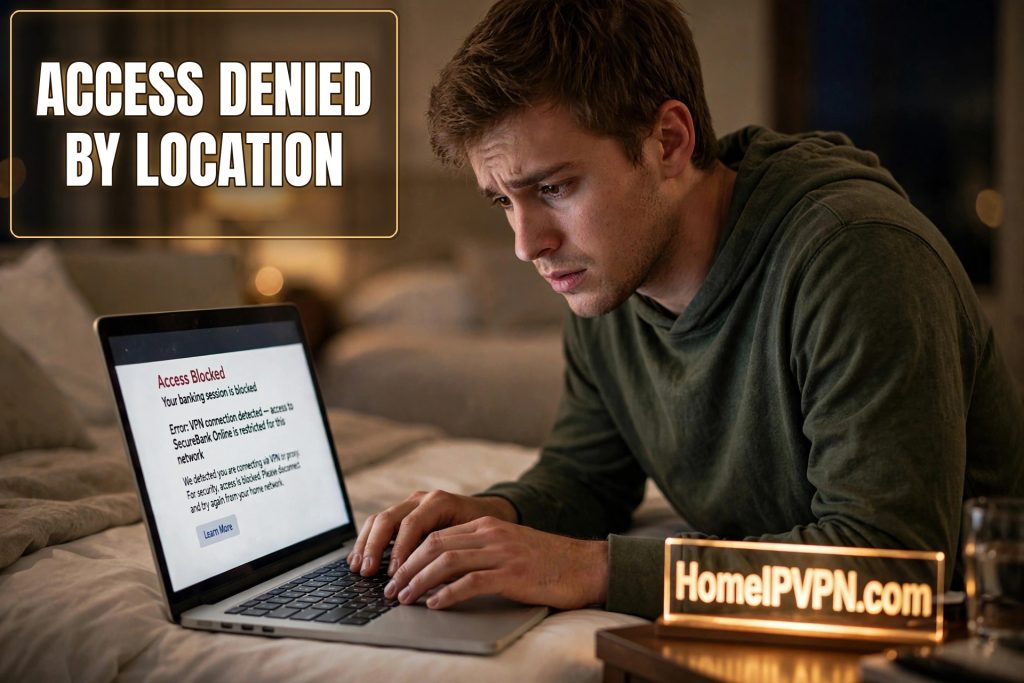
You need to pay a bill back home. You open your bank’s website, type your login, and instead of your accounts you get a flat, unfriendly message: “Access Denied.” Or “This service is not available in your region.” No explanation, no phone number, just a closed door.
Your account is probably fine. The problem is where you are standing, digitally speaking. Let us unpack it.
Your internet address gives away your location
Every device on the internet has an address (banks call it an IP address), and that address is registered to a place. When you connect from your apartment, your address says your home city. When you connect from a hotel in Vietnam, your address says Vietnam. Websites can look this up instantly, and banks do it on every single visit.
This is not spying. It is the same basic lookup that lets a weather site show your local forecast. But banks use it as a security gate, and when the gate sees a country it does not expect, it can refuse to let you in at all.
The two kinds of block
It helps to know which one you are hitting, because the fixes differ.
1. The hard geo-block. Some banks simply do not serve certain countries, for regulatory or fraud reasons. If you are in one of those countries, the website shows a location error to everyone, every time, no matter how legitimate you are. The mobile app sometimes still works when the website does not, because apps and websites can run on different systems with different rules. Worth trying.
2. The soft fraud block. More common. The bank serves your country in principle, but its fraud system has decided your specific connection looks risky. Maybe it is a hotel network shared by hundreds of guests. Maybe the address was previously used by someone shady. Maybe you just logged in from two countries in one day because of a layover. The result is the same flat denial, but this one is about your address, not your country, which means changing your address can fix it.
Things to try right now
- Switch to the mobile app. As mentioned, apps sometimes pass through gates that block the website. Use your phone’s data or the same WiFi, just try the app version.
- Try a different network. Hotel WiFi addresses get abused and blocklisted constantly. Your phone’s mobile data, a cafe down the street, or a coworking space gives you a different address, which sometimes sails through.
- Clear the “am I a robot” loop. If you are stuck in endless CAPTCHA puzzles (those “click all the traffic lights” tests), that is the fraud system being unsure about you. A different network often clears it.
- Call the bank. If nothing works, the international number on the back of your card gets you a human who can confirm whether it is a country block or an account flag, and sometimes whitelist your access.
Why a regular VPN usually makes it worse
This is the trap. Your instinct says: “The bank thinks I am in the wrong country, so I will use a VPN to look like I am home.” Logical, but it backfires constantly.
Commercial VPN services route thousands of users through the same addresses, and banks know exactly which addresses those are. Fraudsters love commercial VPNs, so banks treat those addresses with deep suspicion. You trade “login from a hotel in Vietnam” for “login from an address used by ten thousand strangers and a fair number of criminals.” Many travelers report that the access-denied page gets worse, not better, the moment they turn on a well-known VPN.
The bank does not hate VPNs in principle. It hates addresses it cannot trust. There is a world of difference between a shared commercial address and your own home address.
Why the app works when the website does not
This confuses everyone, so let us clear it up. Your bank’s mobile app and its website are not the same door. They are two different doors into the same building, guarded by different systems with different rules.
The website is the older, more exposed door. Anyone in the world can load it, so it gets the strictest geo-blocking. The mobile app is the newer door: it runs on your personal phone, it can check that the phone itself is recognized, and it often uses additional verification baked into the app. Because the app has more ways to confirm it is really you, banks can afford to be more lenient about where the connection comes from.
Practical upshot: when the website slams shut, always try the app before you assume you are locked out. And keep the app installed and logged in before you travel. Setting up a banking app for the first time from a foreign country, with verification texts going to a number you cannot receive, is a special kind of misery. Do it at home, while everything is easy.
The new phone trap
Buying a new phone abroad is one of the most innocent ways to trigger a banking nightmare. Think about what the bank sees: new device it has never met, plus a foreign internet address, plus you trying to install the banking app and log in for the first time. That is three novelty flags in a single session, and it is nearly indistinguishable from a thief setting up access on their own device.
If you must switch phones mid-trip, do it in stages. First, keep the old phone working long enough to approve the new one: many banking apps let you authorize a new device from the old one, which is the smoothest possible handoff. Second, install and log into the banking app while still on a familiar network if you can, before the old phone is wiped or sold. Third, expect at least one round of extra verification and do not plan it for the day rent is due.
The same logic applies to a factory reset. Wiping your phone wipes the app’s memory of being your trusted device. After a reset, your own phone looks like a stranger’s phone to your bank. Avoid resetting right before you need banking access.
Mobile data vs hotel WiFi for banking
Not all foreign connections are equal in a bank’s eyes. Hotel and cafe WiFi addresses are shared by hundreds of guests and change hands constantly. Some of those previous guests were doing shady things, and fraud systems remember. A hotel WiFi address can carry a bad reputation that has nothing to do with you.
Your phone’s mobile data, through a local SIM or an eSIM, is usually cleaner. Mobile carriers assign addresses from big pools, but those pools are tied to a real telecom company rather than a random guesthouse, and banks generally treat carrier addresses as more legitimate than shared public WiFi. If your bank login is failing on hotel WiFi, switching to mobile data is one of the highest-probability quick fixes there is.
The hierarchy, roughly: your home internet (most trusted), then mobile data abroad, then coworking space WiFi, then hotel and cafe WiFi (least trusted). It is not a guarantee, but when you are troubleshooting a block, always try moving up that ladder before you try anything exotic.
What to ask the bank to actually do
When you get a human on the phone about an access-denied problem, vague complaints get vague help. Ask for specific things:
- “Can you confirm whether my country is geo-blocked for online banking, or is this a fraud flag on my account?” The answer tells you whether any workaround short of a home address will help.
- “Can you put a travel note on my online banking profile, not just my card?” Many representatives only know the card version. The online banking note is a separate thing at some banks.
- “Is there an alternative verification method I can use while abroad?” Some banks can switch you to email verification or an authenticator app temporarily, which sidesteps the whole phone-number problem.
- “Can you whitelist my current situation?” They may not use that word, but ask whether they can note your extended stay so the system stops re-flagging you every week.
Write down the representative’s name and a reference number for the call. If the block comes back next week, “I spoke to Daniel on Tuesday, reference 88412, who noted my travel through December” gets you past the first three layers of phone tree on the follow-up call.
The fix that actually works
Think about what the bank wants to see: you, logging in from the same home internet address it has trusted for years. Not a trick, not a mask, just your real digital home.
That is what HomeIPVPN builds for you: a private, secure connection from your laptop or phone back to your own home internet, so your bank sees the exact address it already knows and trusts. Geo-blocks stop applying because as far as the bank can tell, you never left. Fraud scores stay low because nothing about the login is unusual.
We set the whole thing up for you remotely. The consultation is $79, takes 1 hour over screen share, and counts toward the $279 Secure Home IP VPN System session. You will watch your bank’s website load normally from a “foreign” location before we finish. For someone who has stared at one too many access-denied pages, that moment is genuinely satisfying.
Until then: try the app, try a different network, and save the VPN experiment for streaming, not banking.

