TROUBLESHOOTING
Public WiFi vs. Phone Hotspot: Which Is Safer for Work?
It is 9 a.m. in a coworking space in Mexico City. The shared WiFi is crawling because forty other people are on a video call marathon, and you have a client…
✓What Public WiFi Really Is: A Room✓What a Phone Hotspot Really Is:✓Head to Head: Safety
Quick Answer
Your phone hotspot is meaningfully safer than public WiFi for work. A hotspot is a private connection shared with nobody, while public WiFi is a shared network where strangers can snoop. For anything involving logins, money, or client data, the hotspot wins.
- Winner for safety: Phone hotspot. The connection is encrypted from your phone to the cell tower, and nobody else is on your network.
- Winner for speed: Often public WiFi, which is why cafes are tempting, but speed is not safety.
- The catch: Hotspots eat data and battery, so you need a plan for heavy workdays.
- Best of both: Run your work through HomeIPVPN on either connection, and your traffic stays private and looks like it is coming from home.
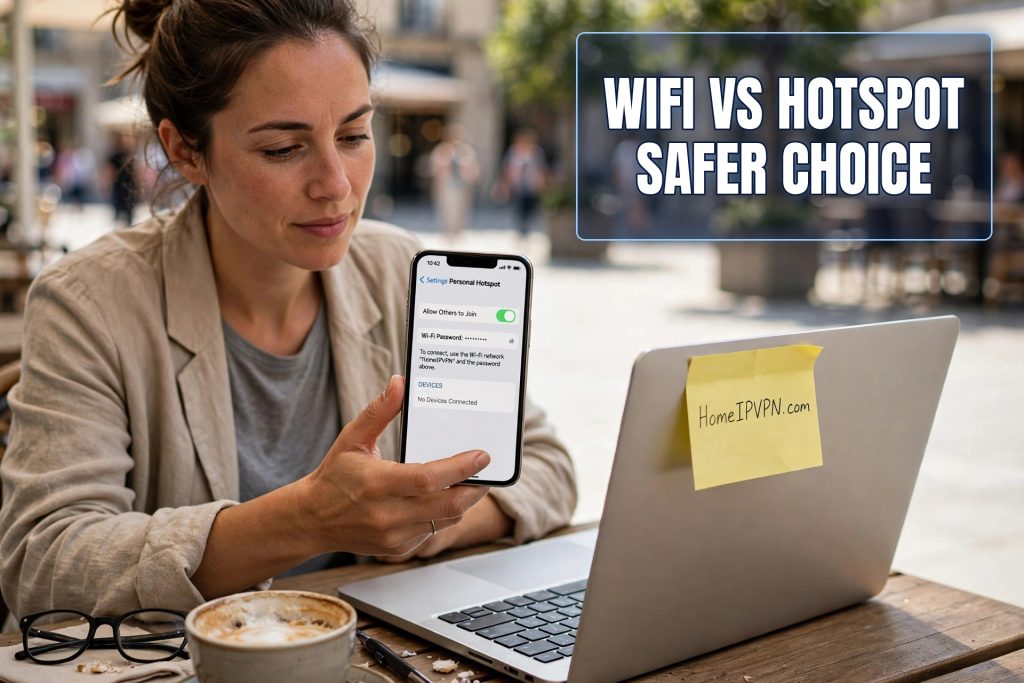
It is 9 a.m. in a coworking space in Mexico City. The shared WiFi is crawling because forty other people are on a video call marathon, and you have a client presentation at 9:30. You glance at your phone. Four bars. You could flip on the hotspot and have the whole connection to yourself. But wait, is that actually safer? Or are you just trading one risk for another?
This is one of the most practical questions a traveling worker faces, and it comes up almost every day. The cafe WiFi is fast and free. Your hotspot is slower sometimes, costs data, and drains your battery. Which one should you actually trust with your work?
Let us settle it properly, with no jargon and no “it depends” waffling. For safety, your phone hotspot beats public WiFi, and it is not close. Here is why, what the hotspot cannot protect you from, and how to handle the days when you need both.
What Public WiFi Really Is: A Room Full of Strangers
When you join a cafe or coworking WiFi, your device steps into a shared space with every other device there. In networking terms, you are all on the same local network, which means your laptop can technically “hear” the other devices, and they can hear yours. On most public networks, the wireless signal itself is not encrypted, or it uses one password shared by everyone in the building, which is the same as no encryption at all for anyone who knows the password.
Think of it like a party line from the old days of telephones. Everyone is on the same line. Most people are minding their own business, but anyone with the right free software can pick up the receiver and listen to the parts of your conversation that are not separately protected. Your banking app and your email add their own encryption, which helps, but plenty of your traffic, metadata about what you are doing, background syncs, unencrypted odds and ends, is just out there in the room.
The fake hotspot trick makes it worse. A stranger’s device can impersonate the cafe network, and your phone may join the impostor automatically. Now you are not even in the shared room. You are in the stranger’s private room, and everything you do passes through their hands first. This happens in airports, hotels, and conferences constantly, and it is invisible.
What a Phone Hotspot Really Is: Your Own Private Room
Your phone’s hotspot is a completely different animal. When you tether your laptop to your phone, your laptop talks to your phone over a short-range wireless link that is encrypted with a password only you know. Then your phone talks to the cell tower over the cellular network, which encrypts traffic between your phone and the tower by design.
Here is the key difference: there are no strangers on your network. It is just your phone and your laptop. Nobody in the cafe can join your hotspot, nobody can snoop its traffic, and nobody can set up a fake version of it, because your laptop is connecting to your specific phone, not to a network name floating in the air.
Is the cellular connection perfectly secure? Nothing is perfect. In theory, a sophisticated attacker could intercept cellular traffic, but it requires expensive equipment and serious expertise, nothing like the free laptop software that cracks open cafe WiFi. For the threats a normal traveler actually faces, a hotspot moves you from “anyone in this cafe with a laptop” to “essentially nobody.”
Head to Head: Safety
Safety is the category that matters most, so let us score it plainly.
On eavesdropping: hotspot wins by a mile. Public WiFi lets anyone on the network watch your unencrypted traffic. A hotspot has no other users, so there is nobody to watch.
On fake networks: hotspot wins again. Fake hotspots are one of the most common real attacks on travelers, and they cannot exist against a tethered connection. Your laptop is talking to your phone, full stop.
On who controls the network: hotspot wins. On public WiFi, the cafe owner, the hotel IT guy, or whoever compromised their router controls what happens to your traffic. Some hotel networks inject ads or track browsing. On your hotspot, the network is yours. The carrier can see metadata, but so can every internet provider on earth, and that is a normal, regulated relationship, not a stranger in a cafe.
On malware from other devices: hotspot wins. On shared networks, infected devices can probe yours. It is rare, but it happens. On a hotspot, your laptop is alone with your phone.
The safety score is not close. For anything involving passwords, money, client files, or work logins, the hotspot is the right call.
Head to Head: Speed and Reliability
Now the category where public WiFi fights back. A good cafe or coworking connection is often faster than a phone hotspot, especially for downloads. Fiber to the building beats a cell signal through concrete walls. If you need to download a 2 GB video file or you are on a long video call, the WiFi is often the smoother ride.
But “often” is doing a lot of work in that sentence. Public WiFi speed is shared with everyone in the building, so it collapses at busy hours. That 9 a.m. video call marathon in the coworking space is exactly when you need reliability most and exactly when shared WiFi is at its worst. A hotspot gives you a dedicated slice of the cell tower. It might be a smaller slice, but it is yours, and it does not crater because someone started streaming a football match.
Reliability also means consistency. Public WiFi drops, forces you through login pages again, and sometimes just stops routing for no reason. A hotspot either works or it does not, and when it works it is steady. For a workday with back-to-back calls, steady beats fast-but-flaky.
Head to Head: Cost, Data, and Battery
This is the real reason people hesitate, so let us be honest about it. Hotspots consume your mobile data. A full workday of video calls can eat 2 to 4 GB, and if you are on a foreign SIM with limited data, that adds up fast. In some countries data is cheap enough that you will not think about it. In others, a heavy workday on hotspot could cost you real money.
Battery is the other tax. Running a hotspot while your phone also handles the cellular connection drains the battery noticeably. A phone that lasts all day normally might be begging for a charger by 2 p.m. on hotspot duty. Carry a power bank or keep the charger in your bag. This is a solved problem, but only if you plan for it.
Public WiFi, by contrast, costs nothing and drains nothing. That is its entire appeal. Free and fast. The price is just paid in a different currency: your privacy and security.
The Practical System: How Working Nomads Actually Do It
Most experienced remote workers do not pick one side forever. They use a simple system based on what they are doing.
Anything with logins, money, or client data goes on the hotspot. Banking, email, your company’s systems, freelance platforms, anything where you type a password or handle someone else’s information. This is non-negotiable for most careful nomads, and it is the single biggest security upgrade you can make to your travel routine.
Heavy, non-sensitive stuff can go on the WiFi. Downloading files, streaming music while you work, browsing news, uploading a big video to YouTube: things where interception would be annoying but not catastrophic. Even then, many nomads keep everything on the hotspot and just buy more data, because the mental overhead of sorting traffic is not worth it.
Video calls are the judgment call. If the WiFi is fast and stable and your call involves no screen-sharing of sensitive documents, plenty of people use it. If the call involves client data, financials, or anything confidential, hotspot. When in doubt, hotspot. A slightly grainy call is better than a compromised one.
What the Hotspot Does Not Fix
Fairness requires saying this clearly: a hotspot protects the connection between you and the internet, but it does not change what the internet sees about you. Your bank still sees you logging in from a foreign mobile IP. Your employer still sees a foreign connection. Streaming services still see you abroad. The hotspot solves the local snoop problem, not the location problem.
This is where a lot of travelers get a false sense of completion. They switch to the hotspot, feel safe, and then get their bank account frozen because the login came from a Thai mobile network they have never used before. The connection was secure. The location was still a red flag. Both problems need solving.
The location problem has its own answer. When your traffic goes through HomeIPVPN, everything you do online leaves from your own home internet connection, no matter which network you are physically on. Bank sees your home IP. Employer sees your home IP. Streaming service sees your home IP. The hotspot keeps the local cafe snoops out, and the home IP keeps the distant fraud alarms quiet. Together, they cover both halves of the traveler’s problem: the network you are on, and the location you appear to be in.
The One-Line Rule to Remember
If this post were a sticky note on your laptop, it would say: hotspot for anything that matters, WiFi for everything else, and never type a password on a network full of strangers.
It is a small habit. Turn on the hotspot before you open your email. Turn it off when you are just reading the news. Buy the bigger data plan if you can, because it is cheaper than dealing with a hacked account from a hostel in another time zone. And keep a charger handy, because the only real downside of the hotspot is a hungry battery.
You already carry the safer network in your pocket. It is the one with your name on it. Use it for the stuff that counts, and let the cafe WiFi handle the cat videos.
One last thought. If you are tired of juggling networks and still getting flagged by your bank for logging in from abroad, that is the deeper problem underneath this whole comparison. The hotspot protects your traffic. A HomeIPVPN home IP setup protects your identity as a normal, at-home user. If you would rather have someone set that up and verify it works, the Pre-Travel Audit & Advisory session is 1 hour, costs $79, and that fee comes straight off the $279 Secure Home IP VPN System session if you go ahead.
Work from wherever you want. Just bring your own network with you, in every sense.